Key Takeaways
- PDF.ai lets you chat with your PDFs to get answers, summaries, and citations.
- It is built on retrieval, so answers reference the actual document.
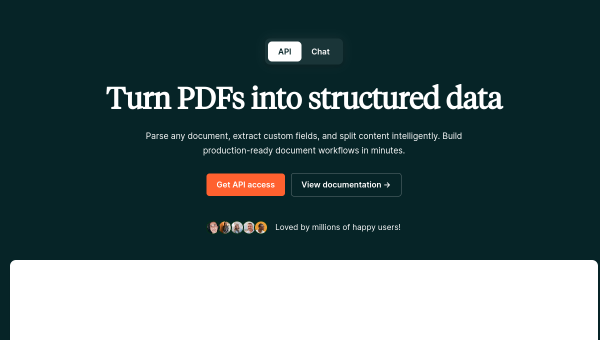
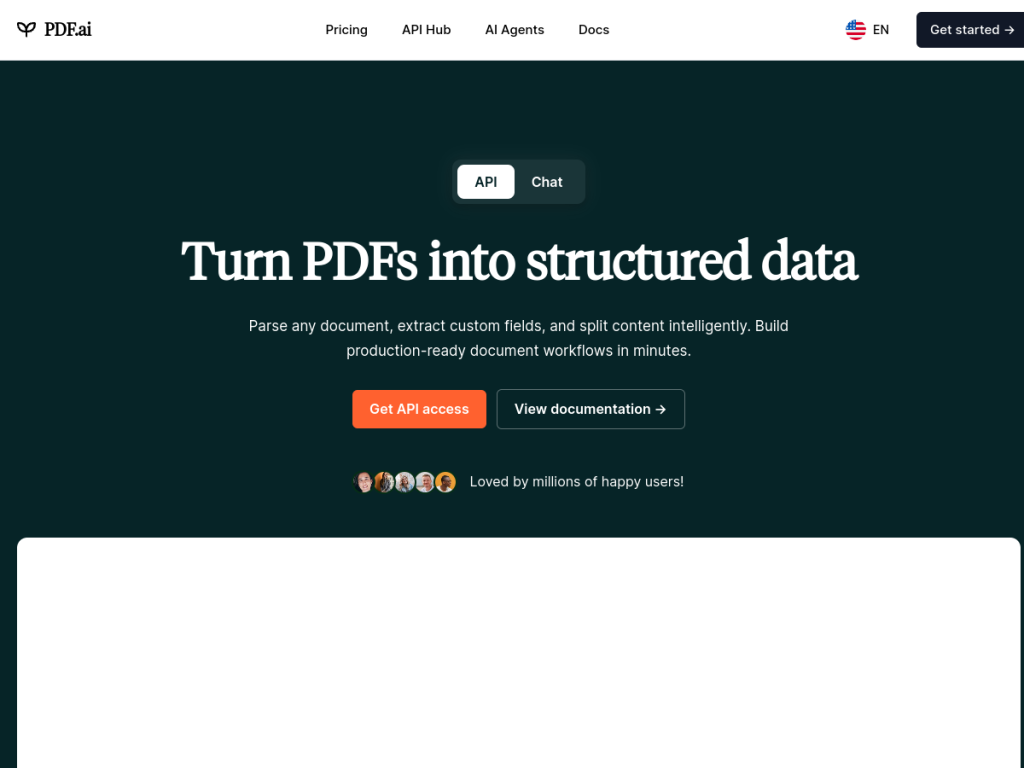
- A developer API handles parsing, extraction, and splitting at scale.
- Great for research and long documents; verify answers against the source.
PDF.ai turns a static PDF into something you can talk to. Instead of scrolling through a hundred-page report to find one figure, you upload it and ask — “what were the key findings?”, “what does clause 7 say?” — and get an answer drawn from the document itself, with references. For anyone who works with long or dense PDFs, it removes a lot of tedious searching.
What is PDF.ai?
PDF.ai is a tool for chatting with PDF documents, backed by a developer API. On the consumer side, you upload a PDF and ask questions in natural language; it answers using the content of the document and points to where the information came from, which makes it useful for research, contracts, manuals, and reports. Because it works by retrieving relevant passages rather than guessing, answers stay grounded in the actual file. For developers, PDF.ai offers an API to parse, extract, and split PDFs programmatically, so the same document-understanding capability can be built into other products and workflows. It is handy for summarizing long documents, finding specific details fast, and pulling structured information out of unstructured files. PDF.ai offers a free tier with paid plans for more usage and API access.
What it does well
- Chat with documents: ask questions and get answers from the PDF.
- Grounded answers: responses reference the actual source content.
- Developer API: parse, extract, and split PDFs programmatically.
- Time-saving: find details and summaries without scrolling.
Who it is for
PDF.ai suits students, researchers, professionals, and anyone who regularly works with long or dense PDFs — reports, papers, contracts, manuals — and wants to find information or get summaries quickly. Developers who need to build PDF understanding into their own apps will value the API. Those with only occasional, short documents may not need it, and as with any AI, important answers should be checked against the source, but for document-heavy work, PDF.ai is a genuine time-saver.
Things to keep in mind
- AI answers should be verified against the document for anything important.
- Very large or complex documents may need higher-tier plans.
- It reads and answers from PDFs; it is not a full PDF editor.
Our verdict
PDF.ai does one thing and does it well: it makes long PDFs searchable through conversation, with answers grounded in the document and references you can check. For researchers, students, and professionals buried in reports and contracts, that is a real productivity boost, and the API extends the same capability to developers building their own tools. Important answers still deserve a glance at the source, and it is a reader rather than an editor, but for getting information out of PDFs quickly, PDF.ai is an excellent, free-to-start choice.
Frequently asked questions
What is PDF.ai?
PDF.ai is a tool that lets you chat with your PDF documents to get answers, summaries, and citations, backed by a developer API for parsing, extracting, and splitting PDFs.
How accurate is PDF.ai?
Because it retrieves relevant passages from the actual document and references them, answers stay grounded in the source. Still, for anything important, it is wise to verify against the document.
Is PDF.ai free?
There is a free tier to try chatting with PDFs, with paid plans for more documents, larger files, and features, plus usage-based API access.
Does PDF.ai have an API?
Yes. PDF.ai offers a developer API to parse, extract, and split PDFs programmatically, so its document understanding can be built into other products.


