Key Takeaways
- OCR.space is a free online OCR service and API.
- It converts images and PDFs into editable, searchable text.
- It supports 200+ languages, tables, and handwriting recognition.
- Great for quick OCR and for developers needing an OCR API.
OCR.space is a handy, free optical character recognition (OCR) service that turns images and PDFs into editable, searchable text — right in your browser or via an API. It supports over 200 languages, multi-page and multi-column documents, tables, and even handwriting, and it deletes your files immediately after processing. For anyone who needs quick text extraction, or developers who want a free OCR API, it is a practical, no-fuss tool.
What is OCR.space?
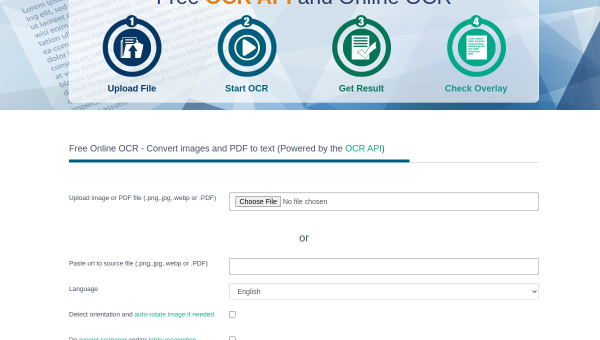
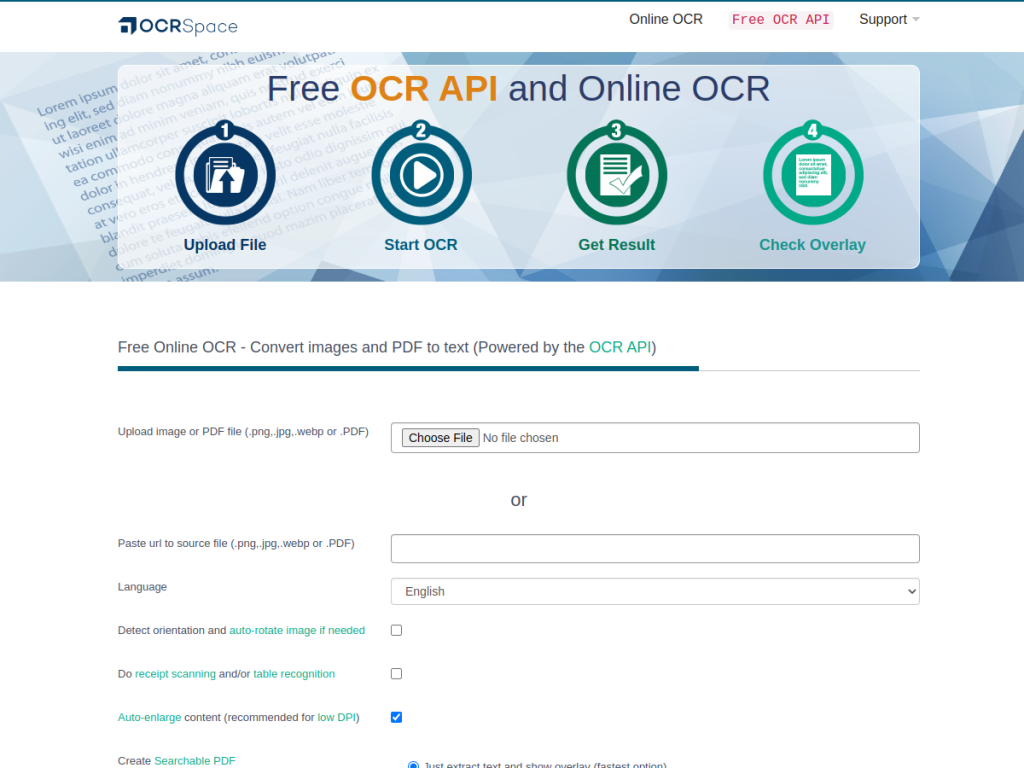
OCR.space is a free online optical character recognition service that converts images and PDF documents into editable text files, and can create searchable PDFs and process batches through its API. It accepts multiple input formats (JPG, PNG, GIF, WEBP, PDF), supports multi-page documents and multi-column text recognition, offers three OCR engines with varying capabilities, provides language autodetection and 200-plus language support, and handles receipt scanning, table recognition, and handwriting OCR (via Engine 3). It runs on GDPR-compliant EU-based servers and offers a browser extension (Copyfish). On privacy, it automatically deletes all uploaded files and extracted text immediately after processing, with no retention. OCR.space is completely free with no registration required (with a 5MB file-size cap on the free tier) and offers a free API for automated processing, plus paid PRO options for higher limits.
What it does well
- Free and simple: OCR with no registration required.
- Broad support: 200+ languages, tables, and handwriting.
- Developer-friendly: a free OCR API for automation.
- Privacy-minded: files deleted immediately after processing.
Who it is for
OCR.space fits anyone who occasionally needs to extract text from images or PDFs — students, office workers, researchers — and developers who want a free, simple OCR API to build into applications for tasks like receipt scanning or document digitization. Its no-registration free tier and privacy stance make it easy and low-risk to use. Enterprises needing the very highest accuracy at massive scale may use premium OCR services, and very large files exceed the free cap, but for quick, free OCR and an accessible API, OCR.space is a practical, handy choice.
Things to keep in mind
- The free tier has a 5MB file-size cap.
- Very high-accuracy, large-scale needs may warrant premium OCR services.
- OCR results vary with image quality and language.
Our verdict
OCR.space is a genuinely handy free OCR tool, and its combination of no-registration convenience, broad support (200-plus languages, tables, and handwriting), a free API for developers, and a privacy-minded policy of deleting files immediately after processing makes it a practical go-to for text extraction. Whether you need to pull text from a single image or automate receipt scanning at scale, it delivers without fuss. The free tier caps file size and results vary with image quality, but for quick, free OCR and an accessible API, OCR.space is an excellent choice.
Frequently asked questions
What is OCR.space?
OCR.space is a free online OCR service and API that converts images and PDFs into editable, searchable text, supporting 200+ languages, tables, and handwriting.
Is OCR.space free?
Yes, OCR.space is completely free with no registration (5MB file limit on the free tier) and offers a free API, with paid PRO options for higher limits.
Does OCR.space keep my files?
No, it automatically deletes all uploaded files and extracted text immediately after processing, with no retention, on GDPR-compliant EU servers.
Who is OCR.space for?
It is for anyone needing quick text extraction from images or PDFs, and for developers who want a free, simple OCR API to build into applications.
Top OCR.space alternatives
Other hand-reviewed OCR tools worth comparing against OCR.space.
ABBYY FineReaderPaid
ABBYY FineReader is a paid AI business and ocr tool for operations teams. Our review covers what it…
Adobe Acrobat AIFreemium
Adobe Acrobat AI is a freemium AI business and ocr tool for document-heavy teams. Our review covers what…
AWS TextractPaid
AWS Textract by Amazon Web Services is a paid AI business and ocr tool for operations teams. Our…
Azure AI VisionPaid
Azure AI Vision by Microsoft Azure is a paid AI business and ocr tool for operations teams. Our…
DocparserPaid
Docparser is a paid AI business and ocr tool for operations teams. Our review covers what it does,…
DocsumoPaid
Docsumo is a paid AI business and ocr tool for operations teams. Our review covers what it does,…
Are you the maker of OCR.space?
Show visitors this review with the badge below. Copy the code into your site or press kit; it links straight back to this page.



