Key Takeaways
- Google Cloud Vision (Vision AI) is an image analysis API powered by machine learning.
- It detects labels, text (OCR), faces, objects, landmarks, and logos in images.
- It lets developers add visual understanding without deep ML expertise.
- Great for developers and businesses building image analysis into apps.
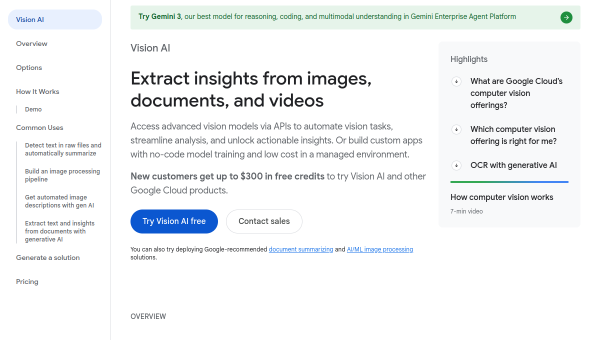
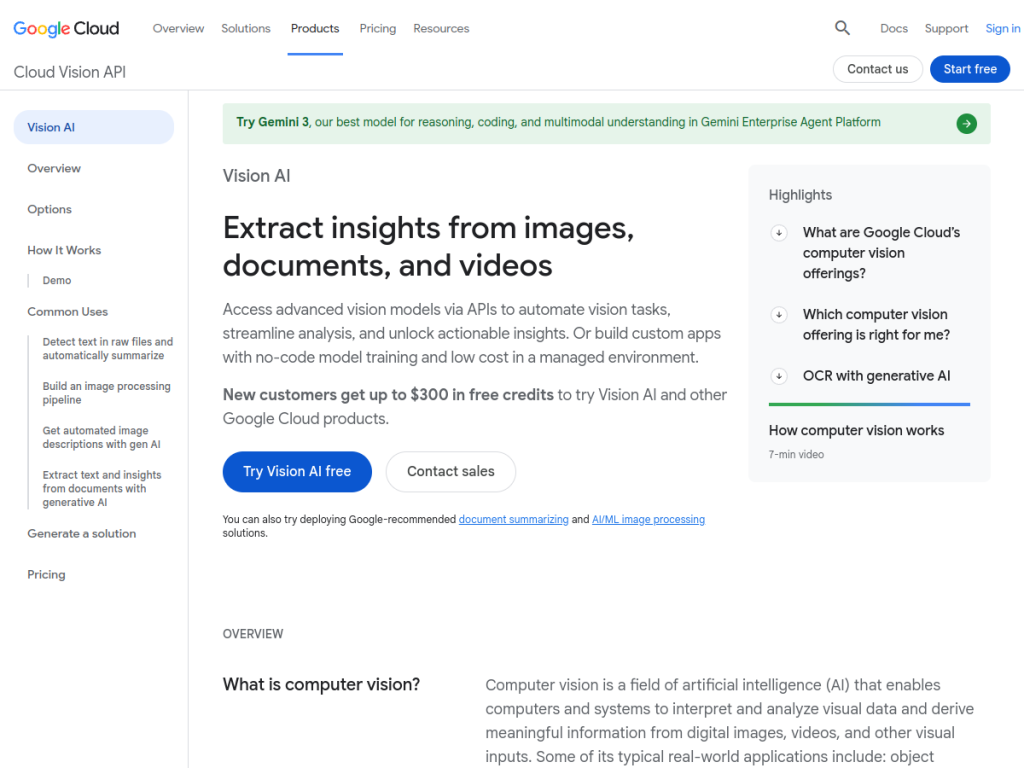
Google Cloud Vision, or Vision AI, is Google’s image analysis API that lets applications understand the contents of images using machine learning — without you needing to build or train models. Send it an image and it can identify objects and scenes, read text, detect faces, recognize landmarks and logos, and more. For developers and businesses that want to add powerful visual understanding to their products, it is a proven, production-ready service.
What is Google Cloud Vision?
Google Cloud Vision (Vision AI) is an image analysis API that uses machine learning to extract information from images, providing automated visual understanding without requiring deep ML expertise. Its features include label detection (identifying objects, places, activities, and concepts), optical character recognition (OCR) to extract text from images, face detection, object detection and localization, landmark recognition, logo detection, web detection to find similar images and references, safe-search detection for content moderation, and image-properties analysis such as dominant colors. It is designed for developers building image analysis into applications, enterprises handling content moderation and asset organization, researchers doing visual analysis, and businesses doing product recognition and document digitization. As part of Google Cloud, it is a production-ready service with ongoing improvements, and it uses usage-based pricing with a monthly free tier of units.
What it does well
- Broad analysis: labels, OCR, faces, objects, landmarks, and logos.
- No ML expertise needed: powerful vision via a simple API.
- Content moderation: safe-search detection built in.
- Production-ready: backed by Google Cloud scale and reliability.
Who it is for
Google Cloud Vision fits developers, enterprises, and businesses that need to add image understanding to their applications — for content moderation, document digitization (OCR), product recognition, asset tagging, or accessibility — without building machine-learning models themselves. Its API and free tier make it approachable to start, while its scale suits production workloads. Non-developers wanting a finished app rather than an API will look elsewhere, and usage-based costs scale with volume, but for adding reliable visual analysis to software, Google Cloud Vision is an excellent, well-established choice.
Things to keep in mind
- It is an API for developers, not a finished end-user app.
- Usage-based pricing means costs scale with image volume and features.
- Face and content features should be used responsibly and within policy.
Our verdict
Google Cloud Vision is a powerful, production-ready image analysis API, and its breadth — label detection, OCR, face and object detection, landmark and logo recognition, web detection, and safe-search moderation — lets developers add sophisticated visual understanding without training models. Backed by Google Cloud’s scale and a free tier to start, it is a dependable building block for real applications. It is an API rather than a finished app and costs scale with usage, but for adding reliable image analysis to software, Google Cloud Vision is an excellent choice.
Frequently asked questions
What is Google Cloud Vision?
Google Cloud Vision (Vision AI) is an image analysis API that uses machine learning to detect labels, text (OCR), faces, objects, landmarks, and logos in images.
What can Vision AI do?
It can identify objects and scenes, read text via OCR, detect faces and objects, recognize landmarks and logos, moderate content with safe-search, and analyze image properties.
Who is Google Cloud Vision for?
It is for developers and businesses that want to add image understanding to applications — content moderation, OCR, product recognition, and more — without building ML models.
Is Google Cloud Vision free?
It uses Google Cloud usage-based pricing with a monthly free tier of units, with costs scaling by feature and volume.
Top Google Cloud Vision alternatives
Other hand-reviewed OCR tools worth comparing against Google Cloud Vision.
ABBYY FineReaderPaid
ABBYY FineReader is a paid AI business and ocr tool for operations teams. Our review covers what it…
Adobe Acrobat AIFreemium
Adobe Acrobat AI is a freemium AI business and ocr tool for document-heavy teams. Our review covers what…
AWS TextractPaid
AWS Textract by Amazon Web Services is a paid AI business and ocr tool for operations teams. Our…
Azure AI VisionPaid
Azure AI Vision by Microsoft Azure is a paid AI business and ocr tool for operations teams. Our…
DocparserPaid
Docparser is a paid AI business and ocr tool for operations teams. Our review covers what it does,…
DocsumoPaid
Docsumo is a paid AI business and ocr tool for operations teams. Our review covers what it does,…
Are you the maker of Google Cloud Vision?
Show visitors this review with the badge below. Copy the code into your site or press kit; it links straight back to this page.



