Key Takeaways
- Spline is a browser-based 3D design tool with AI features and real-time collaboration.
- You create interactive 3D (and 2D) experiences without heavy software.
- AI helps generate 3D content, textures, and effects to speed up design.
- Great for designers adding 3D to the web; a learning curve for full 3D.
Spline makes 3D design approachable by bringing it into the browser. Instead of wrestling with complex professional 3D software, designers can model, animate, add interactivity, and collaborate in real time — then export production-ready 3D experiences to the web or apps. AI features add another shortcut, helping generate 3D content and textures to speed the creative process.
What is Spline AI?
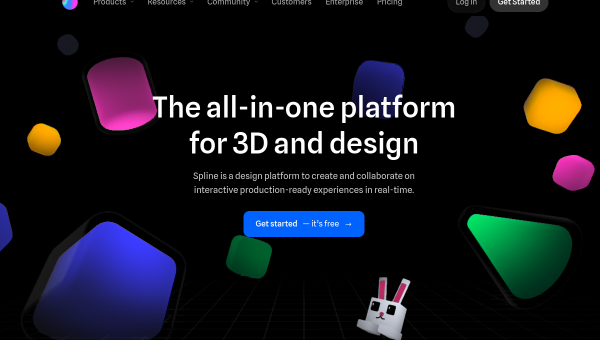
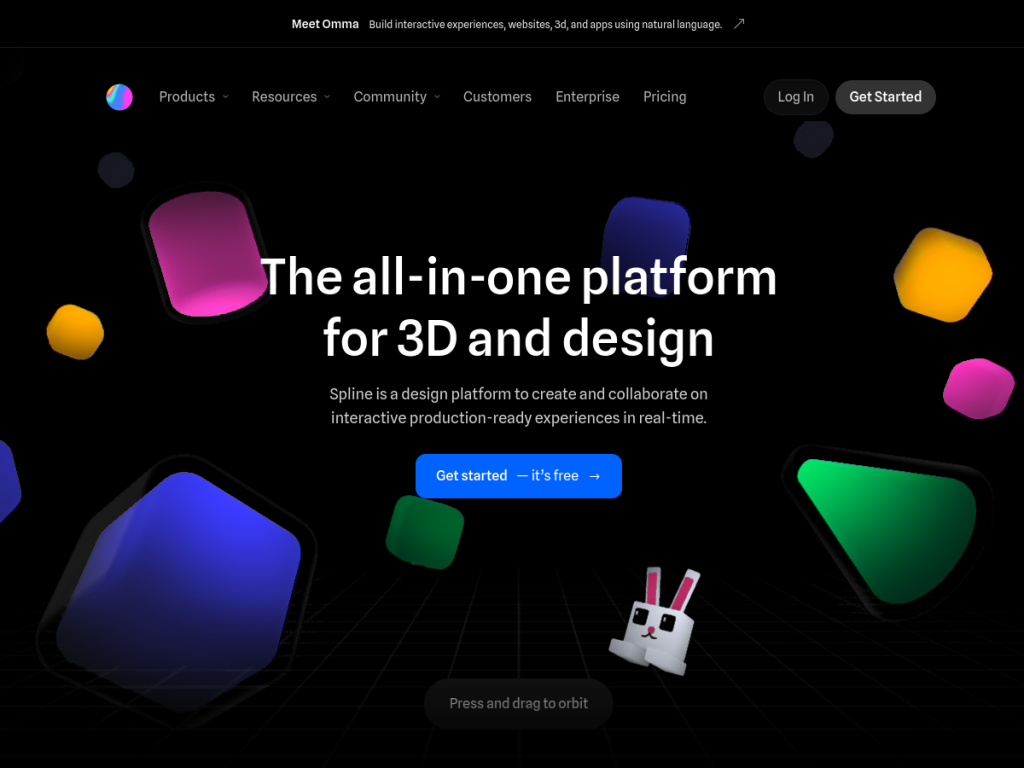
Spline is a collaborative, web-based platform for creating 2D and 3D design and interactive experiences. Its 3D tools include real-time rendering with a familiar design interface, primitives and modeling, layer-based materials and a material library, and animation, interactivity, physics, and particle systems, plus variables, webhooks, and API integration for dynamic data. It has expanded with Hana, a canvas-based collaborative design tool with vector networks, visual effects, and auto-layout for interactive, animated experiences. AI features help generate 3D content and textures to accelerate design. Crucially, Spline exports to where designs are used — web via HTML, React, Next.js, and tools like Webflow, Framer, and Wix, plus iOS and Android — producing ready-to-ship experiences. It includes a community library for remixing, tutorials, and an academy, and offers a free tier with paid plans for more projects and features.
What it does well
- Browser-based 3D: model, animate, and add interactivity without heavy software.
- AI assistance: generate 3D content and textures to speed up design.
- Real export options: ship to web, React, Framer, and mobile.
- Collaboration and community: real-time work plus a library to learn from.
Who it is for
Spline fits designers, web developers, and creative teams who want to add 3D and interactive experiences to websites and apps without mastering traditional 3D software. It is especially appealing for landing pages, product visuals, and interactive UI where 3D adds impact. Professional 3D artists needing the deepest modeling control may still use specialized tools, and 3D has a learning curve, but for accessible, web-focused 3D design with AI help, Spline is an excellent, free-to-start choice.
Things to keep in mind
- 3D design has a learning curve, even in an approachable tool.
- AI-generated 3D and textures still benefit from a designer’s refinement.
- More projects, collaboration, and features require paid plans.
Our verdict
Spline has done a lot to democratize 3D design, bringing modeling, animation, interactivity, and real-time collaboration into the browser and, importantly, exporting to the web and apps where designs actually live. Its AI features add a genuine speed boost by generating 3D content and textures. There is still a learning curve to 3D, and AI output wants refinement, but for designers and developers who want to add striking 3D and interactive experiences without heavy software, Spline is a standout with a free tier to explore.
Frequently asked questions
What is Spline?
Spline is a browser-based 3D design tool for creating interactive 2D and 3D experiences, with AI features, real-time collaboration, and export to web and mobile.
What can Spline do?
It offers 3D modeling, materials, animation, interactivity, physics, and particles, plus AI generation of 3D content and textures, and exports to web frameworks and mobile.
Is Spline free?
Yes, Spline has a free tier to design and export, with paid plans that add more projects, collaboration, and features.
Who is Spline for?
It is for designers and web developers who want to add 3D and interactive experiences to sites and apps without mastering traditional 3D software.
Top Spline AI alternatives
Other hand-reviewed 3D Tools tools worth comparing against Spline AI.
CSGHubFreemium
CSGHub by OpenCSG is a freemium AI 3d-tool and design tool for 3D artists. Our review covers what…
KaedimPaid
Kaedim is a paid AI 3d-tool and design tool for 3D artists. Our review covers what it does,…
MeshyFreemium
Meshy is a freemium AI 3d-tool and design tool for 3D artists. Our review covers what it does,…
PolycamFreemium
Polycam is a freemium AI 3d-tool and design tool for 3D artists. Our review covers what it does,…
Promethean AIFree
Promethean AI is a free AI 3d-tool and design tool for game developers. Our review covers what it…
RodinFreemium
Rodin is a freemium AI 3d-tool and design tool for 3D artists. Our review covers what it does,…
Are you the maker of Spline AI?
Show visitors this review with the badge below. Copy the code into your site or press kit; it links straight back to this page.



