Key Takeaways
- Lindy is a personal AI work assistant that handles follow-through across your tools.
- It manages your inbox, prepares and takes meeting notes, schedules, and updates your CRM.
- Aimed at busy professionals — executives, sales, recruiters — drowning in admin.
- Genuinely helpful, but review its drafts and actions before they go out.
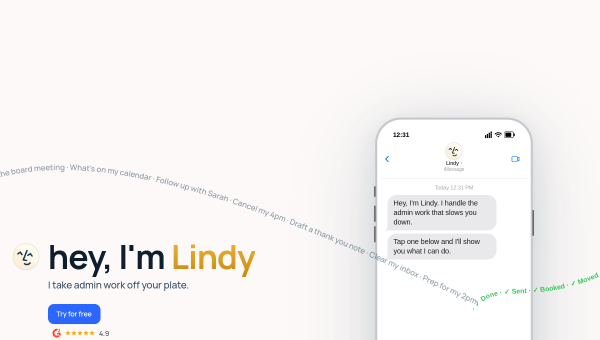
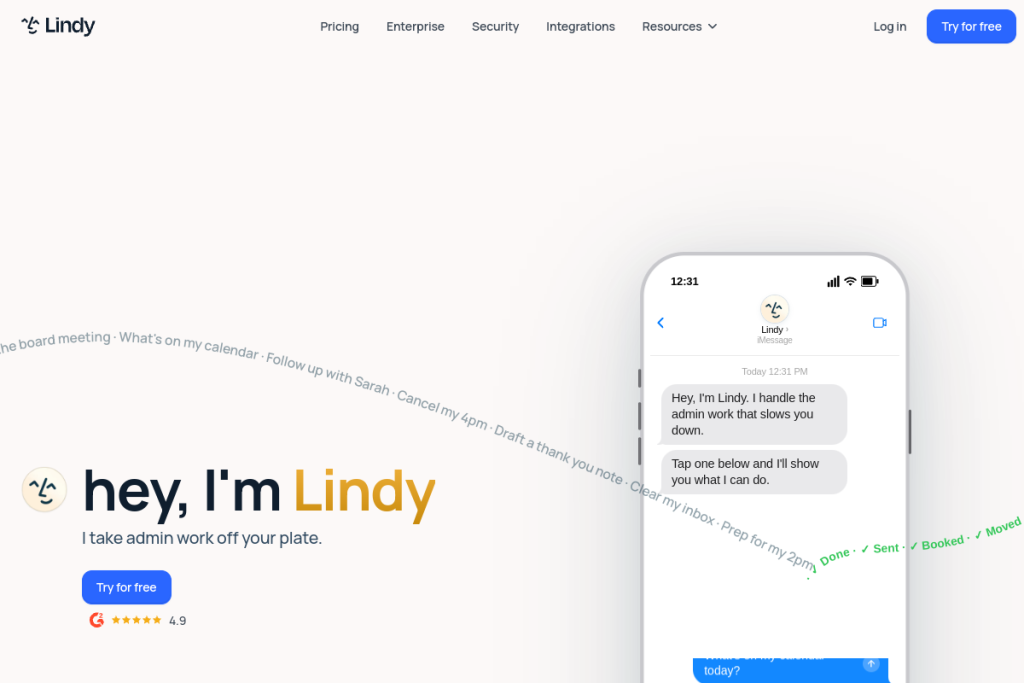
Lindy is an AI assistant built to handle the follow-through work that eats professionals’ time — triaging email, preparing for meetings, taking notes, scheduling, and updating systems. Connected to your email, calendar, Slack, docs, and CRM, it aims to be a single assistant that quietly keeps the administrative side of your job moving.
What is Lindy?
Lindy is a personal AI work assistant that automates cross-app admin tasks. It manages your inbox (triaging, prioritising, and drafting replies in your voice), supports meetings with pre-briefs, notes, and follow-up emails, coordinates scheduling and calendar changes, and updates your CRM. It connects to tools like Gmail, Outlook, Google Calendar, Slack, Notion, HubSpot, and Salesforce, with enterprise features for larger teams.
What it does well
- Inbox management — triage, prioritise, and draft replies in your voice.
- Meeting support — briefs, notes, action items, and follow-ups.
- Scheduling — coordinate calendars, reschedule, and protect focus time.
- CRM updates — keep systems current without manual entry.
- Broad integrations — email, calendar, Slack, docs, and CRM in one assistant.
Who it is for
Lindy suits busy professionals — executives, sales teams, recruiters, consultants, and customer-success roles — who lose time to inbox overload, meeting follow-through, and scheduling. If admin and follow-up are a constant drag on your day, its cross-tool automation targets exactly that.
Things to keep in mind
An assistant that drafts replies and takes actions on your behalf needs oversight — review its emails and updates before they go out, especially for important or sensitive communication. As with any AI, it can misjudge context, so treat it as a capable assistant you supervise rather than one you fully hand the keys to.
Our verdict
Lindy is a genuinely useful AI assistant for professionals buried in admin, and connecting one assistant across email, calendar, Slack, and CRM addresses a real, everyday pain. Keep a reviewing eye on its drafts and actions, and it can meaningfully reduce follow-through work — freeing you to focus on the parts of your job that actually need you.
Frequently asked questions
What can Lindy do?
Manage your inbox (triage and draft replies in your voice), prepare for and take meeting notes, coordinate scheduling, and update your CRM — across connected tools like Gmail, Slack, and HubSpot.
Should I review what Lindy sends?
Yes — because it drafts replies and takes actions for you, review important communications and updates before they go out, since AI can misjudge context.
Reviewed by the World of AI Hub editorial team based on the tool website and documentation.
Top Lindy alternatives
Other hand-reviewed AI Automation tools worth comparing against Lindy.
ActivepiecesFreemium
Activepieces is a freemium AI automation tool. Our hands-on review covers features, pricing, pros and cons, and who…
AxiomFree
Axiom by Axiom.ai is a free AI automation tool. Our hands-on review covers features, pricing, pros and cons,…
Browse AIFreemium
Browse AI is a freemium AI automation tool. Our hands-on review covers features, pricing, pros and cons, and…
BuildShipFree
BuildShip is a free AI automation tool. Our hands-on review covers features, pricing, pros and cons, and who…
CassidyFree Trial
Cassidy is a free trial AI automation tool. Our hands-on review covers features, pricing, pros and cons, and…
DifyFree
Dify is a free AI automation tool. Our hands-on review covers features, pricing, pros and cons, and who…
Are you the maker of Lindy?
Show visitors this review with the badge below. Copy the code into your site or press kit; it links straight back to this page.