Key Takeaways
- Weblium is a no-code website builder with AI assistance.
- It offers templates, a drag-and-drop editor, and AI writing.
- It targets small businesses and freelancers building sites.
- Great for a quick, professional website without coding.
Weblium is a website builder aimed at getting small businesses and freelancers a professional-looking site quickly, without code. It combines a large set of designer-made templates with a flexible editor and AI assistance — including AI writing help for your content. For anyone who needs a clean, functional website fast and does not want to wrestle with complex tools or hire a developer, Weblium is a practical, accessible option.
What is Weblium?
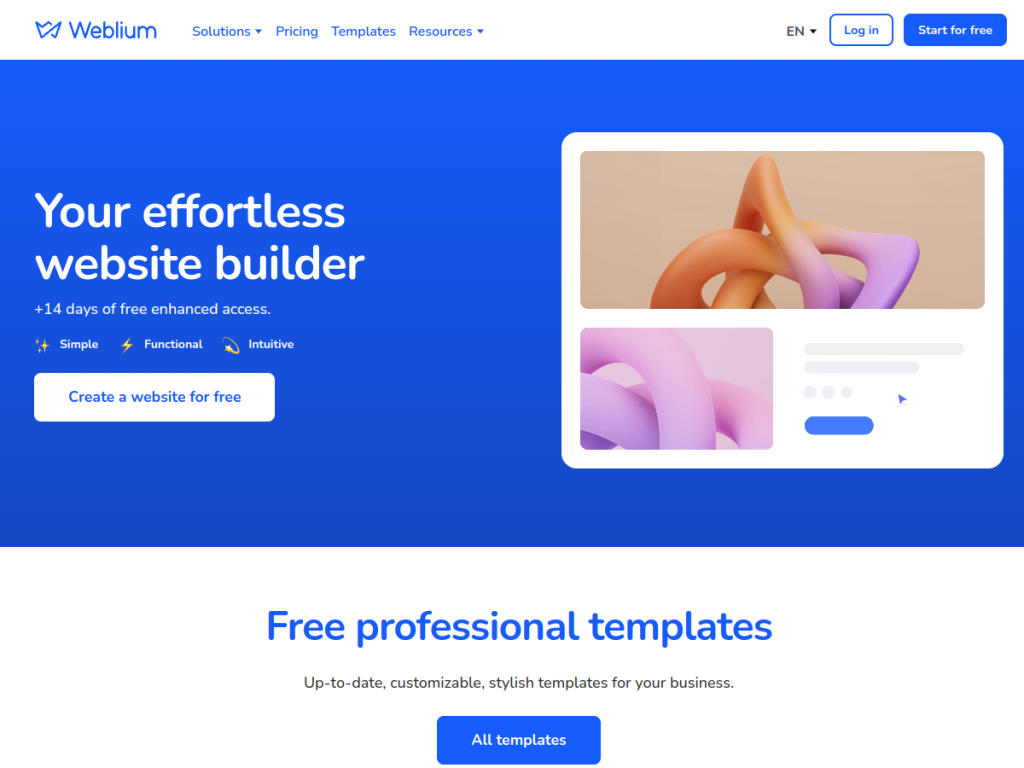
Weblium is a no-code website building platform designed to help users create professional websites quickly and easily. Its core includes a large library of professionally designed, responsive templates across many industries, a flexible block-based editor for customizing sites without coding, and hosting so sites can go live. Its AI-related features include AI writing assistance (integrating AI, such as ChatGPT-based help, into the editor to generate or improve website copy) and design assistance that helps assemble and style sites. It also offers ecommerce features for selling online, SEO tools, forms, and integrations. Its positioning emphasizes speed and design quality: getting a good-looking, functional website up without design or development skills, with the option of a “done-for-you” website service for those who want a site built for them. It targets small business owners, freelancers, entrepreneurs, and anyone needing a website without technical skills. Weblium offers a free plan (with Weblium branding and a subdomain) and paid plans unlocking custom domains and more features. (AI-generated copy should be reviewed and personalized.)
What it does well
- Designer templates: professional look out of the box.
- No-code editor: customize without skills.
- AI writing help: generate and improve site copy.
- Free plan: try it before paying.
Who it is for
Weblium fits small business owners, freelancers, entrepreneurs, and anyone who needs a clean, professional website quickly without design or coding skills — using designer-made templates, a no-code editor, and AI writing help for content, with an option to have a site built for them. Its speed and design quality are the appeal. Those wanting deep custom functionality or full design control may need more powerful platforms, the free plan carries Weblium branding and a subdomain, and AI-generated copy should be reviewed and personalized. For a fast, professional small-business website, Weblium is a capable, free-to-start choice.
Things to keep in mind
- The free plan carries Weblium branding and a subdomain.
- AI-generated copy should be reviewed and personalized.
- Deep custom functionality may need a more powerful platform.
Our verdict
Weblium is a practical, accessible no-code website builder aimed at getting small businesses and freelancers a professional-looking site quickly. It combines a large library of designer-made, responsive templates with a flexible block editor and AI assistance — including AI writing help for your content — plus ecommerce, SEO tools, and even a done-for-you build option. For anyone who needs a clean, functional website fast without wrestling with complex tools or hiring a developer, that is genuinely useful. The free plan is branded, AI copy needs personalizing, and deep custom needs may require more, but for a quick professional website, Weblium is a solid, free-to-start choice.
Frequently asked questions
What is Weblium?
Weblium is a no-code website builder with designer templates, a drag-and-drop editor, and AI writing assistance, aimed at creating professional websites quickly without coding.
Does Weblium have AI?
Yes — it integrates AI writing assistance (such as ChatGPT-based help) into the editor to generate or improve website copy, plus design assistance.
Is Weblium free?
Weblium offers a free plan (with Weblium branding and a subdomain), plus paid plans unlocking custom domains and more features.
Who is Weblium for?
It is for small business owners, freelancers, entrepreneurs, and anyone needing a professional website quickly without technical skills.
Top Weblium alternatives
Other hand-reviewed No-Code tools worth comparing against Weblium.
10WebPaid
10Web is a paid AI no code and website builder tool for founders and small businesses. Our review…
AdaloPaid
Adalo is a paid AI no code and website builder tool for non-technical builders. Our review covers what…
Bravo StudioFreemium
Bravo Studio is a freemium AI no code and website builder tool for non-technical builders. Our review covers…
BubbleFreemium
Bubble is a freemium AI business and no code tool for non-technical builders. Our review covers what it…
FlutterFlowPaid
FlutterFlow is a paid AI no code and website builder tool for founders and small businesses. Our review…
Framer AIFreemium
Framer AI is a freemium AI business and design tool for founders and small businesses. Our review covers…
Are you the maker of Weblium?
Show visitors this review with the badge below. Copy the code into your site or press kit; it links straight back to this page.



