Key Takeaways
- Bravo Studio is a design-first, no-code platform that turns designs into native mobile apps.
- It converts Figma (and other) designs into real iOS and Android apps via React Native.
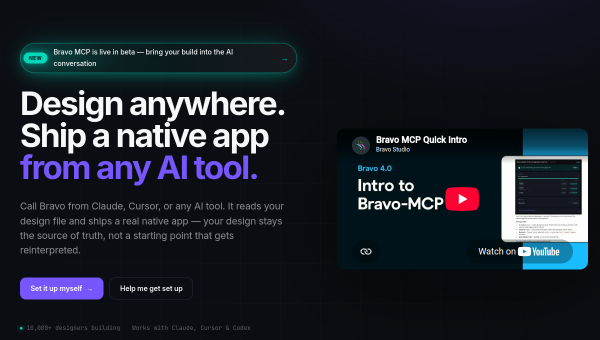
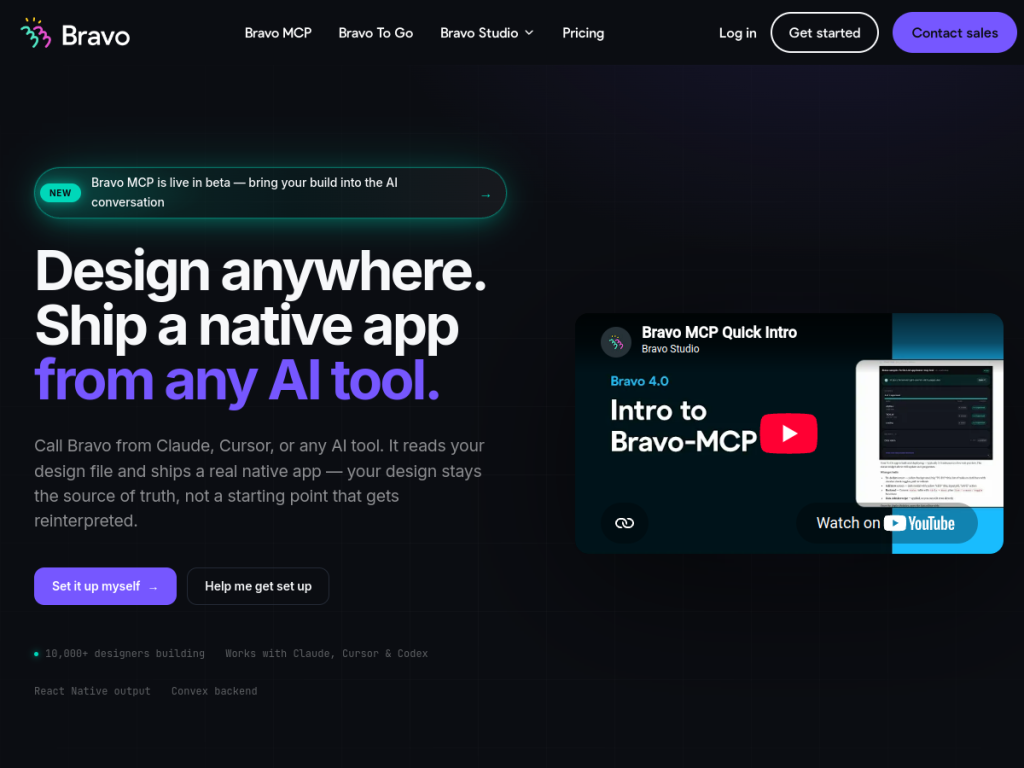
- Its Bravo MCP (beta) lets you build apps from within AI tools like Claude and Cursor.
- Great for designers and teams who want to ship native apps without coding.
Bravo Studio is a no-code platform that turns your designs directly into real, native mobile apps. You design in Figma (or another tool), connect your data, and Bravo produces working iOS and Android apps — no coding required. It has also embraced AI: its new Bravo MCP lets you build apps from within AI assistants like Claude and Cursor. For designers and teams who want to go from design to shipped app quickly, it is a distinctive, design-led option.
What is Bravo Studio?
Bravo Studio is a design-first, no-code mobile app development platform that converts designs into native iOS and Android applications using React Native. The core workflow is design-to-app: you create your interface in a design tool like Figma, add Bravo’s tags and connect data sources, and Bravo generates a real native app you can preview live on a device and publish to the app stores. It supports connecting to REST, GraphQL, and Convex data, giving apps a real backend. A notable recent addition is Bravo MCP (in beta), which lets you build apps directly within AI conversations — calling Bravo from Claude, Cursor, or other AI tools so it reads your design file and ships a native app. Bravo also offers Bravo To Go, a concierge option (around EUR 999) that delivers a design-to-code build within 48 hours with code ownership. You can start building for free, with paid plans for publishing and advanced features.
What it does well
- Design-to-app: turn Figma designs into real native iOS and Android apps.
- No code required: build and publish without programming.
- AI-enabled: Bravo MCP builds apps from within Claude, Cursor, and more.
- Real backends: connect REST, GraphQL, and Convex data.
Who it is for
Bravo Studio fits designers, product teams, startups, and agencies who want to turn polished designs into native mobile apps without hiring developers or writing code — especially those already working in Figma. Its AI-driven Bravo MCP appeals to teams experimenting with building apps through AI assistants. Developers wanting full low-level control, or teams building very complex apps, may prefer traditional development, and connecting data and publishing takes some learning, but for shipping native apps from designs without code, Bravo Studio is a capable, design-led platform that is free to start.
Things to keep in mind
- Connecting data sources and publishing to app stores takes some learning.
- Very complex apps may hit the limits of a no-code approach.
- Publishing and advanced features require paid plans.
Our verdict
Bravo Studio is a distinctive, design-first no-code platform, and its core strength — converting Figma designs into real native iOS and Android apps via React Native, with live device preview and real backend connections — makes it genuinely useful for designers and teams who want to ship apps without coding. The new Bravo MCP, which builds apps from within Claude and Cursor, is a forward-looking touch. There is a learning curve for data and publishing, and complex apps may outgrow no-code, but for turning designs into native apps quickly, Bravo Studio is a capable, free-to-start choice.
Frequently asked questions
What is Bravo Studio?
Bravo Studio is a design-first, no-code platform that converts designs from Figma and other tools into real native iOS and Android apps using React Native, no coding required.
What is Bravo MCP?
Bravo MCP (in beta) lets you build apps from within AI tools like Claude and Cursor — Bravo reads your design file and ships a native app from the AI conversation.
Can Bravo Studio connect to a backend?
Yes, apps can connect to REST, GraphQL, and Convex data sources for a real backend.
Is Bravo Studio free?
You can start building for free; paid plans add publishing and advanced features, and a Bravo To Go concierge option (around EUR 999) delivers a build in 48 hours.
Top Bravo Studio alternatives
Other hand-reviewed No-Code tools worth comparing against Bravo Studio.
10WebPaid
10Web is a paid AI no code and website builder tool for founders and small businesses. Our review…
AdaloPaid
Adalo is a paid AI no code and website builder tool for non-technical builders. Our review covers what…
BubbleFreemium
Bubble is a freemium AI business and no code tool for non-technical builders. Our review covers what it…
FlutterFlowPaid
FlutterFlow is a paid AI no code and website builder tool for founders and small businesses. Our review…
Framer AIFreemium
Framer AI is a freemium AI business and design tool for founders and small businesses. Our review covers…
GlidePaid
Glide is a paid AI no code and website builder tool for non-technical builders. Our review covers what…
Are you the maker of Bravo Studio?
Show visitors this review with the badge below. Copy the code into your site or press kit; it links straight back to this page.



