Key takeaways
- Rodin (by Hyper3D) is an AI 3D model generator creating high-quality models from text or images in seconds.
- It emphasises quality and control — part splitting, texture editing, region-specific edits, and very high polygon counts.
- It exports to OBJ, FBX and GLB and integrates with Blender and Unreal; free credits plus paid and enterprise tiers.
- AI 3D output is a strong starting point but typically needs cleanup and optimisation for production.
What Rodin is
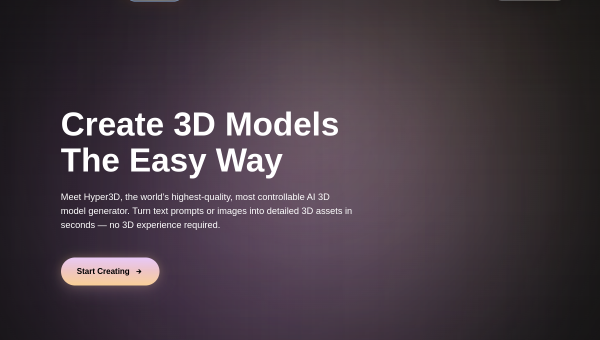
Rodin, from Hyper3D (developed by Deemos), is an AI 3D model generator that turns text prompts and images into high-quality 3D models in seconds, aimed at 3D artists, game developers and 3D-printing users. It competes in the same space as Meshy and Tripo, and positions itself around quality and control — producing detailed models (with the capacity for very high polygon counts) and offering tools to adjust textures, split a model into parts and edit specific regions. No prior 3D experience is required to generate an initial model.
Its emphasis on high-quality, high-detail output and fine control is its main pitch. For creators who found early AI 3D too rough, Rodin aims to produce more polished, detailed geometry, while still offering the editing tools needed to refine results. It supports common formats and integrates with Blender and Unreal Engine, and offers free starting credits plus paid and enterprise options.
The AI features
Rodin generates 3D models from text and images, applies textures, and supports part splitting and region-specific editing so creators can adjust portions of a model rather than regenerating everything. It can produce very high-polygon models efficiently, exports to OBJ, FBX and GLB, and integrates into standard 3D pipelines. Enterprise features cover multi-team management, secure collaboration and compliance.
As with every AI 3D tool, the generated model is a starting point rather than a finished production asset. Even with Rodin’s focus on quality, output can need topology cleanup and, for games and other performance-sensitive uses, optimisation — high polygon counts especially need reduction for real-time use. The part-splitting and region editing help refine results, but a 3D artist’s review remains valuable for polished work. Rodin accelerates high-quality 3D generation; finishing to production standard still takes some craft.
Strengths and limits
The strengths are quality focus, control and pipeline fit. An emphasis on detailed, high-polygon output plus part splitting and region editing makes Rodin appealing to creators who want more polished AI 3D, and its format support and Blender/Unreal integration suit real workflows.
The limits: high-polygon output needs optimisation for real-time use, AI geometry can still need cleanup, and complex assets benefit from artist finishing. Heavier use requires paid tiers. Used as a high-quality starting point to refine, it is a strong option among AI 3D generators.
Who it suits
- 3D artists and game developers wanting higher-quality AI-generated models.
- Creators who value part splitting and region-specific editing control.
- Users needing standard export formats and Blender/Unreal integration.
Verdict
Rodin (Hyper3D) is a capable AI 3D model generator that competes on quality and control — producing detailed, high-polygon models from text or images and offering part splitting and region-specific editing to refine them, with solid format support and pipeline integration. For creators who found earlier AI 3D too rough, its focus on polish is welcome. As with all AI 3D, the output is a starting point needing cleanup and, for real-time use, optimisation of high polygon counts. Used as a high-quality base to finish, Rodin is a strong choice among AI 3D generators.


