Key Takeaways
- Cline is a popular open-source AI coding agent for VS Code and the terminal.
- It edits across files, runs commands, and uses a plan-then-act approach, with many models.
- Aimed at developers who want a capable, transparent, open-source AI coding agent.
- Powerful and open; review its changes and commands, as with any AI coding agent.
Cline is a widely used open-source AI coding agent that works inside VS Code and the terminal. Unlike a simple autocomplete, it can plan and carry out multi-file changes, run commands, and work with a range of AI models — and because it is open-source, developers can see exactly how it works and extend it. For those who value transparency and flexibility in an AI coding agent, it stands out.
What is Cline?
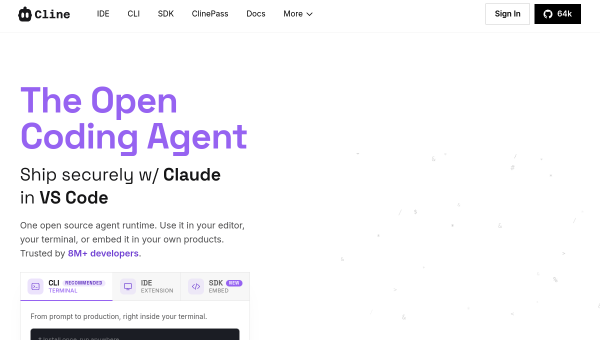
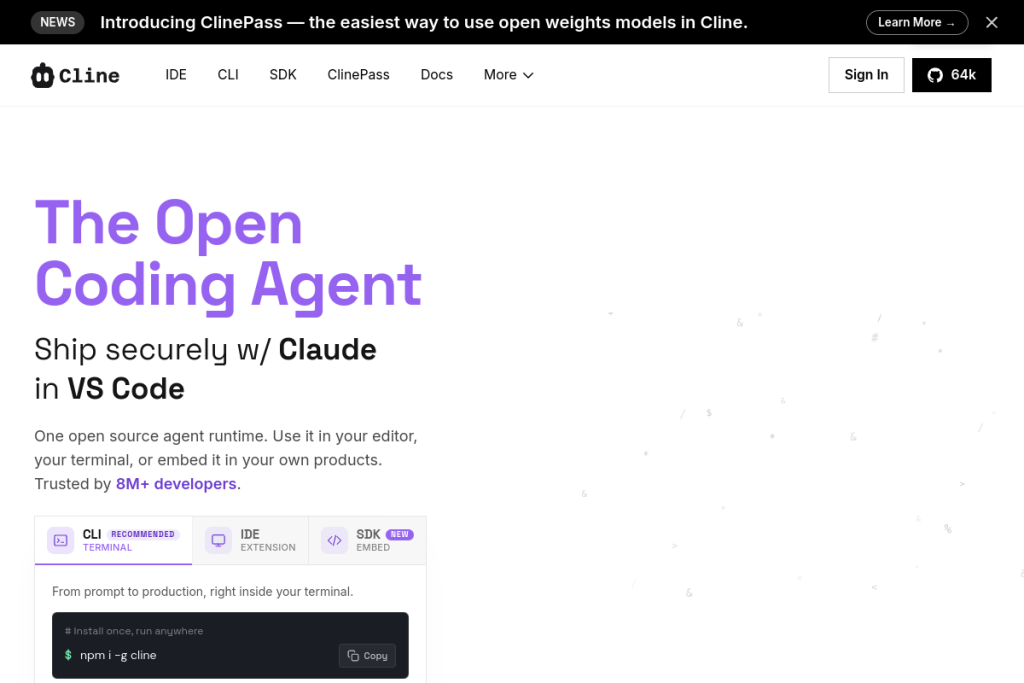
Cline is an open-source AI coding agent that operates across VS Code, the terminal, and as an SDK. It performs coordinated multi-file edits, executes bash commands with real-time terminal interaction, and uses a “Plan and Act” mode to align on strategy before making changes. It supports many models (Claude, GPT, Gemini, Ollama, and OpenAI-compatible endpoints), is extensible via MCP servers, and integrates with tools like GitHub Actions and CI/CD.
What it does well
- Open-source — transparent, inspectable, and extensible.
- Multi-file editing — coordinated changes across a project.
- Plan and Act — agree on a plan before executing changes.
- Model flexibility — use Claude, GPT, Gemini, Ollama, and more.
- Extensible — MCP servers, plugins, and CI/CD integrations.
Who it is for
Cline suits developers and engineering teams who want a capable AI coding agent that is open-source, transparent, and flexible about which models it uses. It appeals especially to those who like to see and control how their tools work, want to use their own model choices, and value an active open-source project with a large community.
Things to keep in mind
As an agent that edits files and runs commands, Cline needs oversight — review its planned changes and the commands it wants to run before approving them, since AI can make mistakes and executing commands has real consequences. Its Plan-and-Act mode helps, but correctness, security, and testing remain the developer’s responsibility.
Our verdict
Cline is an excellent open-source AI coding agent, and its transparency, model flexibility, and plan-then-act approach make it a favourite for developers who want control alongside capability. For coordinated multi-file work with the models you choose, it is well worth trying, and being open-source is a real plus. Review its plans and commands, keep engineering judgement in the loop, and it becomes a powerful, trustworthy coding collaborator.
Frequently asked questions
Is Cline open-source?
Yes — Cline is an open-source AI coding agent with a large community, which makes it transparent, inspectable, and extensible, and lets you use a range of AI models rather than being locked to one.
What is Plan and Act mode?
It is Cline’s approach of agreeing on a strategy before executing changes — planning first, then acting — which gives you a chance to review the plan before the agent edits files or runs commands.
Reviewed by the World of AI Hub editorial team based on the tool website and documentation.
Top Cline alternatives
Other hand-reviewed AI Coding tools worth comparing against Cline.
a0Free
a0 is a free AI coding tool. Our hands-on review covers features, pricing, pros and cons, and who…
AugmentFree
Augment by Augment Code is a free AI coding tool. Our hands-on review covers features, pricing, pros and…
bolt.newFreemium
bolt.new is a freemium AI coding tool. Our hands-on review covers features, pricing, pros and cons, and who…
CodebuffPaid
Codebuff is a paid AI coding tool. Our hands-on review covers features, pricing, pros and cons, and who…
CosinePaid
Cosine is a paid AI coding tool. Our hands-on review covers features, pricing, pros and cons, and who…
DevinFree
Devin is a free AI coding tool. Our hands-on review covers features, pricing, pros and cons, and who…
Are you the maker of Cline?
Show visitors this review with the badge below. Copy the code into your site or press kit; it links straight back to this page.