Key Takeaways
- Soda PDF is a full PDF suite for desktop and web, now with AI tools.
- Its AI Assistant lets you query documents, find info, and get summaries.
- It also translates PDFs and summarizes long documents.
- Solid all-round PDF software; note there is no native macOS desktop app.
Soda PDF is a comprehensive PDF suite available on both desktop and the web, and it has added AI to a well-rounded editing toolkit. Alongside editing, converting, and OCR, you can now chat with a document through an AI assistant, translate a PDF while keeping its formatting, or get a quick summary of a long file — handy additions for everyday document work and research.
What is Soda PDF?
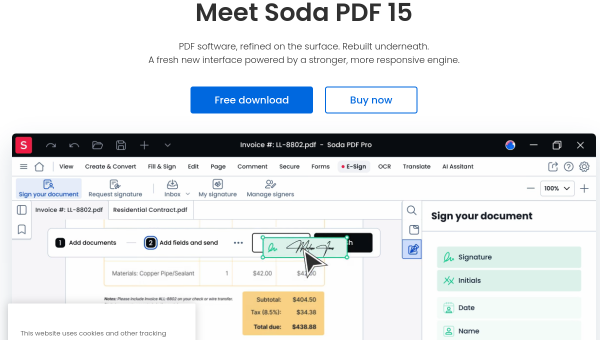
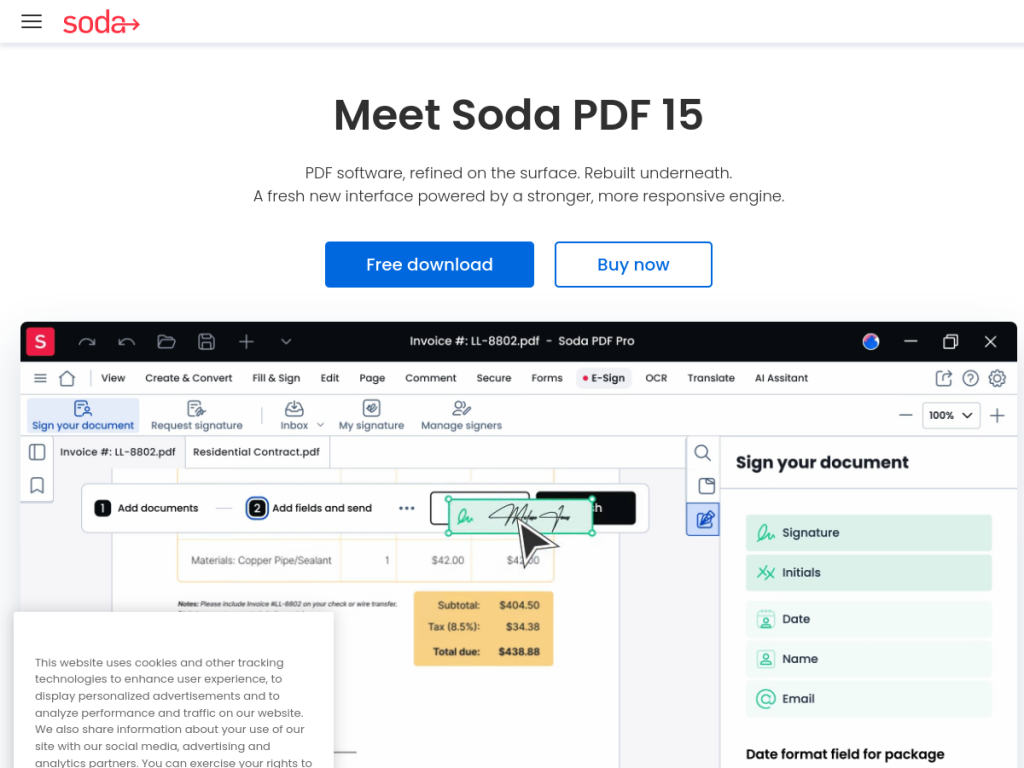
Soda PDF is PDF software offered as desktop and online solutions, described as refined on the surface and rebuilt underneath for a modern, responsive experience. Its AI features include an AI Assistant that lets you query documents, locate information, and get summaries; Translate PDF, which converts files into other languages while preserving formatting; and a PDF Summarizer for quick document overviews. Beyond AI, it handles the full range of PDF tasks — editing, merging, compressing, splitting, OCR scanning, and converting between formats like Word, Excel, PowerPoint, and images. It is available as a Windows desktop app, a web-based platform in any browser, and a Chrome extension, though there is no native macOS desktop version. Soda PDF offers free online tools and a free trial, with paid subscriptions for the full suite.
What it does well
- Full PDF suite: edit, convert, OCR, merge, split, and compress.
- AI document tools: an assistant, translation, and summarization.
- Flexible access: Windows desktop, web, and a Chrome extension.
- Free to try: free online tools and a trial before subscribing.
Who it is for
Soda PDF suits individuals and businesses on Windows or the web who want a capable PDF editor with added AI for chatting with, translating, and summarizing documents. It is well suited to everyday document work and research. Mac users wanting a native desktop app are out of luck (the web version still works), and those needing only basic viewing can use free readers, but for a full-featured PDF suite with a helpful AI layer, Soda PDF is a solid option with a free trial.
Things to keep in mind
- There is no native macOS desktop app, though the web version works on any OS.
- AI summaries and answers should be checked on important documents.
- The full suite requires a paid subscription after the free trial.
Our verdict
Soda PDF is a well-rounded PDF suite, and its AI additions — a document assistant, translation, and summarization — make an already capable editor more useful for reading and research. With strong editing, OCR, and conversion across Windows desktop, web, and a browser extension, it covers everyday document needs. The lack of a native macOS app is a gap for some, and AI output wants a check on important files, but for Windows and web users who want a full PDF toolkit with a modern AI layer, Soda PDF is a solid choice with a free trial to test.
Frequently asked questions
What is Soda PDF?
Soda PDF is a full PDF suite for desktop and web that handles editing, converting, OCR, and more, with AI features like a document assistant, translation, and summarization.
What AI features does Soda PDF have?
It offers an AI Assistant to query documents and get summaries, a Translate PDF tool that preserves formatting, and a PDF Summarizer for quick overviews.
Does Soda PDF work on Mac?
There is no native macOS desktop app, but Soda PDF’s web-based platform works in any browser on any operating system, plus a Chrome extension.
Is Soda PDF free?
Soda PDF offers free online tools and a free trial, with paid subscriptions unlocking the full desktop and online suite.
Top Soda PDF alternatives
Other hand-reviewed PDF Tools tools worth comparing against Soda PDF.
Adobe Acrobat AIFreemium
Adobe Acrobat AI is a freemium AI business and ocr tool for document-heavy teams. Our review covers what…
ChatPDFFreemium
ChatPDF is a freemium AI education and pdf-tool tool for document-heavy teams. Our review covers what it does,…
Foxit PDF EditorPaid
Foxit PDF Editor is a paid AI business and ocr tool for document-heavy teams. Our review covers what…
iLovePDFFreemium
iLovePDF is a freemium AI pdf-tool and productivity tool for document-heavy teams. Our review covers what it does,…
LightPDFFreemium
LightPDF is a freemium AI pdf-tool and productivity tool for document-heavy teams. Our review covers what it does,…
Nitro PDFPaid
Nitro PDF is a paid AI pdf-tool and productivity tool for document-heavy teams. Our review covers what it…
Are you the maker of Soda PDF?
Show visitors this review with the badge below. Copy the code into your site or press kit; it links straight back to this page.



