Key Takeaways
- CodeGPT is an AI coding assistant for VS Code and JetBrains IDEs.
- It uses a Bring Your Own Key model to connect Claude, Gemini, and other models.
- It offers planning mode, autonomous agents, autocomplete, and MCP integration.
- Great for developers who want flexible, multi-model AI coding help.
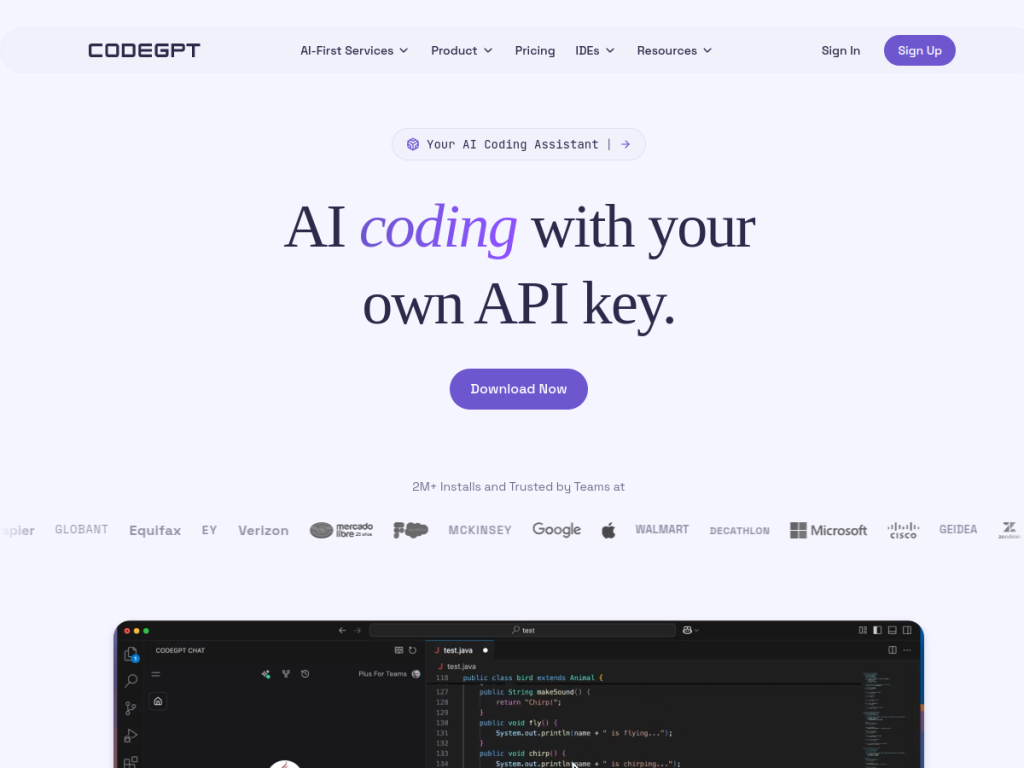
CodeGPT is a popular AI coding assistant that plugs into VS Code and JetBrains IDEs, with a distinctive philosophy: bring your own API key and choose your own model. Instead of locking you into one AI, it lets you connect Claude, Gemini, or others while keeping control of your data. With planning mode, autonomous agents, autocomplete, and MCP integration, it is a flexible, developer-friendly option for AI-assisted coding.
What is CodeGPT?
CodeGPT is an AI coding assistant available as extensions for VS Code and JetBrains IDEs, emphasizing user control through a Bring Your Own Key (BYOK) model that lets developers use their own API keys with various AI models while keeping data sovereignty. Its features include multi-model flexibility (connect Claude, Gemini, or other models), a planning mode where the assistant analyzes the codebase and creates a detailed solution plan before coding, autonomous agent capabilities for advanced tasks, AI-powered autocomplete, MCP integration to link APIs, documentation, and databases, a rules system to enforce coding standards, real-time context and token-usage tracking, and terminal security monitoring. It reports over 2 million installs with adoption at major companies. CodeGPT offers a free plan (30 interactions, with agent and planning modes and autocomplete), a BYOK Pro plan around $8/month for unlimited interactions and advanced autocomplete, and custom AI-first enterprise services.
What it does well
- Bring your own key: use your own API keys and keep data control.
- Multi-model: connect Claude, Gemini, and other AI models.
- Agentic: planning mode and autonomous coding agents.
- Extensible: MCP integration, a rules system, and autocomplete.
Who it is for
CodeGPT fits developers who want a flexible AI coding assistant in VS Code or JetBrains and prefer choosing their own models and controlling their data via BYOK, rather than being tied to a single provider. Its planning mode and agents appeal to those tackling larger tasks, and the free tier makes it easy to try. Developers who want an all-inclusive, no-setup assistant with a bundled model may prefer other tools, and BYOK means managing your own API keys and their costs, but for flexible, multi-model, privacy-minded AI coding, CodeGPT is a capable, widely used choice.
Things to keep in mind
- BYOK means managing your own API keys and their usage costs.
- The free plan is limited to 30 interactions before upgrading.
- AI-generated code still needs review and testing.
Our verdict
CodeGPT is a flexible, developer-friendly AI coding assistant, and its Bring Your Own Key model is its signature strength: connect Claude, Gemini, or other models, keep control of your data, and work inside VS Code or JetBrains. Planning mode, autonomous agents, MCP integration, and a rules system make it capable on real tasks, and 2 million-plus installs speak to its popularity. BYOK means managing your own keys and costs, and AI code needs review, but for developers who want multi-model, privacy-minded AI coding help, CodeGPT is a strong, free-to-start option.
Frequently asked questions
What is CodeGPT?
CodeGPT is an AI coding assistant for VS Code and JetBrains IDEs that uses a Bring Your Own Key model to connect Claude, Gemini, and other models, with planning mode, agents, and autocomplete.
What is Bring Your Own Key?
BYOK lets you use your own API keys with your chosen AI models, keeping control of your data rather than relying on a single bundled provider.
Is CodeGPT free?
CodeGPT offers a free plan with 30 interactions plus agent and planning modes; BYOK Pro is around $8/month for unlimited use, with custom enterprise services.
Which IDEs does CodeGPT support?
CodeGPT is available as extensions for VS Code and JetBrains IDEs.
Top CodeGPT alternatives
Other hand-reviewed Coding Assistants tools worth comparing against CodeGPT.
AiderFree
Aider is a free AI coding assistant and developer tool tool for software developers. Our review covers what…
AlphaCodeFree
AlphaCode by Google DeepMind is a free AI coding assistant and developer tool tool for software developers. Our…
Amazon Q DeveloperFreemium
Amazon Q Developer by Amazon Web Services is a freemium AI business and coding assistant tool for software…
AnacondaFree
Anaconda is a free AI coding assistant and developer tool tool for engineers. Our review covers what it…
ApplitoolsPaid
Applitools is a paid AI coding assistant and developer tool tool for engineers. Our review covers what it…
AskCodiFreemium
AskCodi is a freemium AI coding assistant and developer tool tool for software developers. Our review covers what…
Are you the maker of CodeGPT?
Show visitors this review with the badge below. Copy the code into your site or press kit; it links straight back to this page.



