Key Takeaways
- Aider is an open-source, terminal-based AI pair-programming tool.
- It maps your whole codebase, works with many models, and commits changes to Git automatically.
- Aimed at developers comfortable in the terminal who want AI in their existing workflow.
- Excellent for command-line workflows; review its changes and commits as you go.
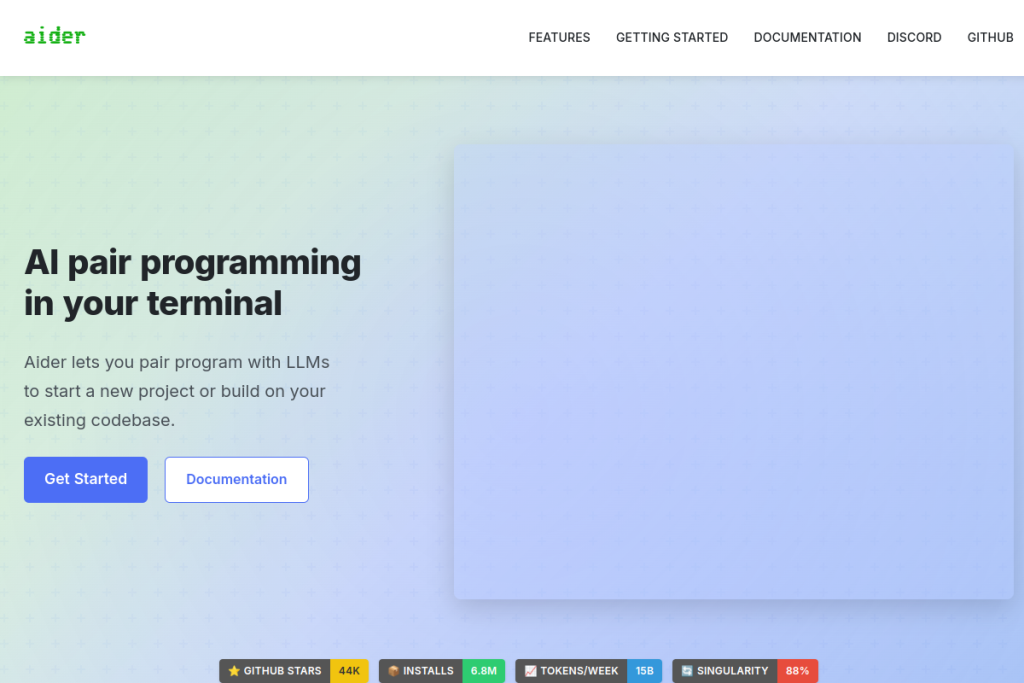
Aider is a beloved open-source AI coding tool that lives in your terminal. Rather than a new editor, it works alongside your existing setup — you chat with it about your code, and it edits files and commits the changes to Git. It maps your whole codebase so it works well even on larger projects, and it plays nicely with many AI models.
What is Aider?
Aider is a terminal-based AI pair-programming assistant. You run it in your project, describe what you want, and it edits the relevant files and makes automatic Git commits so every change is tracked. It maps your entire codebase for context, supports 100+ programming languages and multiple LLM providers, integrates with your IDE via comments, and can even take voice input and visual context.
What it does well
- Terminal-native — works in your existing command-line workflow.
- Codebase mapping — understands your project for better edits on large repos.
- Automatic Git commits — every change is tracked and reversible.
- Model flexibility — works with many LLM providers.
- Open-source — free, transparent, and widely adopted.
Who it is for
Aider suits developers who are comfortable in the terminal and want AI pair programming woven into their existing tools rather than a separate editor. It is especially popular with those who value open-source software, Git-based workflows, and model flexibility, and it works well on both new projects and larger existing codebases.
Things to keep in mind
As with any AI coding tool, you should review Aider’s changes and commits rather than accepting them blindly — it can make mistakes, and correctness and security remain your responsibility. Its terminal-first approach is a strength for command-line developers but less suited to those who prefer a fully graphical editor experience.
Our verdict
Aider is an excellent, genuinely useful AI pair-programming tool, especially for developers who live in the terminal and value open-source and Git-based workflows. Its codebase mapping and automatic commits make it practical on real projects. Review its changes as you go, and it becomes a fast, flexible AI collaborator that fits neatly into an existing development setup.
Frequently asked questions
Is Aider free?
Yes — Aider is open-source and free to use. You do pay for whatever AI model provider you connect it to, but the tool itself is free and transparent.
Does Aider work with Git?
Yes — it makes automatic Git commits for the changes it makes, so every edit is tracked and reversible, which fits neatly into Git-based development workflows.
Reviewed by the World of AI Hub editorial team based on the tool website and documentation.
Top Aider alternatives
Other hand-reviewed Coding Assistants tools worth comparing against Aider.
AlphaCodeFree
AlphaCode by Google DeepMind is a free AI coding assistant and developer tool tool for software developers. Our…
Amazon Q DeveloperFreemium
Amazon Q Developer by Amazon Web Services is a freemium AI business and coding assistant tool for software…
AnacondaFree
Anaconda is a free AI coding assistant and developer tool tool for engineers. Our review covers what it…
ApplitoolsPaid
Applitools is a paid AI coding assistant and developer tool tool for engineers. Our review covers what it…
AskCodiFreemium
AskCodi is a freemium AI coding assistant and developer tool tool for software developers. Our review covers what…
Azure MLPaid
Azure ML by Microsoft Azure is a paid AI coding assistant and developer tool tool for engineers. Our…
Are you the maker of Aider?
Show visitors this review with the badge below. Copy the code into your site or press kit; it links straight back to this page.