Key Takeaways
- boost.ai is an enterprise conversational AI platform built for regulated industries.
- It offers chat and voice agents with a hybrid, controlled approach to generative AI.
- Use cases span customer self-service, internal support, and agent assist.
- Strong for banks, insurers, and telecoms needing governance; it is an enterprise investment.
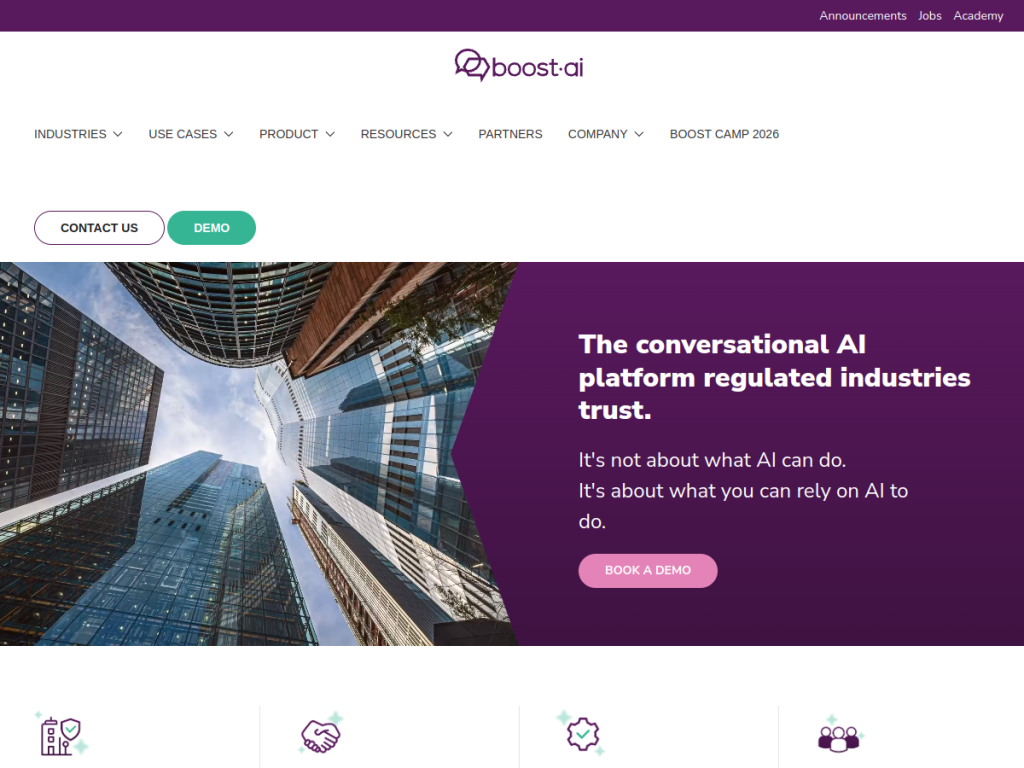
boost.ai is a conversational AI platform aimed at organizations that cannot afford for a chatbot to go off-script — banks, insurers, telecoms, and other regulated businesses. It pairs generative AI with strong controls and oversight, so companies get modern, natural conversations without sacrificing the reliability and governance their industries demand.
What is Boost.ai?
boost.ai provides enterprise conversational AI across chat and voice channels, with a deliberate focus on regulated and compliance-heavy industries. Its defining choice is a hybrid approach to generative AI: combining the flexibility of large language models with guardrails and control so responses stay accurate, on-brand, and safe. The platform serves three main use cases — customer self-service, internal employee support, and agent assist that helps human reps — and includes agentic AI features deployed with oversight mechanisms. It integrates with existing business systems and is trusted by major financial and telecom brands such as Nordea, Santander, Telenor, and Vodafone, with high ratings on review sites. Pricing is enterprise and quote-based.
What it does well
- Governance-first: a hybrid approach that keeps generative AI controlled and safe.
- Chat and voice: conversational agents across both text and voice channels.
- Regulated-industry focus: built for banking, insurance, and telecom needs.
- Enterprise integrations: connects to existing systems, with agent-assist options.
Who it is for
boost.ai is built for large, regulated enterprises — especially financial services and telecoms — that need conversational AI they can trust to stay accurate and compliant. It suits organizations handling high volumes of customer inquiries where control, auditability, and reliability matter as much as capability. Small businesses and those wanting a quick, low-cost chatbot will find it more than they need; boost.ai’s value is in enterprise-grade governance at scale.
Things to keep in mind
- Pricing is enterprise and quote-based — this is a significant platform commitment.
- The governance focus means more setup and configuration than a lightweight bot.
- It is aimed at large regulated organizations, not small teams or individuals.
Our verdict
boost.ai occupies a valuable niche: bringing modern conversational and generative AI to industries that cannot tolerate unreliable answers. Its hybrid, control-first design, chat and voice coverage, and enterprise integrations make it a strong fit for banks, insurers, and telecoms that need governance alongside capability. It is an enterprise investment, not a quick chatbot, and it is overkill for small teams, but for regulated organizations serious about trustworthy conversational AI at scale, boost.ai is a leading choice.
Frequently asked questions
What is boost.ai?
boost.ai is an enterprise conversational AI platform for chat and voice, built for regulated industries like banking, insurance, and telecom, with a strong focus on control and governance.
What makes boost.ai different?
Its hybrid approach combines generative AI with guardrails and oversight, so responses stay accurate and compliant — important for regulated industries.
Who uses boost.ai?
It is used by large regulated enterprises, including financial and telecom brands such as Nordea, Santander, Telenor, and Vodafone.
How much does boost.ai cost?
boost.ai does not publish standard pricing; plans are enterprise and quote-based, so you book a demo for a tailored quote.


