Key Takeaways
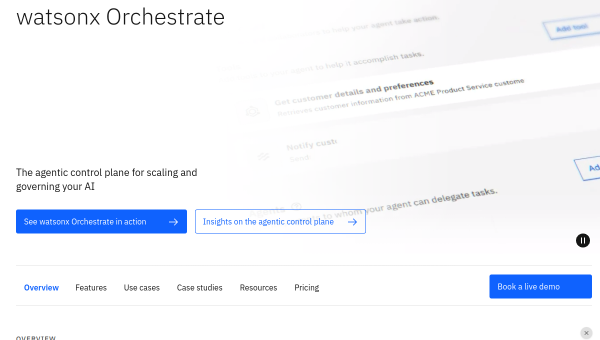
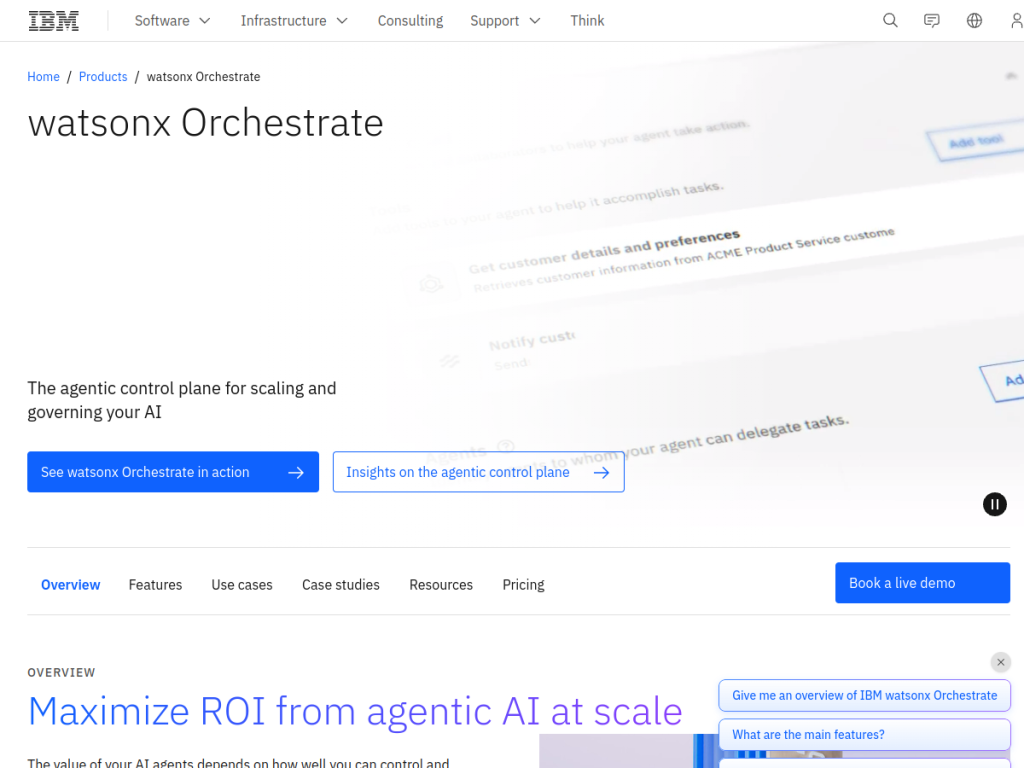
- IBM watsonx Assistant (formerly Watson Assistant) builds conversational AI.
- It creates virtual agents for customer service across channels.
- It offers a low-code builder plus enterprise security and governance.
- Great for enterprises building governed conversational AI.
IBM watsonx Assistant — the evolution of Watson Assistant — is IBM’s platform for building conversational AI: virtual agents that handle customer questions across web, messaging, and voice. Its emphasis is squarely enterprise: a low-code builder that business teams can use, integrations into existing systems, and the security and governance IBM’s customers require. For organizations that want conversational AI they can control and trust, it is a well-established choice.
What is IBM Watson Assistant?
IBM watsonx Assistant (formerly Watson Assistant) is IBM’s conversational AI platform for building and deploying virtual agents and chatbots. Its capabilities include a low-code/visual builder that lets business users create conversation flows without deep coding, natural language understanding to interpret user intent, generative AI features (conversational search that answers from your knowledge base, and LLM-backed responses) as part of the watsonx family, multi-channel deployment across web, messaging apps, and voice/telephony, integrations with enterprise systems and contact-center platforms, analytics on conversations and containment, and human agent handoff. It is built with enterprise needs in mind — security, data governance, and flexible deployment (cloud or on-premises in supported configurations) — reflecting IBM’s enterprise focus and its broader watsonx AI platform. It targets enterprises automating customer service and support. It offers a free/lite plan with paid tiers scaling by usage and features.
What it does well
- Low-code builder: business teams can build flows.
- Generative AI: answers from your knowledge base.
- Multi-channel: web, messaging, and voice.
- Enterprise-grade: security, governance, and integrations.
Who it is for
IBM watsonx Assistant fits enterprises and large organizations — especially those already working with IBM or in regulated sectors — that want to build governed conversational AI for customer service across web, messaging, and voice, with a low-code builder business teams can use, enterprise integrations, and strong security and governance. Its enterprise posture is the draw. Small businesses will find lighter chatbot tools simpler and cheaper, and building good conversational AI takes design effort, but for governed enterprise conversational AI, watsonx Assistant is a capable, well-established choice with a free plan.
Things to keep in mind
- Building effective conversational AI takes design and content effort.
- It is enterprise-oriented; small teams may prefer lighter tools.
- Costs scale with usage and features beyond the free/lite plan.
Our verdict
IBM watsonx Assistant is a well-established enterprise conversational AI platform, and its strengths reflect IBM’s focus: a low-code builder business teams can actually use, natural language understanding, generative AI that answers from your own knowledge base, multi-channel deployment across web, messaging, and voice, deep enterprise integrations, and the security and governance regulated organizations need. For enterprises that want conversational AI they can control and trust, that combination fits. It takes design effort and is enterprise-oriented, but for governed conversational AI, it is a solid choice with a free plan.
Frequently asked questions
What is IBM watsonx Assistant?
watsonx Assistant (formerly Watson Assistant) is IBM’s conversational AI platform for building virtual agents and chatbots for customer service across web, messaging, and voice.
Does watsonx Assistant use generative AI?
Yes, as part of IBM’s watsonx family it includes generative AI features such as conversational search that answers from your knowledge base, alongside its NLU and flow builder.
Is watsonx Assistant free?
It offers a free/lite plan, with paid tiers scaling by usage and features.
Who is watsonx Assistant for?
It is for enterprises and large organizations — especially in regulated sectors — that want governed conversational AI with enterprise security and integrations.
Top IBM Watson Assistant alternatives
Other hand-reviewed AI Assistants tools worth comparing against IBM Watson Assistant.
AiseraPaid
Aisera is a paid AI assistant and chatbot tool for professionals. Our review covers what it does, pricing,…
Amazon LexPaid
Amazon Lex by Amazon Web Services is a paid AI assistant and chatbot tool for professionals. Our review…
Anakin AIFreemium
Anakin AI is a freemium AI assistant and chatbot tool for professionals. Our review covers what it does,…
AvaamoPaid
Avaamo is a paid AI assistant and chatbot tool for professionals. Our review covers what it does, pricing,…
Boost.aiPaid
Boost.ai is a paid AI assistant and chatbot tool for professionals. Our review covers what it does, pricing,…
BotpressFreemium
Botpress is a freemium AI assistant and chatbot tool for professionals. Our review covers what it does, pricing,…
IBM Watson Assistant vs the competition
Are you the maker of IBM Watson Assistant?
Show visitors this review with the badge below. Copy the code into your site or press kit; it links straight back to this page.



