Key Takeaways
- Kubeflow is an open-source machine learning toolkit for Kubernetes.
- It provides modular components for the full ML lifecycle.
- It includes pipelines, training, tuning, notebooks, and model serving.
- Great for platform teams building ML systems on Kubernetes.
Kubeflow is the open-source foundation for building machine-learning platforms on Kubernetes. Rather than one monolithic tool, it is a modular toolkit — pipelines, distributed training, hyperparameter tuning, notebooks, model serving, and more — that platform teams can combine to run ML at scale on their own infrastructure. For organizations standardizing ML on Kubernetes, Kubeflow is a widely adopted, community-driven backbone.
What is Kubeflow?
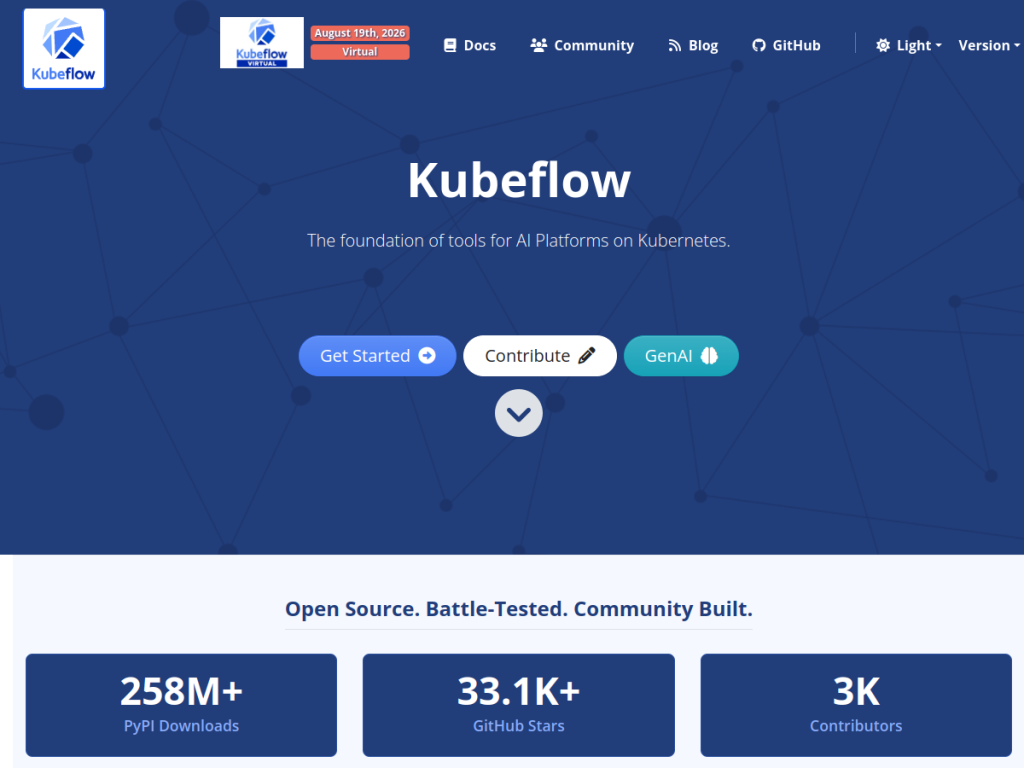
Kubeflow is described as the foundation of tools for AI platforms on Kubernetes: a composable, modular toolkit that lets teams build ML platforms by using individual subprojects independently or deploying the complete Kubeflow Community Distribution. Its components include Pipelines for portable, scalable ML workflows, a Trainer for distributed training of models and LLMs across frameworks, Katib for automated machine learning and hyperparameter tuning, Notebooks for interactive development, a Spark Operator for running Spark workloads, a Hub for model registry and artifact management, and a Central Dashboard for a unified interface. It targets AI platform teams building production systems, with major adopters including AWS, Oracle, and Red Hat across cloud and on-premises deployments. Kubeflow has substantial community adoption — hundreds of millions of downloads, tens of thousands of GitHub stars, and thousands of contributors. It is free and open-source; costs come from the Kubernetes infrastructure you run it on.
What it does well
- Modular: use individual components or the full distribution.
- Full lifecycle: pipelines, training, tuning, notebooks, and serving.
- Kubernetes-native: scalable, portable ML on your own infra.
- Open-source: free, with a large active community.
Who it is for
Kubeflow fits AI platform teams, ML engineers, and MLOps and DevOps teams at organizations that run machine learning on Kubernetes and want an open-source, composable toolkit to build a production ML platform — pipelines, distributed training, tuning, and serving — on their own infrastructure. Its modularity suits teams that want to pick components. Small teams without Kubernetes, or those wanting a fully managed ML service, may prefer simpler or hosted options, and running it requires Kubernetes and platform expertise, but for building ML platforms on Kubernetes at scale, Kubeflow is a capable, widely adopted choice.
Things to keep in mind
- It requires Kubernetes and real platform/infrastructure expertise.
- Small teams may find fully managed ML services simpler.
- Infrastructure costs come from the Kubernetes cluster you run it on.
Our verdict
Kubeflow is a widely adopted, community-driven foundation for running machine learning on Kubernetes, and its modular, composable design is its strength: use individual components — Pipelines, Trainer, Katib for tuning, Notebooks, model serving — or the full distribution to build a production ML platform on your own infrastructure. Adoption by AWS, Oracle, and Red Hat and a large open-source community underline its maturity. It requires Kubernetes and platform expertise and suits teams over individuals, but for building scalable ML platforms on Kubernetes, Kubeflow is an excellent, free choice.
Frequently asked questions
What is Kubeflow?
Kubeflow is an open-source machine learning toolkit for Kubernetes, providing modular components — pipelines, training, tuning, notebooks, and serving — to build ML platforms.
Is Kubeflow free?
Yes, Kubeflow is free and open-source; your costs come from the Kubernetes infrastructure you run it on.
What components does Kubeflow include?
It includes Pipelines, a Trainer for distributed training, Katib for hyperparameter tuning, Notebooks, a Spark Operator, a model Hub, and a Central Dashboard.
Who is Kubeflow for?
It is for AI platform teams, ML engineers, and MLOps teams running machine learning on Kubernetes who want an open-source toolkit to build a production ML platform.


