
Key Takeaways
- Dataiku is an end-to-end enterprise platform for data science, ML, and AI.
- It unifies data, machine learning, LLMs, and agents in one collaborative system.
- It lets business and technical teams build, deploy, and govern AI together.
- Great for enterprises scaling AI with collaboration and governance.
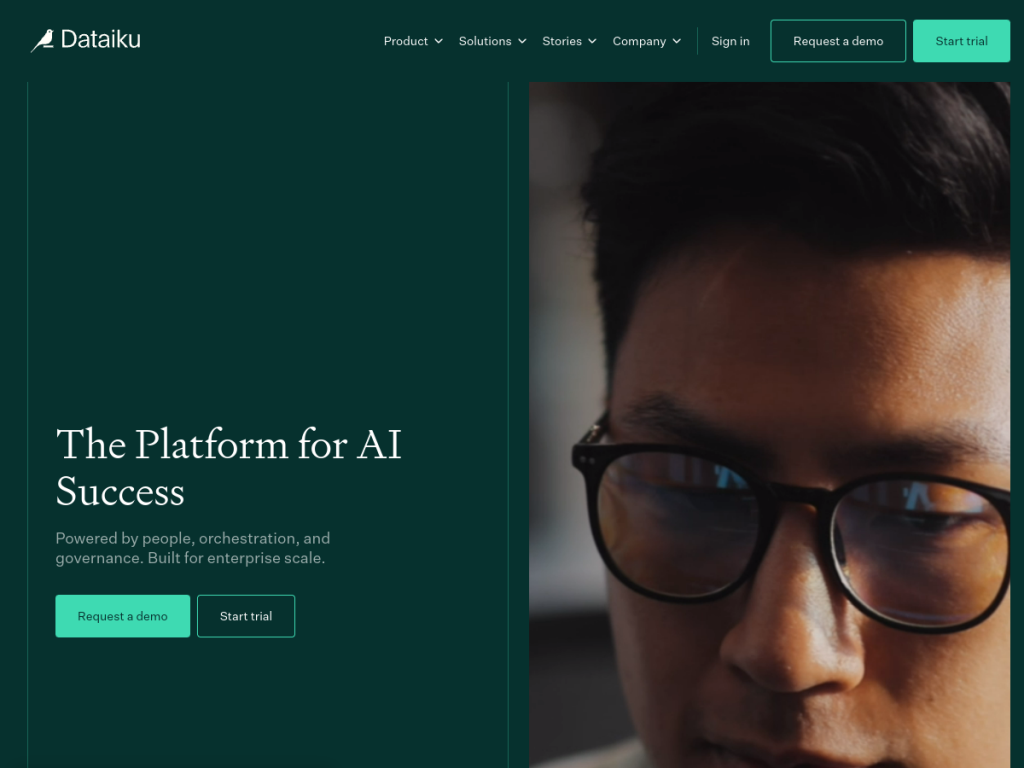
Dataiku is an end-to-end enterprise AI platform designed to move organizations from AI chaos to AI success. It brings data science, machine learning, large language models, and AI agents into one collaborative system where both technical and business teams can build, deploy, and govern AI. For enterprises trying to scale AI beyond scattered experiments — with proper oversight and teamwork — it is a comprehensive, well-established platform.
What is Dataiku?
Dataiku is an end-to-end enterprise AI platform that integrates data science, machine learning, and AI into one unified system for building, deploying, and governing AI solutions at scale. It emphasizes three foundational pillars: people (enabling business and technical teams to collaborate in shared workflows), orchestration (connecting data, ML, LLMs, and agents as an integrated system across any infrastructure), and governance (unified visibility into compliance, cost, and risk across AI operations). Its capabilities span AI agent development, analytics modernization, machine-learning operationalization (MLOps), and unified governance controls. Dataiku serves enterprises across financial services, life sciences, manufacturing, retail, utilities, and the public sector, and highlights customers such as Johnson & Johnson, Novartis, Roche, and Aviva. It offers a free edition to get started, with enterprise pricing arranged through sales.
What it does well
- End-to-end: data prep, ML, LLMs, and agents in one platform.
- Collaborative: shared workflows for business and technical teams.
- Governed: unified visibility into compliance, cost, and risk.
- Enterprise-proven: used across regulated, large-scale industries.
Who it is for
Dataiku fits enterprise organizations — and their data scientists, analysts, business teams, and AI leaders — that want to build and scale AI with collaboration and governance rather than isolated, ungoverned experiments. Its industry adoption in financial services, life sciences, and manufacturing shows its fit for regulated, complex environments. Individuals or very small teams may find lighter tools sufficient, and adopting an enterprise platform takes investment and expertise, but for organizations operationalizing AI at scale with oversight, Dataiku is a capable, well-regarded choice with a free edition to start.
Things to keep in mind
- It is an enterprise platform, so it suits organizations more than individuals.
- Realizing full value takes investment, expertise, and change management.
- Enterprise pricing is arranged with sales rather than published simply.
Our verdict
Dataiku is a strong end-to-end enterprise AI platform, and its focus on people, orchestration, and governance — uniting data science, machine learning, LLMs, and agents so business and technical teams can build and deploy AI together with oversight — addresses exactly what stops many organizations from scaling AI. Deep adoption across regulated industries speaks to its maturity. It takes investment and expertise and is built for organizations rather than individuals, but for enterprises moving from AI experiments to governed, production AI, Dataiku is a capable, proven platform with a free edition.
Frequently asked questions
What is Dataiku?
Dataiku is an end-to-end enterprise AI platform that unifies data science, machine learning, LLMs, and agents so teams can build, deploy, and govern AI at scale.
Who uses Dataiku?
It is used by enterprises across financial services, life sciences, manufacturing, retail, and the public sector, by data scientists, analysts, business teams, and AI leaders.
What does Dataiku emphasize?
It emphasizes people (collaboration), orchestration (connecting data, ML, LLMs, and agents), and governance (visibility into compliance, cost, and risk).
Is Dataiku free?
Dataiku offers a free edition to get started, with enterprise pricing arranged through sales.
Top Dataiku alternatives
Other hand-reviewed Data Analysis tools worth comparing against Dataiku.
AlteryxPaid
Alteryx is a paid AI business and data analysis tool for business teams. Our review covers what it…
Bloomberg Terminal AIEnterprise
Bloomberg Terminal AI is an enterprise AI business and data analysis tool for finance professionals. Our review covers…
DatabricksPaid
Databricks is a paid AI business and data analysis tool for business teams. Our review covers what it…
DatarailsPaid
Datarails is a paid AI business and data analysis tool for finance professionals. Our review covers what it…
DataRobotPaid
DataRobot is a paid AI business and data analysis tool for business teams. Our review covers what it…
DomoPaid
Domo is a paid AI business and data analysis tool for business teams. Our review covers what it…
Are you the maker of Dataiku?
Show visitors this review with the badge below. Copy the code into your site or press kit; it links straight back to this page.



