Key Takeaways
- Automatic1111 is the most popular web interface for Stable Diffusion image generation.
- It runs locally, giving full control over models, settings, and extensions.
- It supports text-to-image, inpainting, upscaling, and a huge extension ecosystem.
- Unmatched control and flexibility; the setup and depth suit technical users.
The AUTOMATIC1111 Stable Diffusion WebUI — usually just called Automatic1111 — is the tool that made local, open-source AI image generation accessible to a huge community. It puts a browser interface on Stable Diffusion so you can generate and edit images on your own computer, with deep control over every setting and an enormous ecosystem of models and extensions. It became the de facto home for people who want to run image AI themselves.
What is Automatic1111?
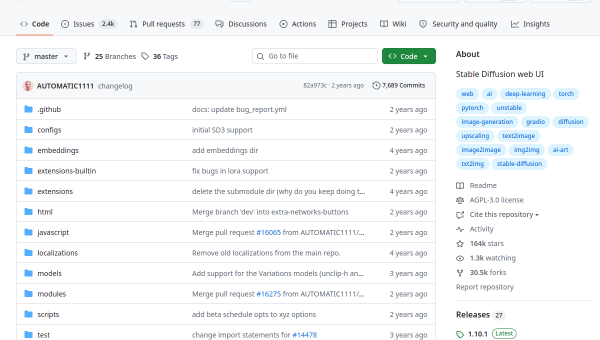
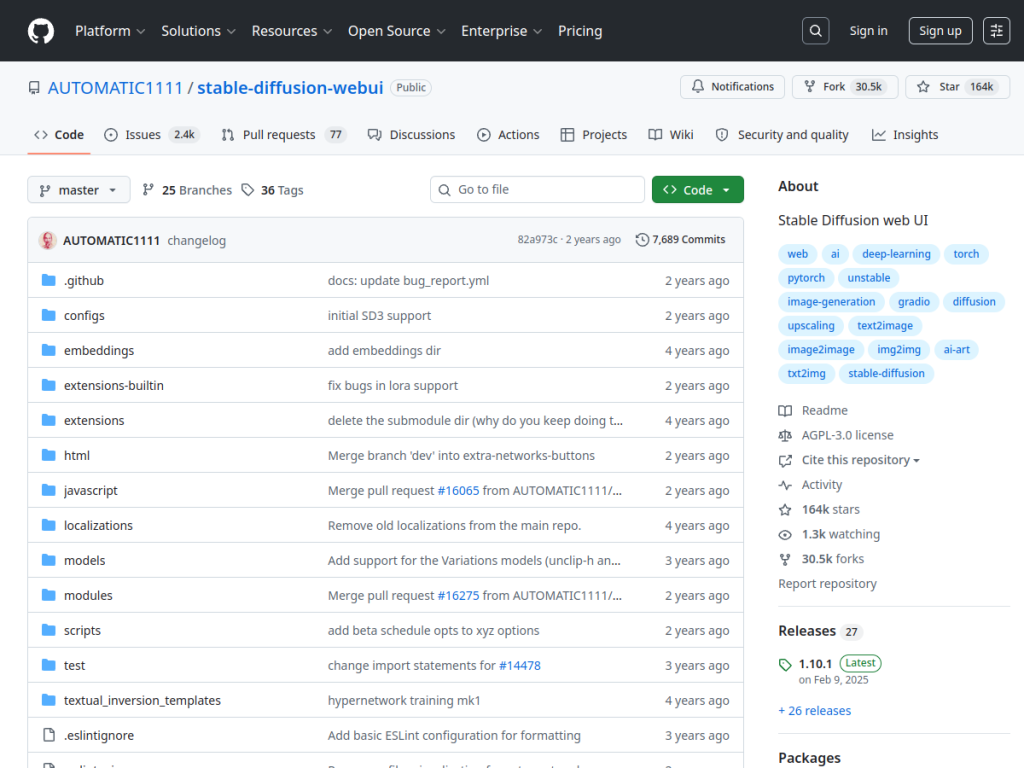
Automatic1111 is a web interface for Stable Diffusion, built with the Gradio library, that runs in your browser on your own machine. It offers extensive image capabilities: text-to-image and image-to-image generation, inpainting, outpainting, and color sketch editing, multiple upscaling options (GFPGAN, RealESRGAN, ESRGAN, SwinIR), advanced prompt controls with attention weighting, textual inversion and hypernetwork training, API access for programmatic use, and support for many Stable Diffusion model versions. Its greatest strength is control and extensibility: because it is open source (AGPL-3.0) and community-driven, there is a vast ecosystem of models, LoRAs, and extensions that plug into it. With over a hundred and sixty thousand GitHub stars and thousands of commits, it has been the central hub of the local Stable Diffusion community, and it is entirely free to run on your own hardware.
What it does well
- Total control: full access to models, settings, and generation parameters.
- Huge ecosystem: countless models, LoRAs, and extensions.
- Complete toolkit: text-to-image, inpainting, upscaling, and training.
- Open source and free: run it locally at no cost.
Who it is for
Automatic1111 is for hobbyists, artists, and technical users who want maximum control over Stable Diffusion image generation and are comfortable running software locally — installing it, managing models, and tinkering with settings and extensions. It is ideal for those who want to go deeper than a simple prompt box. Casual users who just want quick images from a prompt will find hosted, prompt-only tools far easier, and it needs a capable GPU, but for control and flexibility in local image AI, Automatic1111 is unmatched.
Things to keep in mind
- Setup and use assume technical comfort and a capable GPU (typically several GB of VRAM).
- It is community-driven and now in limited long-term support — stable, but not chasing new features.
- The sheer depth and options can overwhelm newcomers.
Our verdict
Automatic1111 is the tool that democratized local Stable Diffusion, and it remains the benchmark for control and flexibility in AI image generation. Its complete toolkit — generation, inpainting, upscaling, training — combined with a massive open-source ecosystem of models and extensions, gives power users capabilities hosted tools cannot match, all free on their own hardware. It assumes technical comfort and a decent GPU, and it is now in steady maintenance rather than rapid new-feature development, but for anyone who wants full control over local image AI, Automatic1111 is essential and free.
Frequently asked questions
What is Automatic1111?
Automatic1111 is the most popular web interface for Stable Diffusion, letting you generate and edit AI images locally in your browser with deep control over models, settings, and extensions.
Is Automatic1111 free?
Yes. The Stable Diffusion WebUI is open source (AGPL-3.0) and free to run on your own hardware; costs come only from your GPU and compute.
What can Automatic1111 do?
It supports text-to-image and image-to-image generation, inpainting, outpainting, multiple upscalers, prompt attention controls, and training, plus a huge ecosystem of models and extensions.
Do I need a powerful computer to run it?
It runs locally and benefits from a capable Nvidia GPU (typically several GB of VRAM). It assumes some technical comfort to install and manage, though cloud options like Colab exist.
Top Automatic1111 alternatives
Other hand-reviewed Image Generation tools worth comparing against Automatic1111.
Adobe FireflyFreemium
Adobe Firefly is a freemium AI design and image generation tool for creatives and visual artists. Our review…
ArtbreederFreemium
Artbreeder is a freemium AI design and image generation tool for creatives and visual artists. Our review covers…
ArtguruFreemium
Artguru is a freemium AI design and image generation tool for creatives and visual artists. Our review covers…
BigJPGFree
BigJPG is a free AI design and image generation tool for creatives and visual artists. Our review covers…
Canva AIFreemium
Canva AI is a freemium AI design and image generation tool for designers. Our review covers what it…
CivitaiFreemium
Civitai is a freemium AI design and image generation tool for creatives and visual artists. Our review covers…
Are you the maker of Automatic1111?
Show visitors this review with the badge below. Copy the code into your site or press kit; it links straight back to this page.



