Key Takeaways
- Copilotly is an AI assistant with domain-specialist “copilots”.
- It offers many role-specific assistants (legal, health, finance, career).
- It works via a browser extension and web app.
- Useful for role-focused AI help without writing prompts.
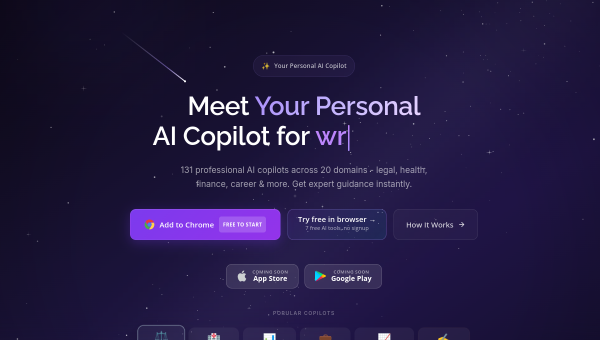
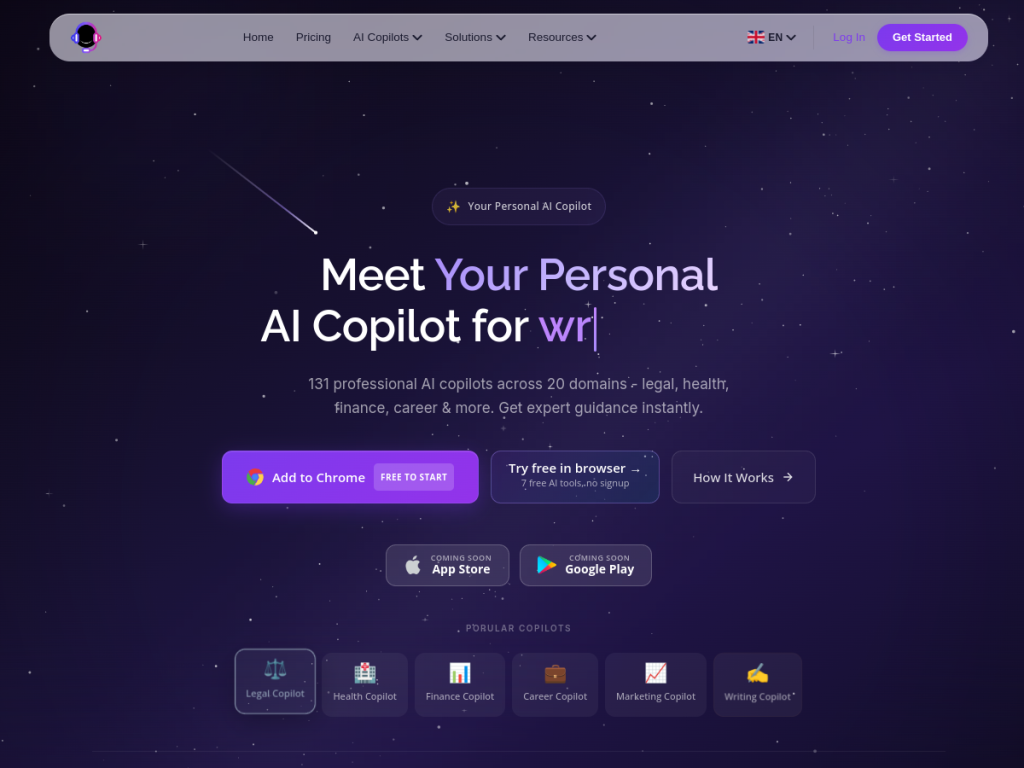
Copilotly takes a different angle on the AI assistant: rather than one general chatbot you must prompt well, it offers a large set of domain-specialist “copilots” — pre-configured assistants for legal questions, health topics, finance, career advice, writing, and more. Pick the specialist and ask. Delivered as a browser extension and web app, it aims to make AI useful without prompt-engineering skill. It is a practical idea, with the usual caveats about AI advice in sensitive domains.
What is Copilotly?
Copilotly is an AI assistant platform built around domain-specialist assistants rather than a single general-purpose chatbot. It offers a large library of pre-configured “copilots” — specialists across areas including legal, health, finance, career, marketing, writing, and study — each set up with context appropriate to its domain, so users can select a specialist and ask directly rather than crafting prompts themselves. It is delivered through a browser extension that works alongside your browsing and a web application, letting users get AI help in context: writing and rewriting text, summarizing content, answering questions, translating, and generating ideas. Its aim is accessibility — making AI practical for people who do not want to learn prompt engineering. It offers a free way to try with paid plans for more usage. As with any AI assistant, its output is generated by language models and carries the usual caveats: it should not be relied on as professional legal, medical, or financial advice, and it should be verified for anything consequential.
What it does well
- Specialist copilots: pre-configured for many domains.
- No prompt skill needed: pick a specialist and ask.
- In-context: browser extension alongside your work.
- Free to try: with paid plans for more usage.
Who it is for
Copilotly suits everyday users, students, and professionals who want quick AI help across varied tasks — writing, summarizing, translating, brainstorming — without learning to prompt well, and who like having a specialist pre-configured for the domain they are asking about. The browser extension makes it convenient. The important caveat: its legal, health, and finance copilots produce AI-generated output, not professional advice — do not rely on them for consequential decisions, and consult qualified professionals instead. Those who prompt well may simply prefer a frontier model directly. For convenient, role-focused AI help, Copilotly is a reasonable free-to-try choice.
Things to keep in mind
- Legal, health, and finance copilots are not professional advice — verify with qualified professionals.
- Output comes from language models and can be wrong; check anything consequential.
- Skilled prompters may prefer using a frontier model directly.
Our verdict
Copilotly is a practical take on the AI assistant, and its idea has real merit: instead of one general chatbot you must prompt skilfully, it offers a large library of domain-specialist copilots — legal, health, finance, career, writing — pre-configured so you pick a specialist and just ask, all through a browser extension that works alongside whatever you are doing. For people who do not want to learn prompt engineering, that lowers the barrier usefully. The essential caveat: its legal, health, and finance copilots generate AI output, not professional advice — verify anything consequential with a qualified professional.
Frequently asked questions
What is Copilotly?
Copilotly is an AI assistant platform offering a large library of domain-specialist “copilots” — legal, health, finance, career, writing and more — via a browser extension and web app.
How is Copilotly different from a general chatbot?
Rather than one general assistant you must prompt well, it provides pre-configured specialists per domain, so you select the relevant copilot and ask directly.
Is Copilotly free?
Copilotly offers a free way to try, with paid plans for more usage.
Can I rely on its legal or health copilots?
No — those produce AI-generated output, not professional advice. Verify anything consequential with a qualified lawyer, doctor, or financial adviser.
Top Copilotly alternatives
Other hand-reviewed AI Assistants tools worth comparing against Copilotly.
AiseraPaid
Aisera is a paid AI assistant and chatbot tool for professionals. Our review covers what it does, pricing,…
Amazon LexPaid
Amazon Lex by Amazon Web Services is a paid AI assistant and chatbot tool for professionals. Our review…
Anakin AIFreemium
Anakin AI is a freemium AI assistant and chatbot tool for professionals. Our review covers what it does,…
AvaamoPaid
Avaamo is a paid AI assistant and chatbot tool for professionals. Our review covers what it does, pricing,…
Boost.aiPaid
Boost.ai is a paid AI assistant and chatbot tool for professionals. Our review covers what it does, pricing,…
BotpressFreemium
Botpress is a freemium AI assistant and chatbot tool for professionals. Our review covers what it does, pricing,…
Are you the maker of Copilotly?
Show visitors this review with the badge below. Copy the code into your site or press kit; it links straight back to this page.



