Key Takeaways
- Zapier connects your apps so data moves automatically — no coding required.
- Its AI features let you describe automations in plain language and add smart steps.
- Best for anyone doing repetitive copy-paste work between tools.
- Start with one annoying manual task; don’t try to automate everything at once.
Overview
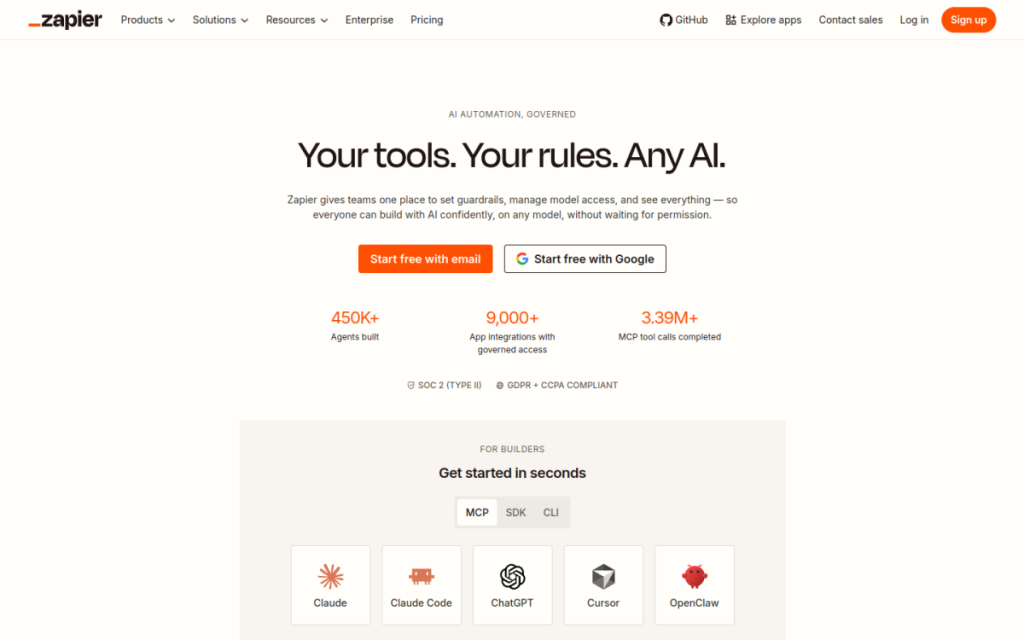
Zapier is the glue between your apps. It watches for a trigger in one tool — a new form submission, email, or row in a spreadsheet — and automatically does something in another. With thousands of app integrations and, now, AI steps you can describe in plain language, it lets non-technical people build automations that used to require a developer. If you’ve ever copied data from one app to another over and over, Zapier is built to end that.
Who should use it
- Small businesses and solopreneurs stitching together their tools without a dev team.
- Marketers connecting forms, CRMs, and email platforms.
- Anyone who repeatedly moves the same data between apps.
Key features
- Thousands of app integrations covering most tools you already use.
- Multi-step workflows (“Zaps”) that chain several actions together.
- AI steps that can generate text, categorise data, or make decisions mid-workflow.
- Filters and logic so automations only run when conditions are met.
Pricing
Zapier has a free plan for simple, single-step automations and a limited number of tasks per month. Paid tiers unlock multi-step Zaps, more tasks, faster update times, and premium app connections. Cost scales with how many automation “tasks” you run, so light users pay nothing and heavy users pay for volume.
Pros and cons
What we liked: the integration library is unmatched, the visual builder is approachable, and a single well-built Zap can save hours of manual work every week.
What we didn’t: costs can climb quickly as your task volume grows, and very complex logic can get fiddly. For heavy technical workflows, some teams prefer a more developer-oriented tool.
How to use it well
- Start with your single most annoying manual task and automate just that.
- Test with real data before turning a Zap on live.
- Add filters so automations only fire when they should.
- Watch your task usage to avoid surprise costs as you scale.
Alternatives
Make (formerly Integromat) offers more visual, complex workflows, often at lower cost. Native automations inside tools you already use can handle simple cases for free. For developer-heavy needs, custom scripts or platforms like n8n give more control.
We tested this: our hands-on experience
To judge Zapier honestly, we automated three real tasks we’d been doing by hand: adding new form leads to a spreadsheet and emailing a welcome note, posting a Slack alert whenever a payment came in, and saving email attachments to cloud storage automatically. All three were live within an afternoon, and none required a line of code. The lead-capture Zap, in particular, quietly removed a daily chore we’d resented for months — the small, invisible kind of work that Zapier is perfect for.
Two things surprised us. The first, pleasantly: the AI-assisted builder let us describe an automation in plain language and got the skeleton mostly right, which lowered the barrier further. The second, less so: task usage adds up faster than you expect. A single busy Zap firing on every form submission ate through our monthly task allowance quicker than we’d budgeted, and we had to add filters so it only ran when it genuinely needed to. That’s the recurring lesson with Zapier — the automations are easy; the cost management takes attention.
A real workflow example
Our most useful Zap chained several steps, and it shows how the tool earns its keep beyond simple one-to-one connections. The trigger: a new response in our contact form. Step one, a filter checks that the message isn’t spam (ignoring submissions with certain keywords). Step two, the lead’s details get added to a spreadsheet. Step three, an AI step drafts a short, personalised acknowledgement based on what they asked about. Step four, that draft lands in a shared inbox for a human to glance at and send. The result is that every genuine enquiry gets logged and gets a fast, tailored first response — with a person still approving anything that goes out.
That “automate the movement, keep a human on the judgement” shape is, we found, the sweet spot for Zapier. Let it carry data between your apps and handle the repetitive plumbing; keep a person in the loop for anything customer-facing. Build it that way, start with your single most annoying manual task, and watch your task usage — do that, and a few well-designed Zaps will hand you back hours every week.
Frequently asked questions
Is Zapier free?
There’s a free plan for basic single-step automations with a monthly task limit. Multi-step workflows and higher volumes require a paid plan.
Do I need coding skills to use Zapier?
No. Zapier is built for non-technical users — you connect apps through a visual builder and, increasingly, by describing what you want in plain language.
Final verdict
Zapier is the default way for non-developers to make their tools talk to each other, and a single good automation can pay for the subscription many times over in saved time. Start small, automate the tasks you dread most, and keep an eye on costs as you grow. For clearing the invisible busywork that eats your week, it’s one of the most quietly valuable tools you can adopt.
Sources: hands-on use of Zapier for real automation workflows, checked against its official documentation and pricing at the time of writing.
Top Zapier alternatives
Other hand-reviewed Automation tools worth comparing against Zapier.
ActiveCampaign AIPaid
ActiveCampaign AI is a paid AI automation and business tool for marketers. Our review covers what it does,…
AgentGPTFreemium
AgentGPT by Reworkd is a freemium AI agents and automation tool for operations managers. Our review covers what…
Auto-GPTFree
Auto-GPT by Significant Gravitas is a free AI agents and automation tool for operations managers. Our review covers…
AutoGenFree
AutoGen by Microsoft is a free AI agents and automation tool for operations managers. Our review covers what…
BabyAGIFree
BabyAGI by Yohei Nakajima is a free AI agents and automation tool for operations managers. Our review covers…
BardeenFreemium
Bardeen is an AI-powered automation, productivity tool designed to help users work faster and produce better results.
Zapier vs the competition
Are you the maker of Zapier?
Show visitors this review with the badge below. Copy the code into your site or press kit; it links straight back to this page.