Key Takeaways
- Sourcegraph is a code-intelligence platform for understanding and changing large codebases.
- It offers deep code search, natural-language code questions, and AI-powered large-scale changes.
- Aimed at engineering teams — and increasingly AI agents — working in big codebases.
- Powerful for scale; generated changes still need review and testing.
Sourcegraph tackles a growing problem: codebases are expanding faster than teams can understand or safely change them. It gives engineers — and, increasingly, AI agents — deep code search, natural-language questions across repositories with cited answers, and tools to make and track large-scale changes. For organisations with big, complex codebases, that intelligence is genuinely valuable.
What is Sourcegraph?
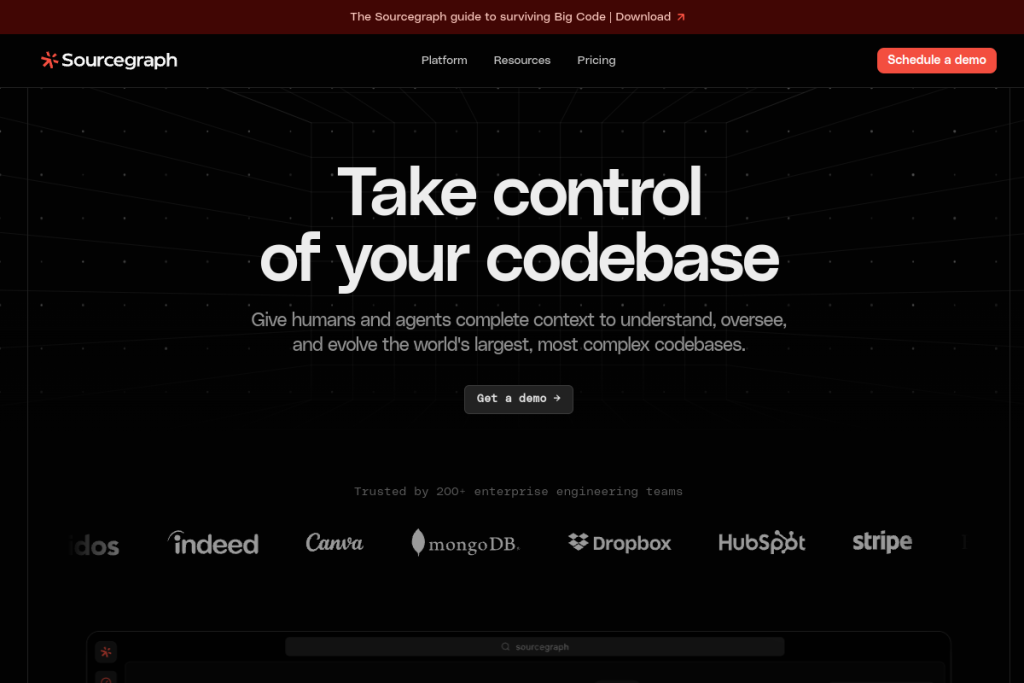
Sourcegraph is a code-intelligence platform for both human developers and AI agents. It provides exact, exhaustive code search across all your repositories, “Deep Search” that answers natural-language questions about your code with citations, an MCP server that gives AI agents complete code context, agentic tools for large-scale code changes, and code insights and monitoring to track migrations, adoption, and risks over time.
What it does well
- Code search — exact, exhaustive search across entire codebases.
- Natural-language questions — ask about your code and get cited answers.
- Agent context — give AI agents complete codebase context via MCP.
- Large-scale changes — make and track changes across many repositories.
- Insights and monitoring — track migrations, adoption, and risks.
Who it is for
Sourcegraph suits engineering teams at scale — especially enterprises with large, complex, or many codebases — who need to understand, search, and safely change code, and who are adopting AI agents that need reliable code context. It is aimed at organisations where codebase complexity is a real operational challenge.
Things to keep in mind
Code intelligence helps you understand and change code, but AI-generated or large-scale changes still require review and testing before they ship — correctness and safety remain the team’s responsibility. Realising the platform’s value also assumes real scale and integration effort, so it is aimed at teams with genuinely large or complex codebases rather than small projects.
Our verdict
Sourcegraph is a powerful platform for engineering teams grappling with large, fast-growing codebases, and its role in giving both people and AI agents complete code context is increasingly important. For enterprises where understanding and safely changing code is a real challenge, it is well worth evaluating. Review generated changes, invest in integration, and it can meaningfully improve how teams work at scale.
Frequently asked questions
What is Sourcegraph used for?
Understanding and changing large codebases — via exact code search, natural-language code questions with citations, large-scale automated changes, and providing AI agents with complete code context.
Is Sourcegraph only for humans or also AI agents?
Both — it serves human engineers and provides AI agents with complete codebase context (via an MCP server) to help them make reliable, safe changes at scale.
Reviewed by the World of AI Hub editorial team based on the tool website and documentation.
Top Sourcegraph Cody alternatives
Other hand-reviewed Coding Assistants tools worth comparing against Sourcegraph Cody.
AiderFree
Aider is a free AI coding assistant and developer tool tool for software developers. Our review covers what…
AlphaCodeFree
AlphaCode by Google DeepMind is a free AI coding assistant and developer tool tool for software developers. Our…
Amazon Q DeveloperFreemium
Amazon Q Developer by Amazon Web Services is a freemium AI business and coding assistant tool for software…
AnacondaFree
Anaconda is a free AI coding assistant and developer tool tool for engineers. Our review covers what it…
ApplitoolsPaid
Applitools is a paid AI coding assistant and developer tool tool for engineers. Our review covers what it…
AskCodiFreemium
AskCodi is a freemium AI coding assistant and developer tool tool for software developers. Our review covers what…
Are you the maker of Sourcegraph Cody?
Show visitors this review with the badge below. Copy the code into your site or press kit; it links straight back to this page.



