Key Takeaways
- Artguru is a one-click AI enhancer for photos, videos, and PDFs.
- It upscales images to 8K, restores old photos, and enhances portraits.
- It also offers an AI image generator, photo-to-AI-art, and background removal.
- Great for quickly improving and enlarging media without editing skills.
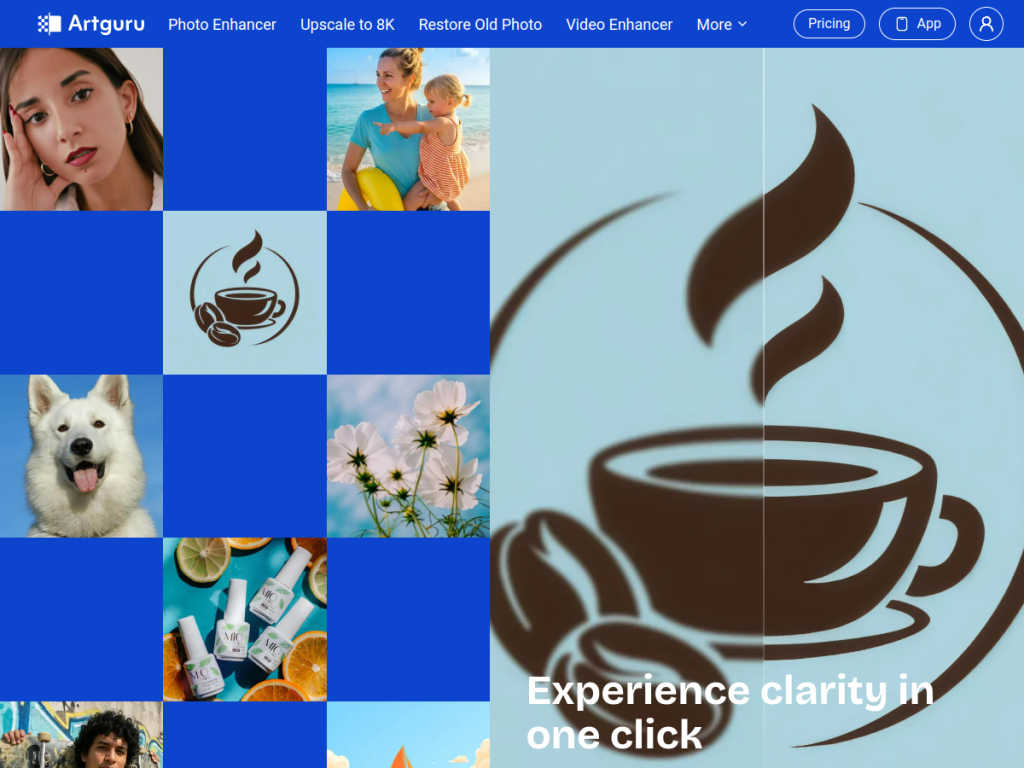
Artguru is a one-click AI enhancer built to make your photos, videos, and documents look sharper and cleaner with almost no effort. Upload an image and it removes noise, recovers detail, and upscales to high resolution — and it goes further with old-photo restoration, portrait enhancement, background removal, and even AI art generation. For anyone who wants better-looking media without learning photo-editing software, it is a fast, approachable tool.
What is Artguru?
Artguru is an AI-powered media enhancement platform that describes itself as a one-click AI enhancer for photo, video, and PDF. Its core is improving existing media quality: photo enhancement with noise removal and detail recovery, image upscaling up to 8K resolution, old-photo restoration, portrait and face enhancement, and document or PDF sharpening. Alongside enhancement it offers generative features — an AI image generator and a photo-to-AI-art tool — plus practical utilities like background removal, object removal, and batch processing for product images. It also provides API access for teams that want to automate enhancement at scale. The workflow is deliberately simple: upload, let the AI process, and download an improved result. Artguru is free to try, with paid subscriptions and credits unlocking higher resolution, batch processing, and API access.
What it does well
- One-click simplicity: enhance media without editing skills.
- High-res upscaling: enlarge images up to 8K.
- Restoration tools: fix old photos and enhance portraits.
- Broad utilities: background and object removal, plus AI art.
Who it is for
Artguru suits everyday users, content creators, ecommerce sellers, and small businesses who want to quickly improve, upscale, or restore images and other media without professional editing software. Its batch processing and API make it handy for product photos at scale, while old-photo restoration appeals to anyone reviving family pictures. Professionals wanting pixel-level manual control may prefer dedicated editors, and AI enhancement reconstructs rather than recovers true detail, but for fast, easy media improvement, Artguru is a capable, free-to-try option.
Things to keep in mind
- AI enhancement reconstructs detail, so results are improvements, not the true original.
- Higher resolution, batch processing, and API access require paid plans.
- One-click simplicity trades away the fine manual control of pro editors.
Our verdict
Artguru is a practical, approachable AI enhancer, and its one-click approach to sharpening, upscaling to 8K, and restoring photos, videos, and documents makes better-looking media accessible to anyone. Extras like AI art generation, background and object removal, and batch processing add real range, and the API suits teams. AI enhancement reconstructs rather than recovers true detail and deeper features are paid, but for quick, easy media improvement without editing expertise, Artguru is a useful, free-to-try tool.
Frequently asked questions
What is Artguru?
Artguru is a one-click AI enhancer for photos, videos, and PDFs that upscales, restores, and sharpens media, and also offers an AI image generator and photo-to-AI-art.
What can Artguru enhance?
It can enhance and upscale photos to 8K, restore old photos, improve portraits, sharpen documents, and remove backgrounds or objects, with batch processing for product images.
Is Artguru free?
Artguru is free to try, with paid subscriptions and credits unlocking higher resolution, batch processing, and API access.
Who is Artguru for?
It is for everyday users, creators, and ecommerce sellers who want to quickly improve, upscale, or restore images and media without professional editing software.


