Key Takeaways
- Amazon Textract is an AWS machine-learning service that extracts text and data from documents.
- It goes beyond basic OCR to read forms, tables, handwriting, and document layout.
- It processes PDFs and images at scale, cutting manual data entry from days to minutes.
- Excellent for document-heavy workflows; it is a developer service billed per page.
Amazon Textract is the document-understanding service in the AWS family. It reads scanned documents the way a person would — pulling out not just raw text but the structure around it, like form fields, tables, and handwriting — so businesses can turn piles of paperwork into usable data without manual entry.
What is AWS Textract?
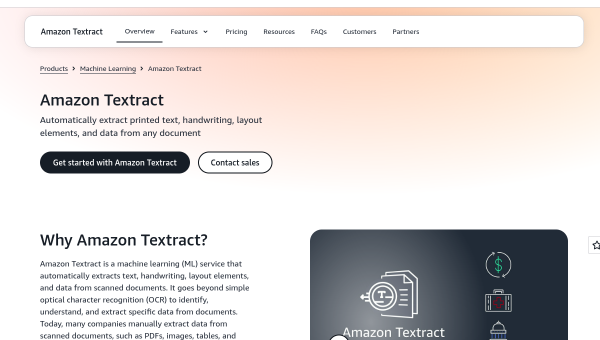
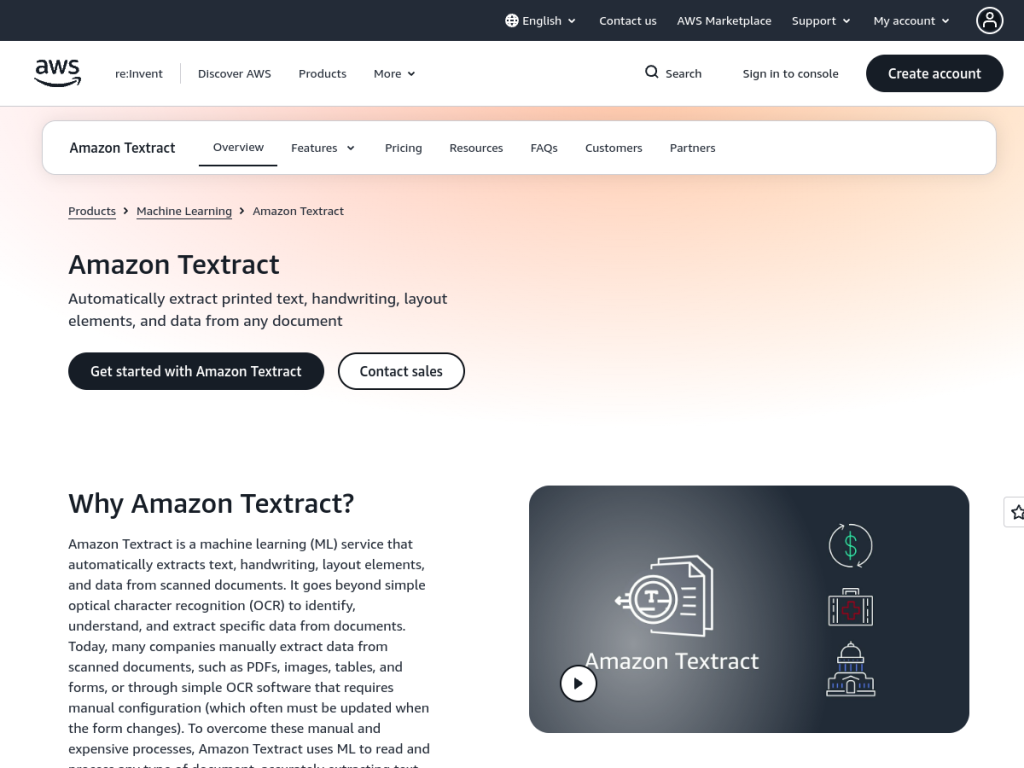
Amazon Textract is a machine-learning service that automatically extracts printed text, handwriting, layout elements, tables, and structured data from scanned documents. It goes well beyond basic optical character recognition (OCR): rather than just returning characters, it understands relationships — matching form labels to their values and preserving table structure — and offers query features to pull specific fields. It processes PDFs, images, and forms without manual template configuration, and is built to scale, reducing document processing from hours or days to minutes. As a managed AWS service it includes data privacy, encryption, and compliance support, and integrates into AWS pipelines. Common uses include loan and mortgage processing, healthcare intake and insurance forms, and government tax and application documents.
What it does well
- Beyond OCR: understands forms, tables, and layout, not just raw characters.
- Handwriting support: extracts handwritten text alongside printed.
- Scales automatically: processes large volumes as a managed service.
- Enterprise-ready: encryption, privacy, and compliance built in.
Who it is for
Amazon Textract is aimed at developers and organizations that need to digitize and process documents at scale — financial services, healthcare, insurance, government, and any business drowning in forms. It fits teams building document workflows, especially those already on AWS. It is less suited to a non-technical user who just needs to read a single PDF; Textract is an API to build on, and its value comes from automating high-volume document pipelines.
Things to keep in mind
- It is an API-first service — using it well requires development work.
- Per-page billing needs monitoring as document volumes grow.
- Extraction accuracy on poor scans or unusual layouts still warrants validation.
Our verdict
Amazon Textract is a powerful, scalable document-understanding service that solves a genuinely tedious problem: turning scanned forms and paperwork into structured data. Its ability to read tables, forms, and handwriting — not just plain text — sets it apart from basic OCR, and as a managed AWS service it scales effortlessly. It is a developer tool billed per page, so it suits organizations building document pipelines rather than one-off users. For document-heavy workflows, especially on AWS, it is an excellent choice.
Frequently asked questions
What is Amazon Textract used for?
Amazon Textract extracts text, handwriting, forms, tables, and structured data from scanned documents, automating tasks like loan processing, healthcare forms, and government paperwork.
How is Textract different from OCR?
It goes beyond basic OCR by understanding document structure — matching form labels to values, preserving tables, and answering queries — not just returning raw characters.
How much does Amazon Textract cost?
It is pay-as-you-go, priced per page and varying by feature, with a free tier covering a limited number of pages per month for new users.
Can Textract read handwriting?
Yes. Amazon Textract can extract handwritten text alongside printed text, tables, and form data.
Top AWS Textract alternatives
Other hand-reviewed OCR tools worth comparing against AWS Textract.
ABBYY FineReaderPaid
ABBYY FineReader is a paid AI business and ocr tool for operations teams. Our review covers what it…
Adobe Acrobat AIFreemium
Adobe Acrobat AI is a freemium AI business and ocr tool for document-heavy teams. Our review covers what…
Azure AI VisionPaid
Azure AI Vision by Microsoft Azure is a paid AI business and ocr tool for operations teams. Our…
DocparserPaid
Docparser is a paid AI business and ocr tool for operations teams. Our review covers what it does,…
DocsumoPaid
Docsumo is a paid AI business and ocr tool for operations teams. Our review covers what it does,…
DocuWareEnterprise
DocuWare is an enterprise AI automation and business tool for operations teams. Our review covers what it does,…
Are you the maker of AWS Textract?
Show visitors this review with the badge below. Copy the code into your site or press kit; it links straight back to this page.



