Key Takeaways
- Azure Machine Learning is Microsoft’s enterprise platform for ML and AI.
- It builds, trains, deploys, and manages models at scale.
- It offers AutoML, a designer, notebooks, and MLOps tooling.
- Great for enterprises and data teams doing ML on Azure.
Azure Machine Learning is Microsoft’s enterprise platform for the full machine-learning lifecycle — building, training, deploying, and managing models at scale on Azure. It serves both code-first data scientists (with notebooks and SDKs) and lower-code users (with AutoML and a drag-and-drop designer), and adds the MLOps tooling enterprises need for governance and reliability. For organizations building AI on Azure, it is a comprehensive, well-integrated backbone.
What is Azure ML?
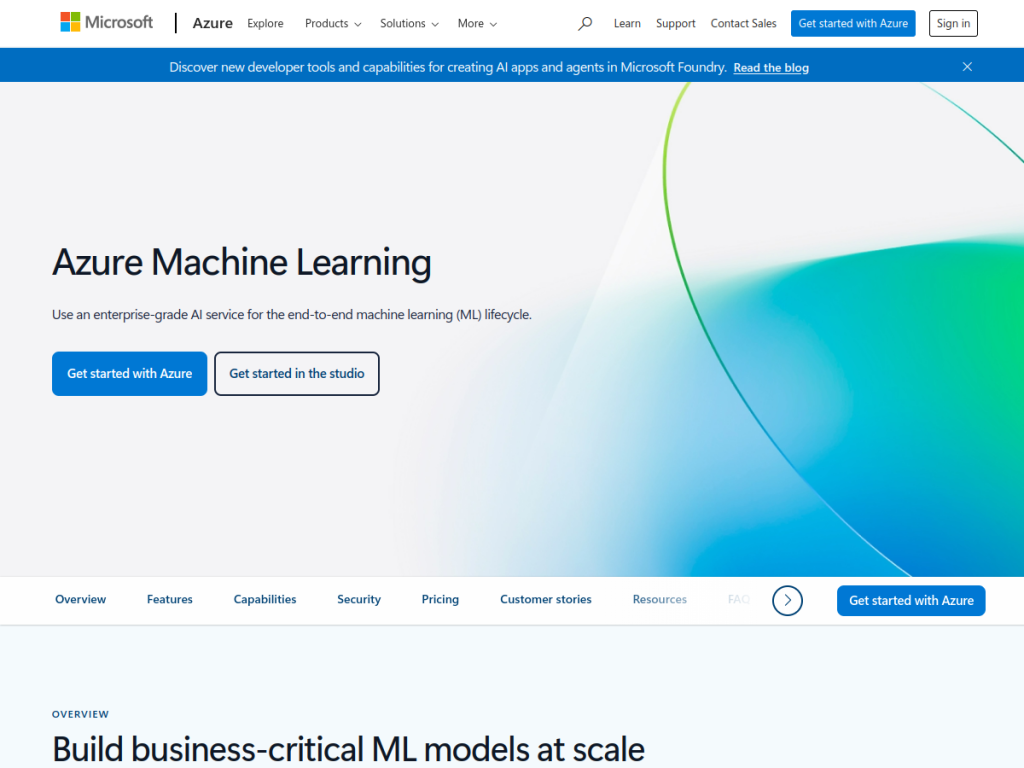
Azure Machine Learning is Microsoft’s cloud platform for the end-to-end machine-learning lifecycle, enabling teams to build, train, deploy, and manage ML models at enterprise scale. Its capabilities span code-first development (managed Jupyter notebooks, Python SDK, and CLI), automated machine learning (AutoML) for training models with minimal manual work, a drag-and-drop designer for low-code model building, scalable compute for training (including GPU clusters), model deployment as managed endpoints with autoscaling, and MLOps tooling for pipelines, versioning, monitoring, and governance. It also supports responsible-AI tooling and integrates with the broader Azure ecosystem (data services, security, and identity), plus generative-AI workflows via Azure AI. It targets data scientists, ML engineers, and enterprises needing production-grade, governed machine learning. Azure ML uses Azure usage-based pricing with a free tier or credits to start.
What it does well
- Full lifecycle: build, train, deploy, and manage models.
- Code-first or low-code: notebooks, SDK, AutoML, and designer.
- MLOps: pipelines, versioning, monitoring, and governance.
- Enterprise-ready: Azure security, identity, and scale.
Who it is for
Azure Machine Learning fits data scientists, ML engineers, and enterprises — especially those on Azure — that need to build, train, deploy, and govern machine-learning models at production scale, with both code-first and low-code paths and strong MLOps. Its integration with Azure data and security services suits regulated environments. Small teams with simple needs may find lighter tools sufficient, and it has a real learning curve with usage-based costs, but for enterprise ML on Azure, Azure Machine Learning is a comprehensive, capable choice with a free tier.
Things to keep in mind
- It is an enterprise platform with a genuine learning curve.
- Usage-based pricing means costs scale with compute and services.
- Full value comes for teams building on Azure.
Our verdict
Azure Machine Learning is a comprehensive enterprise ML platform, and its range is its strength: code-first notebooks and SDKs for data scientists, AutoML and a drag-and-drop designer for lower-code users, scalable GPU training, managed deployment endpoints, and the MLOps tooling — pipelines, versioning, monitoring, governance — that production ML demands, all integrated with Azure’s data, security, and identity services. It carries a learning curve and usage-based costs and is best for Azure-committed teams, but for enterprise machine learning on Azure, it is an excellent choice with a free tier.
Frequently asked questions
What is Azure Machine Learning?
Azure Machine Learning is Microsoft’s enterprise platform for building, training, deploying, and managing ML models at scale, with notebooks, AutoML, a designer, and MLOps tooling.
Does Azure ML support low-code?
Yes, it offers AutoML for automated model training and a drag-and-drop designer, alongside code-first notebooks, a Python SDK, and CLI.
Is Azure ML free?
Azure Machine Learning uses Azure usage-based pricing with a free tier or credits to get started; costs scale with compute and services.
Who is Azure ML for?
It is for data scientists, ML engineers, and enterprises — especially on Azure — that need production-grade, governed machine learning.
Top Azure ML alternatives
Other hand-reviewed Coding Assistants tools worth comparing against Azure ML.
AiderFree
Aider is a free AI coding assistant and developer tool tool for software developers. Our review covers what…
AlphaCodeFree
AlphaCode by Google DeepMind is a free AI coding assistant and developer tool tool for software developers. Our…
Amazon Q DeveloperFreemium
Amazon Q Developer by Amazon Web Services is a freemium AI business and coding assistant tool for software…
AnacondaFree
Anaconda is a free AI coding assistant and developer tool tool for engineers. Our review covers what it…
ApplitoolsPaid
Applitools is a paid AI coding assistant and developer tool tool for engineers. Our review covers what it…
AskCodiFreemium
AskCodi is a freemium AI coding assistant and developer tool tool for software developers. Our review covers what…
Are you the maker of Azure ML?
Show visitors this review with the badge below. Copy the code into your site or press kit; it links straight back to this page.



