Key Takeaways
- Azure Text to Speech is Microsoft’s enterprise-grade AI voice service.
- It offers hundreds of neural voices across 140+ languages and variants.
- It supports SSML control, custom neural voice, and real-time synthesis.
- Great for developers and enterprises adding natural speech to apps.
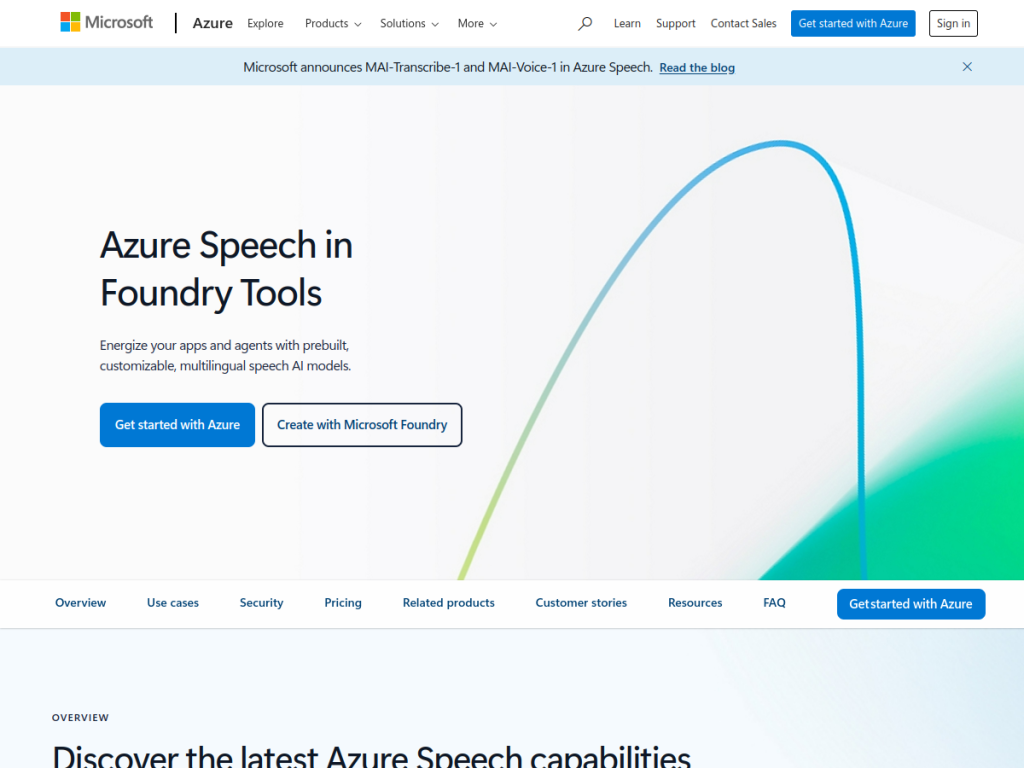
Azure Text to Speech (part of Azure AI Speech) is Microsoft’s enterprise voice service, turning text into remarkably natural speech using neural voices. It offers hundreds of prebuilt voices across more than a hundred languages and variants, fine control over pronunciation and style via SSML, and the ability to create a custom neural voice for your brand. For developers and organizations that need high-quality, scalable, responsibly governed speech in their applications, it is a leading choice.
What is Azure TTS?
Azure Text to Speech, part of Azure AI Speech, is Microsoft’s cloud text-to-speech service that converts text into natural-sounding speech using neural voices. Its capabilities include a large library of prebuilt neural voices spanning 140-plus languages and variants, with many voices offering speaking styles and emotions; fine-grained control through SSML (adjusting pronunciation, pitch, rate, pauses, and emphasis); real-time streaming and batch synthesis; and Custom Neural Voice, which lets approved organizations create a unique brand voice (gated under Microsoft’s responsible-AI requirements, including consent and disclosure). It also supports avatar and other speech capabilities within Azure AI Speech, and integrates with the broader Azure ecosystem with enterprise security and compliance. It targets developers and enterprises building voice into applications — from accessibility and IVR to content and media. It uses usage-based pricing with a free tier.
What it does well
- Natural neural voices: hundreds across 140+ languages.
- Fine control: SSML for pronunciation, style, and pacing.
- Custom neural voice: a unique brand voice (gated).
- Enterprise-grade: scale, security, and compliance.
Who it is for
Azure Text to Speech fits developers and enterprises — especially on Azure — that need high-quality, natural speech in their applications, whether for accessibility, IVR and voice agents, e-learning, or media, with fine SSML control and broad language coverage. Its Custom Neural Voice suits brands wanting a distinctive voice, under Microsoft’s responsible-AI gating. Non-developers wanting a simple voiceover app will find consumer tools easier, and usage-based costs scale, but for enterprise-grade, scalable AI speech, it is an excellent choice with a free tier.
Things to keep in mind
- It is a developer service; consumer tools are simpler for one-off voiceovers.
- Custom Neural Voice is gated with consent and disclosure requirements.
- Usage-based pricing means costs scale with characters synthesized.
Our verdict
Azure Text to Speech is a leading enterprise voice service, and its combination is hard to beat for developers: hundreds of natural neural voices across 140-plus languages and variants, fine-grained SSML control over pronunciation, style, and pacing, real-time and batch synthesis, and Custom Neural Voice for a distinctive brand voice — all with Azure’s scale, security, and compliance, and responsible-AI gating on sensitive capabilities. Consumer tools are simpler for one-off voiceovers and costs scale with usage, but for enterprise-grade AI speech in applications, it is an excellent choice with a free tier.
Frequently asked questions
What is Azure Text to Speech?
Azure Text to Speech (part of Azure AI Speech) is Microsoft’s enterprise TTS service that converts text into natural neural speech across 140+ languages and variants.
Does Azure TTS support custom voices?
Yes, Custom Neural Voice lets approved organizations create a unique brand voice, gated under Microsoft’s responsible-AI requirements including consent and disclosure.
Is Azure Text to Speech free?
It uses Azure usage-based pricing with a free tier to get started; costs scale with the amount of speech synthesized.
Who is Azure TTS for?
It is for developers and enterprises building natural speech into applications — accessibility, voice agents, e-learning, and media — with fine control and scale.


