Key Takeaways
- Bigjpg is an AI image upscaler using deep convolutional neural networks.
- It enlarges images while reducing noise and preserving colors, details, and edges.
- It handles both anime/illustrations and regular photos, up to 16x for premium.
- Great for enlarging images cleanly; free tier covers light use.
Bigjpg is a focused, long-running AI image upscaler that enlarges pictures without the blurry, jagged results ordinary resizing produces. Using deep convolutional neural networks, it increases resolution while reducing noise and preserving colors, details, and edges — and it is especially good with anime and illustrations as well as photos. For anyone who needs to make an image bigger while keeping it looking clean, it is a simple, effective tool with a free tier.
What is BigJPG?
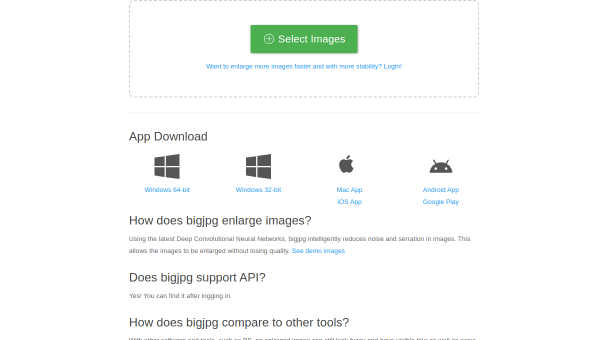
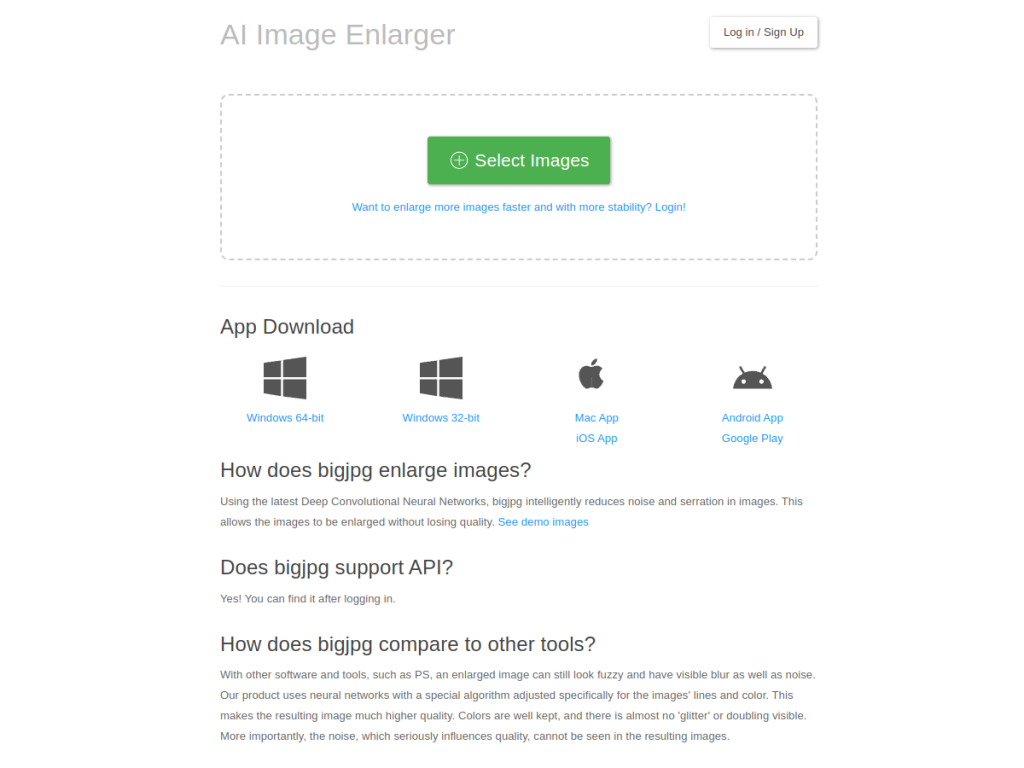
Bigjpg is an AI-powered image enlargement tool that uses deep convolutional neural networks to upscale images while reducing noise and preserving quality. It is designed to enlarge both anime or illustration artwork and regular photographs, offering multiple enlargement ratios — up to 4x on the free tier and up to 16x for premium users — along with adjustable noise reduction. The service is available across Windows, Mac, iOS, and Android, and provides API access for developers, plus batch processing and parallel enlarging on premium plans. Bigjpg positions its results as superior to traditional software for preserving colors, details, and edges when enlarging. Its free plan allows 20 images per month up to 3000×3000 pixels at 4x; paid plans (starting around $6) raise image limits, enable up to 16x enlargement, allow larger uploads, and add priority processing.
What it does well
- Clean enlargement: preserves colors, details, and edges.
- Anime and photos: tuned for illustrations as well as photographs.
- High ratios: up to 16x enlargement for premium users.
- Cross-platform: web plus Windows, Mac, iOS, Android, and an API.
Who it is for
Bigjpg suits illustrators, anime and manga fans, designers, ecommerce sellers, and anyone who needs to enlarge images — artwork, product shots, or photos — without the blur and artifacts of ordinary resizing. Its anime-friendly models make it a favorite for illustration work, and its API suits developers automating upscaling. Users needing generative detail beyond upscaling will want other tools, and heavy use requires a paid plan, but for clean, reliable AI image enlargement, Bigjpg is a proven, free-to-start choice.
Things to keep in mind
- It upscales existing images; it does not generate new detail from scratch.
- The free tier is limited to 20 images per month at up to 4x.
- Higher ratios, larger sizes, and batch processing need paid plans.
Our verdict
Bigjpg is a dependable, focused AI upscaler that does one thing well: enlarging images — both anime and photos — while preserving colors, details, and edges far better than ordinary resizing. Deep-learning models, up to 16x enlargement, cross-platform apps, and an API make it flexible, and the free tier covers light use. It is an upscaler rather than a detail generator and heavier use is paid, but for anyone who needs to make images bigger while keeping them clean, Bigjpg is a solid, well-established choice.
Frequently asked questions
What is Bigjpg?
Bigjpg is an AI image upscaler that uses deep convolutional neural networks to enlarge images — anime and photos — while reducing noise and preserving colors, details, and edges.
How much can Bigjpg enlarge images?
It offers up to 4x enlargement on the free tier and up to 16x for premium users, with adjustable noise reduction.
Is Bigjpg free?
Yes, a free plan allows 20 images per month up to 3000×3000 pixels at 4x. Paid plans (starting around $6) raise limits, enable up to 16x, and add batch processing.
Is Bigjpg good for anime?
Yes, Bigjpg is specifically tuned to enlarge anime and illustration artwork cleanly, as well as regular photographs.
Top BigJPG alternatives
Other hand-reviewed Image Generation tools worth comparing against BigJPG.
Adobe FireflyFreemium
Adobe Firefly is a freemium AI design and image generation tool for creatives and visual artists. Our review…
ArtbreederFreemium
Artbreeder is a freemium AI design and image generation tool for creatives and visual artists. Our review covers…
ArtguruFreemium
Artguru is a freemium AI design and image generation tool for creatives and visual artists. Our review covers…
Automatic1111Free
Automatic1111 is a free AI design and image generation tool for creatives and visual artists. Our review covers…
Canva AIFreemium
Canva AI is a freemium AI design and image generation tool for designers. Our review covers what it…
CivitaiFreemium
Civitai is a freemium AI design and image generation tool for creatives and visual artists. Our review covers…
Are you the maker of BigJPG?
Show visitors this review with the badge below. Copy the code into your site or press kit; it links straight back to this page.



