Key Takeaways
- Bito is an AI development platform focused on grounding agents in your codebase.
- It builds a living knowledge graph from your code, commits, issues, and docs.
- It offers AI code reviews with cross-repo impact analysis on pull requests.
- Great for teams wanting AI coding help grounded in their real system context.
Bito aims to fix a common weakness in AI coding tools: they often lack real context about your specific system. Bito builds a living knowledge graph from your code, commits, issues, and documentation, so its AI agents understand your actual architecture, services, and patterns — then uses that context for grounded coding and thorough AI code reviews. For engineering teams that want AI help that fits their codebase rather than generic suggestions, it is a thoughtful approach.
What is Bito AI?
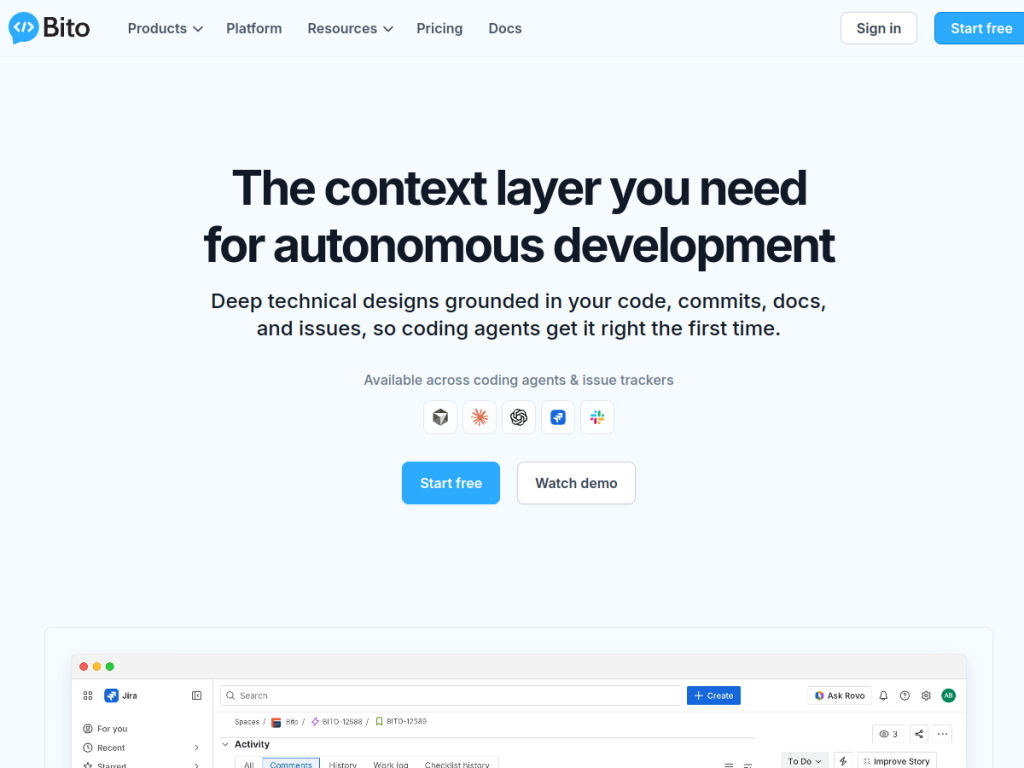
Bito is an AI development platform that describes itself as building the context layer needed for autonomous development. Its foundation is an AI Architect that creates a living knowledge graph from your code, commits, issues, and docs, mapping the services, APIs, dependencies, and architectural patterns of your system. On top of that context it offers design and scoping (generating technical designs and breaking epics into stories), grounded coding aimed at production-ready output that follows your actual service patterns, and AI code reviews that provide pull-request feedback and cross-repo impact analysis on every PR. It integrates with tools developers already use — Cursor, Claude Code, GitHub, Jira, Linear, and Slack — and reports strong benchmark results, including higher task success on SWE-Bench Pro, reduced token costs, and much faster PR reviews. Bito offers a free plan to start, with paid tiers for more usage and team features.
What it does well
- Context-grounded: builds a knowledge graph of your real codebase.
- Thorough reviews: PR feedback with cross-repo impact analysis.
- Design help: generates technical designs and breaks down epics.
- Integrated: works with Cursor, Claude Code, GitHub, Jira, and Slack.
Who it is for
Bito fits software engineering teams that want AI coding and review help grounded in their actual system context, not generic suggestions — especially those maintaining larger or multi-repo codebases where cross-repo impact analysis matters. Its integrations suit teams already using GitHub, Jira, Cursor, or Claude Code. Solo hobbyists on small projects may find simpler assistants sufficient, and AI-generated code and reviews still need human oversight, but for teams wanting context-aware AI development and code review, Bito is a capable, free-to-start platform.
Things to keep in mind
- AI-generated code and reviews still require human oversight and testing.
- Its value grows with codebase size and context, so tiny projects benefit less.
- Some advanced capabilities are in beta and evolving.
Our verdict
Bito takes a smart angle on AI-assisted development: instead of generic suggestions, it grounds its agents in a living knowledge graph of your code, commits, issues, and docs, then applies that context to grounded coding and cross-repo AI code reviews. Integrations with Cursor, Claude Code, GitHub, and Jira fit real team workflows, and its benchmark claims are encouraging. AI output still needs human oversight and the payoff scales with codebase size, but for engineering teams wanting context-aware AI coding and review, Bito is a thoughtful, free-to-start choice.
Frequently asked questions
What is Bito?
Bito is an AI development platform that builds a living knowledge graph of your codebase, commits, issues, and docs, then uses that context for grounded coding and AI code reviews.
What does Bito do for code review?
It provides AI pull-request reviews with cross-repo impact analysis on every PR, grounded in your system context rather than generic checks.
What does Bito integrate with?
It integrates with tools like Cursor, Claude Code, GitHub, Jira, Linear, and Slack.
Is Bito free?
Bito offers a free plan to start, with paid tiers that add more usage, AI code reviews, and team features.


