Key Takeaways
- Captions is an AI video editing platform that edits like a professional editor.
- It auto-cuts scenes, adds B-roll and transitions, and generates captions.
- It creates AI avatars, corrects eye contact, and translates into 100+ languages.
- Great for creators making polished talking-head and social videos fast.
Captions is an AI video tool built to do the tedious parts of editing for you. Feed it raw footage and it cuts scenes, adds B-roll and transitions, generates styled captions, cleans up audio, and even fixes eye contact — the kind of work that normally takes hours in an editor. It also creates AI avatars and translates videos into 100-plus languages. For creators who need polished talking-head and social videos quickly, it is a powerful, popular option.
What is Captions AI?
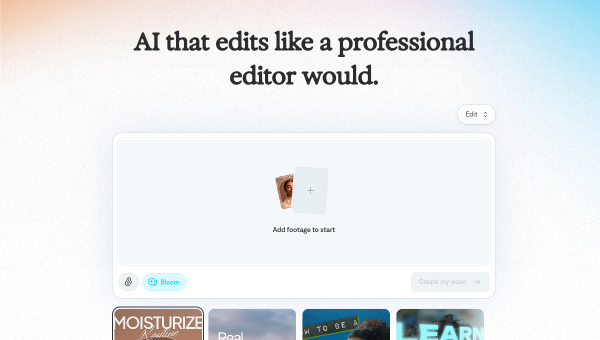
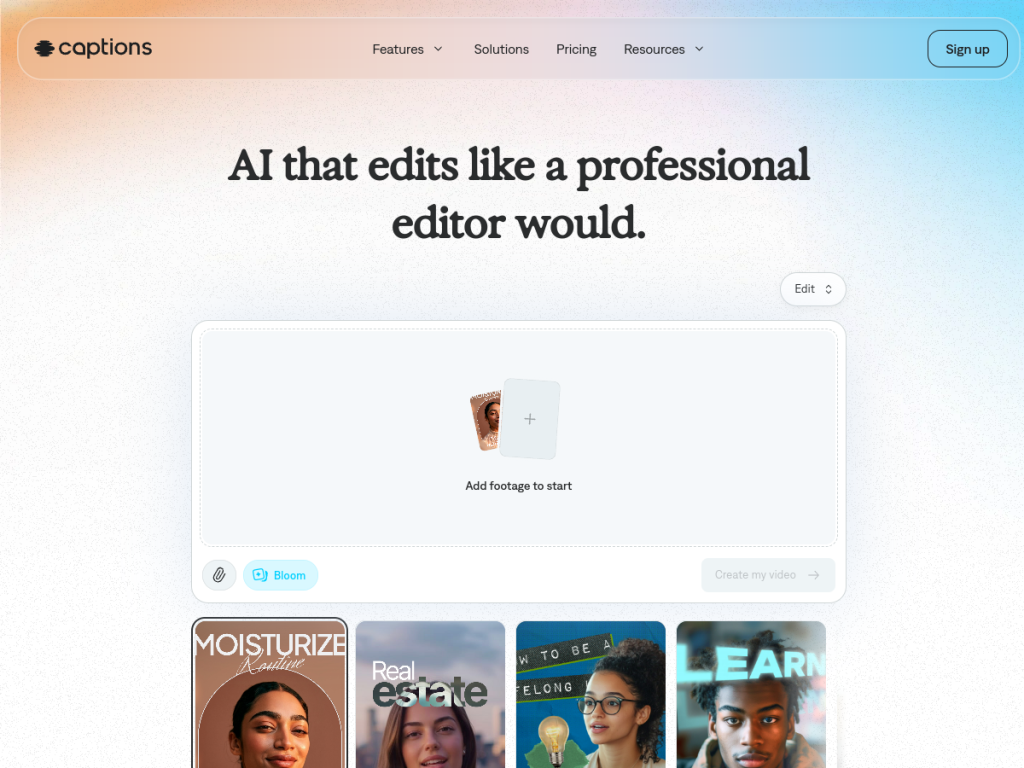
Captions is an AI-powered video editing platform that describes itself as AI that edits like a professional editor would, transforming raw footage into polished videos automatically. Its features are broad: AI editing that cuts scenes, adds B-roll, applies transitions, and stylizes videos with design templates; auto-captions with customizable fonts and 100-plus caption styles; AI avatars that create digital actors from a selfie or generate entirely new presenters for talking-head videos; translation across 100-plus languages; audio enhancement that removes background noise, trims pauses, and generates royalty-free music; automatic eye-contact correction; and a text-to-edit feature that lets you direct changes with simple prompts. It works as both a web app and a mobile app on iOS and Android, and the company reports a large user base of around 20 million. Captions is free to download with some free features, and full capabilities require a paid subscription.
What it does well
- Automated editing: cuts, B-roll, transitions, and styling done for you.
- Styled captions: 100+ caption styles with custom fonts.
- AI avatars: create digital presenters from a selfie or from scratch.
- Polish tools: eye-contact correction, audio cleanup, and translation.
Who it is for
Captions fits content creators, social media marketers, and small teams who produce talking-head and short-form videos and want professional-looking results without spending hours editing. Its avatars, captions, and eye-contact correction are especially useful for creators publishing frequently across platforms. Filmmakers wanting frame-by-frame manual control may prefer traditional editors, and AI edits benefit from a review pass, but for fast, polished social and talking-head video, Captions is a capable, widely used tool that is free to download.
Things to keep in mind
- Automated edits benefit from a human review pass before publishing.
- Full features require a paid subscription beyond the free tier.
- AI avatars and eye-contact correction can look synthetic in some cases.
Our verdict
Captions is a powerful AI video editor that genuinely automates the tedious parts — cutting scenes, adding B-roll, styling captions, cleaning audio, and even correcting eye contact — and its AI avatars and 100-plus-language translation extend it well beyond basic editing. With web and mobile apps and a large user base, it is a proven pick for creators. AI edits deserve a quick review and full features are paid, but for making polished talking-head and social videos fast, Captions is an excellent, free-to-download choice.
Frequently asked questions
What is Captions?
Captions is an AI video editing platform that automatically cuts scenes, adds B-roll and transitions, generates styled captions, creates AI avatars, and translates videos into 100+ languages.
What can Captions do automatically?
It can auto-edit footage, generate captions, enhance audio, correct eye contact, and let you direct changes with simple text prompts.
Is Captions free?
Captions is free to download with some free features; full capabilities require a paid subscription.
Who is Captions for?
It is for content creators, social media marketers, and small teams who want polished talking-head and short-form videos without hours of manual editing.
Top Captions AI alternatives
Other hand-reviewed Avatar Generators tools worth comparing against Captions AI.
Character.AIFreemium
Character.AI is a freemium AI avatars and chatbot tool for game developers. Our review covers what it does,…
ColossyanPaid
Colossyan is a paid AI avatars and video generation tool for video creators. Our review covers what it…
D-IDPaid
D-ID is a paid AI avatars and video generation tool for video creators. Our review covers what it…
ElevenLabsFreemium
ElevenLabs is a freemium AI avatars and video generation tool for video creators. Our review covers what it…
HeyGenPaid
HeyGen is a paid AI avatars and marketing tool for video creators. Our review covers what it does,…
Hidden DoorPaid
Hidden Door is a paid AI avatars and gaming tool for game developers. Our review covers what it…
Are you the maker of Captions AI?
Show visitors this review with the badge below. Copy the code into your site or press kit; it links straight back to this page.



