Key Takeaways
- ClickUp is an all-in-one work platform combining tasks, docs, goals, and communication.
- ClickUp Brain adds AI with full workspace context, multiple models, and customizable agents.
- It aims to replace many separate tools for over five million teams.
- Powerful and flexible for teams; that depth means a learning curve to set up well.
ClickUp sets out to be the one app that replaces the tangle of separate tools teams use — project management, docs, goals, and chat all in one place. It has built AI deeply into that foundation with ClickUp Brain, which understands your tasks, documents, and conversations, so its assistance is grounded in what your team is actually working on.
What is ClickUp?
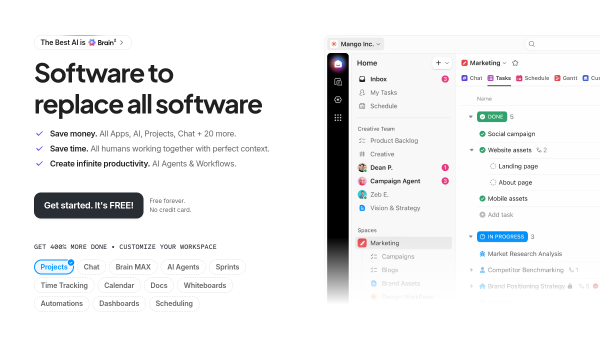
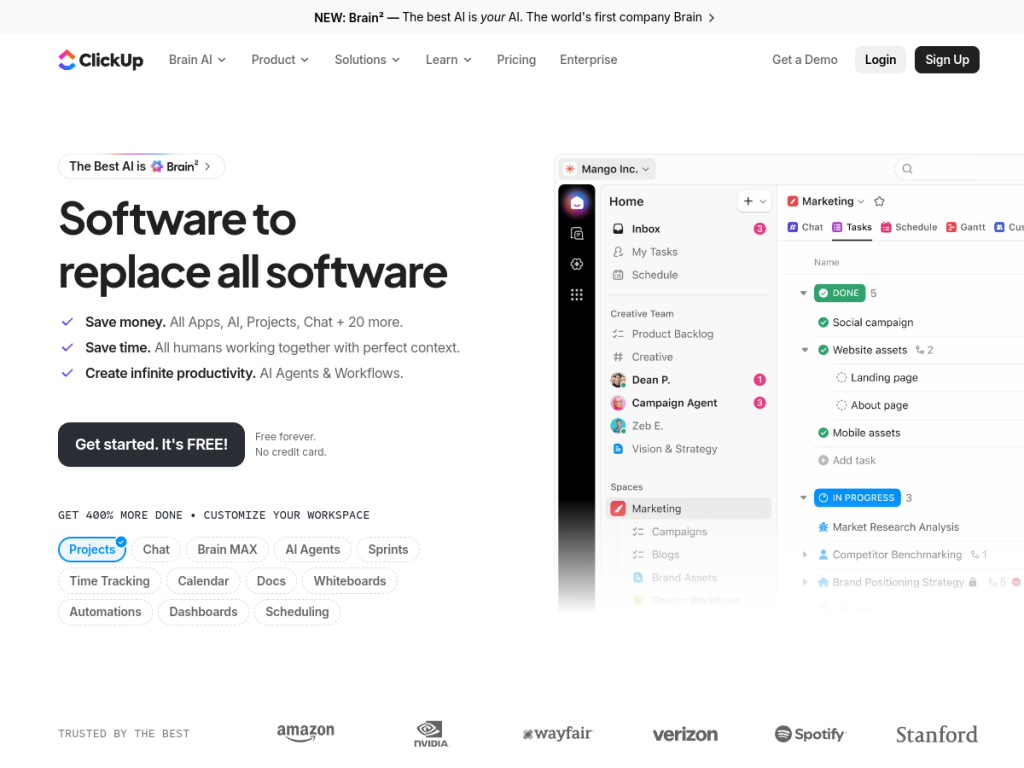
ClickUp is an all-in-one workspace that consolidates project management, documents, goals, whiteboards, and communication into a single platform used by millions of teams. Its AI layer, ClickUp Brain, is designed around context: it sees your tasks, docs, and conversations, so it can answer and act without a lengthy brief. Brain offers access to multiple leading models (such as GPT, Claude, and Gemini) with full workspace context, memory that learns team preferences and communication styles, and customizable AI agents that can delegate and handle work around the clock. It connects to tools like Google Drive, GitHub, and Salesforce, and surfaces relevant context proactively. ClickUp is known for a highly customizable, feature-rich approach and keeps a genuinely useful free-forever plan, with paid tiers priced per user and an AI add-on.
What it does well
- All-in-one: tasks, docs, goals, and chat replace several separate tools.
- Context-aware AI: ClickUp Brain grounds its help in your actual workspace.
- Multi-model and agents: access to leading models plus customizable AI agents.
- Free plan: a genuinely capable free-forever tier to start.
Who it is for
ClickUp suits teams of all sizes that want to consolidate their tools and are willing to invest a little setup time to tailor it to their workflow — from startups to larger organizations. Its AI is most valuable to teams already managing work in ClickUp, since Brain draws on that context. Users who want a dead-simple, minimal task list may find ClickUp’s depth overwhelming, but for teams that want power and flexibility in one place, it is a leading choice.
Things to keep in mind
- Its flexibility and feature depth create a learning curve to configure well.
- The most advanced AI features come via the ClickUp Brain add-on and paid plans.
- Consolidating many tools into one means investing time to migrate and set up.
Our verdict
ClickUp is one of the most capable all-in-one work platforms, and ClickUp Brain is a standout because its AI is grounded in real workspace context rather than bolted-on chat. Access to multiple models plus customizable agents pushes it further. The trade-off is complexity: it takes setup to tame its depth, and the best AI sits behind add-ons. But for teams that want to replace a stack of tools and get context-aware AI in the bargain, ClickUp is an excellent, free-to-start choice.
Frequently asked questions
What is ClickUp?
ClickUp is an all-in-one work platform that combines project management, documents, goals, and communication, with AI built in through ClickUp Brain.
What is ClickUp Brain?
ClickUp Brain is ClickUp’s AI that uses full workspace context — your tasks, docs, and conversations — and offers multiple models, memory, and customizable AI agents.
Is ClickUp free?
Yes, ClickUp has a generous free-forever plan. Paid plans add more features per user, with ClickUp Brain as an AI add-on and enterprise tiers.
Is ClickUp hard to learn?
Its power and flexibility create a learning curve, so it takes some setup to tailor it well, but that depth is also its main strength.
Top ClickUp alternatives
Other hand-reviewed Productivity tools worth comparing against ClickUp.
Abnormal SecurityPaid
Abnormal Security by Abnormal AI is a paid AI business and productivity tool for business teams. Our review…
Adobe Acrobat AIFreemium
Adobe Acrobat AI is a freemium AI business and ocr tool for document-heavy teams. Our review covers what…
AirtableFreemium
Airtable is a freemium AI business and productivity tool for knowledge workers. Our review covers what it does,…
AlmanacPaid
Almanac is a paid AI business and productivity tool for knowledge workers. Our review covers what it does,…
AsanaFreemium
Asana is a freemium AI business and productivity tool for knowledge workers. Our review covers what it does,…
Automation AnywherePaid
Automation Anywhere is a paid AI business and productivity tool for business teams. Our review covers what it…
ClickUp vs the competition
Are you the maker of ClickUp?
Show visitors this review with the badge below. Copy the code into your site or press kit; it links straight back to this page.



