Key Takeaways
- Comet is an AI developer platform for MLOps and LLM evaluation.
- Its Opik platform offers LLM observability, tracing, and evaluation.
- It also does classic ML experiment tracking and model management.
- Great for teams building and evaluating AI agents and ML models.
Comet is a well-established AI developer platform that has grown with the field: it built its name on machine-learning experiment tracking, and its Opik platform now tackles the newer challenge of making LLM applications and agents observable, evaluable, and cost-controlled. With tracing, 30-plus LLM-as-judge metrics, prompt optimization, and spend intelligence — plus open-source components — it is a strong choice for teams shipping AI they need to trust.
What is Comet?
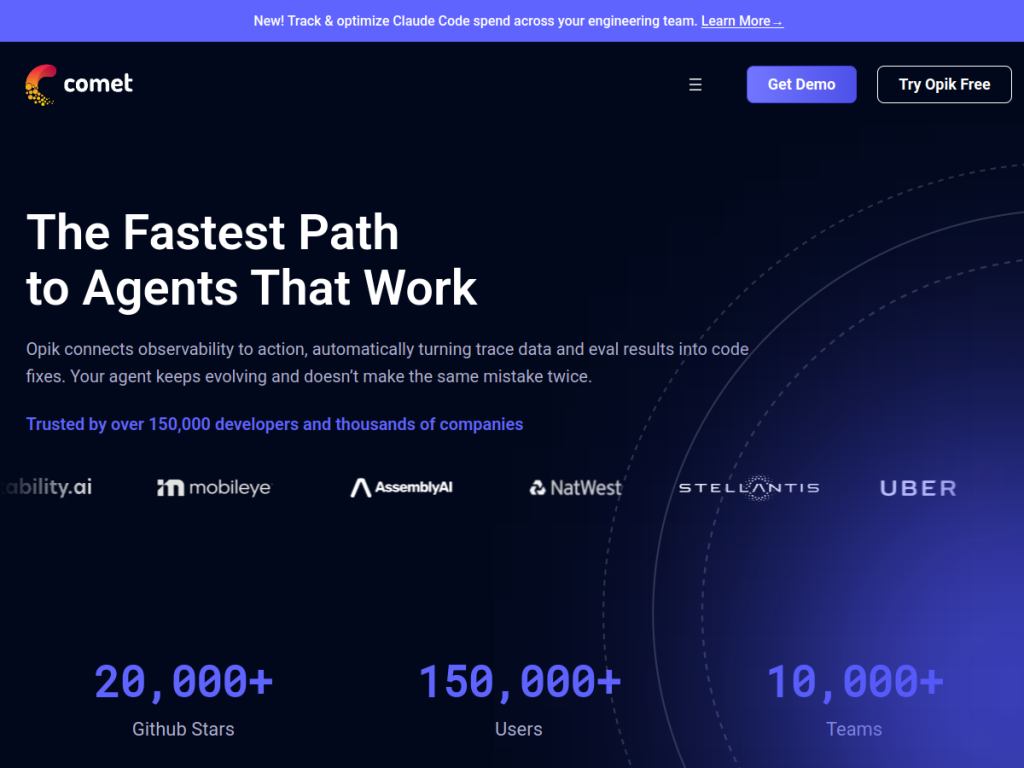
Comet is an AI developer platform combining MLOps capabilities with specialized tools for evaluating and optimizing AI agents and applications, offering both open-source and enterprise solutions. Its Opik platform (LLM-focused) provides LLM observability and tracing, Cost Intelligence for tracking engineering spend, automated prompt optimization (an Agent Optimizer), evaluation at scale with 30-plus LLM-as-judge metrics, a built-in coding agent that identifies fixes and writes changes, and production monitoring and governance. Its ML experiment management covers experiment tracking and comparison, model versioning and dataset management, production monitoring, and support for major frameworks (PyTorch, TensorFlow, Hugging Face, and more). Comet serves developers building AI agents and applications (reporting 150,000-plus users), engineering teams, enterprises needing governance, and ML practitioners, and is trusted by companies including Uber, Netflix, and Etsy. It offers a free tier (no credit card), open-source components, and paid enterprise plans.
What it does well
- LLM observability: tracing and evaluation via Opik.
- Evaluation at scale: 30+ LLM-as-judge metrics.
- Cost intelligence: track and control AI spend.
- Classic MLOps: experiment tracking and model management.
Who it is for
Comet fits AI developers, ML engineers, and teams — from startups to enterprises — who need to track ML experiments and, increasingly, to observe, trace, evaluate, and control the cost of LLM applications and agents in production. Its Opik platform and open-source components suit teams that want serious evaluation without lock-in. Individuals on tiny projects may not need full platform tooling, and getting value requires real AI workloads to measure, but for building and evaluating AI you can trust, Comet is a capable, well-established choice with a free tier.
Things to keep in mind
- Its value grows with real ML and LLM workloads to track.
- Enterprise features and scale move to paid plans.
- Adopting evaluation practice takes some process discipline.
Our verdict
Comet is a capable, well-established AI developer platform, and its evolution is well judged: alongside solid ML experiment tracking, model versioning, and monitoring, its Opik platform tackles the modern problem of LLM applications — observability and tracing, evaluation at scale with 30-plus LLM-as-judge metrics, automated prompt optimization, and cost intelligence to control spend. Open-source components and a free tier lower the barrier, and adoption by Uber, Netflix, and Etsy signals maturity. Its value needs real workloads and enterprise features are paid, but for building and evaluating trustworthy AI, Comet is an excellent choice.
Frequently asked questions
What is Comet?
Comet is an AI developer platform combining MLOps (experiment tracking, model management) with its Opik platform for LLM observability, tracing, evaluation, and cost intelligence.
What is Opik?
Opik is Comet’s LLM-focused platform offering observability and tracing, evaluation with 30+ LLM-as-judge metrics, prompt optimization, and cost tracking for AI applications and agents.
Is Comet free?
Comet offers a free tier (no credit card) with open-source components, plus paid enterprise plans.
Who is Comet for?
It is for AI developers, ML engineers, and teams who need to track ML experiments and observe, evaluate, and cost-control LLM applications and agents in production.
Top Comet alternatives
Other hand-reviewed Coding Assistants tools worth comparing against Comet.
AiderFree
Aider is a free AI coding assistant and developer tool tool for software developers. Our review covers what…
AlphaCodeFree
AlphaCode by Google DeepMind is a free AI coding assistant and developer tool tool for software developers. Our…
Amazon Q DeveloperFreemium
Amazon Q Developer by Amazon Web Services is a freemium AI business and coding assistant tool for software…
AnacondaFree
Anaconda is a free AI coding assistant and developer tool tool for engineers. Our review covers what it…
ApplitoolsPaid
Applitools is a paid AI coding assistant and developer tool tool for engineers. Our review covers what it…
AskCodiFreemium
AskCodi is a freemium AI coding assistant and developer tool tool for software developers. Our review covers what…
Are you the maker of Comet?
Show visitors this review with the badge below. Copy the code into your site or press kit; it links straight back to this page.



