Key Takeaways
- Cursor is a popular AI-native code editor built for agentic development.
- It understands your whole codebase and can build, edit, and test across many files.
- Aimed at developers and teams who want AI deeply integrated into their editor.
- Powerful, but you must review generated code — it accelerates, it does not replace engineering.
Cursor has become one of the most popular AI coding tools by rebuilding the editor around AI. Rather than bolting a chatbot onto an IDE, it makes AI central: understanding your entire codebase, editing across many files from a single instruction, and increasingly running agents that build and test features. For developers who want AI woven into how they code, it is a standout.
What is Cursor?
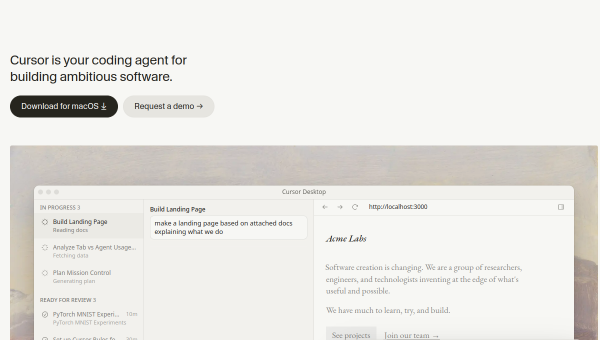
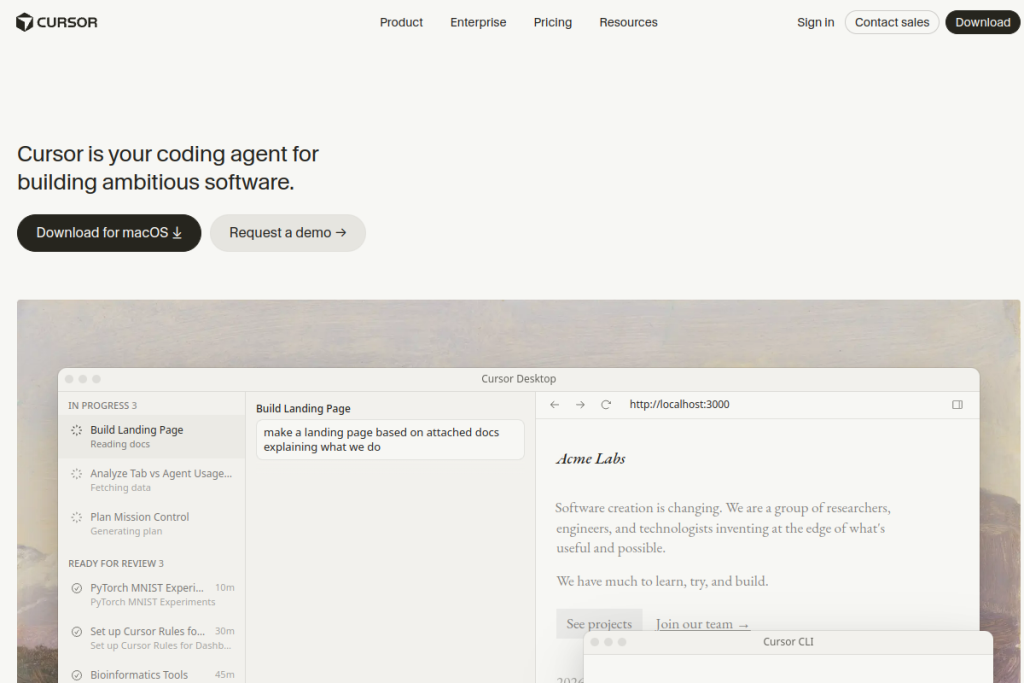
Cursor is an AI-native code editor (built on the familiar VS Code foundation) designed for agentic development. It offers intelligent autocomplete, chat, and AI agents that can autonomously build, edit, and test features across your codebase, with semantic understanding of your whole project. It supports multiple leading models, and extends beyond the editor with CLI, GitHub PR reviews, and more.
What it does well
- Codebase understanding — semantic awareness of your whole project.
- Multi-file editing — make changes across many files from one instruction.
- AI agents — autonomously build, edit, and test features.
- Multi-model — access leading models within the editor.
- Familiar foundation — built on VS Code, so it feels like home.
Who it is for
Cursor suits developers and engineering teams — from individuals to large enterprises — who want AI deeply integrated into their coding workflow rather than as a separate assistant. It is especially compelling for those who work across large codebases and want AI that understands the whole project and can make coordinated, multi-file changes.
Things to keep in mind
AI coding tools accelerate work but do not remove the need to review and test generated code — correctness, security, and maintainability are still the developer’s responsibility, especially as agents take on more autonomy. Treat Cursor as a powerful accelerator you supervise, and keep engineering judgement firmly in the loop for anything headed to production.
Our verdict
Cursor is a genuinely impressive AI code editor and a leader in the shift toward agentic development. For developers who want AI that understands their codebase and can act across it, it can meaningfully speed up real work. Review generated code, keep humans accountable for quality, and Cursor becomes a powerful part of a modern development workflow.
Frequently asked questions
Is Cursor built on VS Code?
Yes — Cursor is built on the VS Code foundation, so it feels familiar and supports many existing extensions, while adding deep AI integration and agentic capabilities.
Can Cursor write code by itself?
Its AI agents can autonomously build, edit, and test features, but generated code still needs review and testing — it accelerates development rather than replacing engineering judgement.
Reviewed by the World of AI Hub editorial team based on hands-on use and the tool documentation.
Top Cursor alternatives
Other hand-reviewed Coding Assistants tools worth comparing against Cursor.
AiderFree
Aider is a free AI coding assistant and developer tool tool for software developers. Our review covers what…
AlphaCodeFree
AlphaCode by Google DeepMind is a free AI coding assistant and developer tool tool for software developers. Our…
Amazon Q DeveloperFreemium
Amazon Q Developer by Amazon Web Services is a freemium AI business and coding assistant tool for software…
AnacondaFree
Anaconda is a free AI coding assistant and developer tool tool for engineers. Our review covers what it…
ApplitoolsPaid
Applitools is a paid AI coding assistant and developer tool tool for engineers. Our review covers what it…
AskCodiFreemium
AskCodi is a freemium AI coding assistant and developer tool tool for software developers. Our review covers what…
Cursor vs the competition
Are you the maker of Cursor?
Show visitors this review with the badge below. Copy the code into your site or press kit; it links straight back to this page.



