Key Takeaways
- Databricks is a unified platform for data, analytics, and AI built on the lakehouse.
- It combines data engineering, warehousing, ML, and generative AI in one place.
- Its AI tools include Genie for analytics and Agent Bricks for building AI agents.
- Great for enterprises unifying data and AI; built for technical and business teams.
Databricks is a unified data and AI platform used by thousands of organizations to bring their data, analytics, and AI together in one place. Built around the lakehouse — combining the flexibility of a data lake with the structure of a warehouse — it lets teams engineer data, run analytics, train machine-learning models, and build generative-AI applications on shared, governed foundations. For enterprises serious about doing data and AI at scale, it is a leading platform.
What is Databricks?
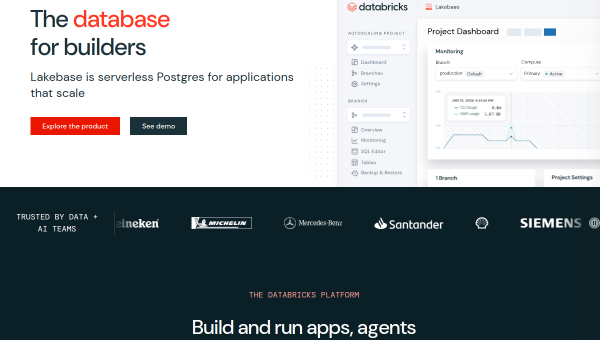
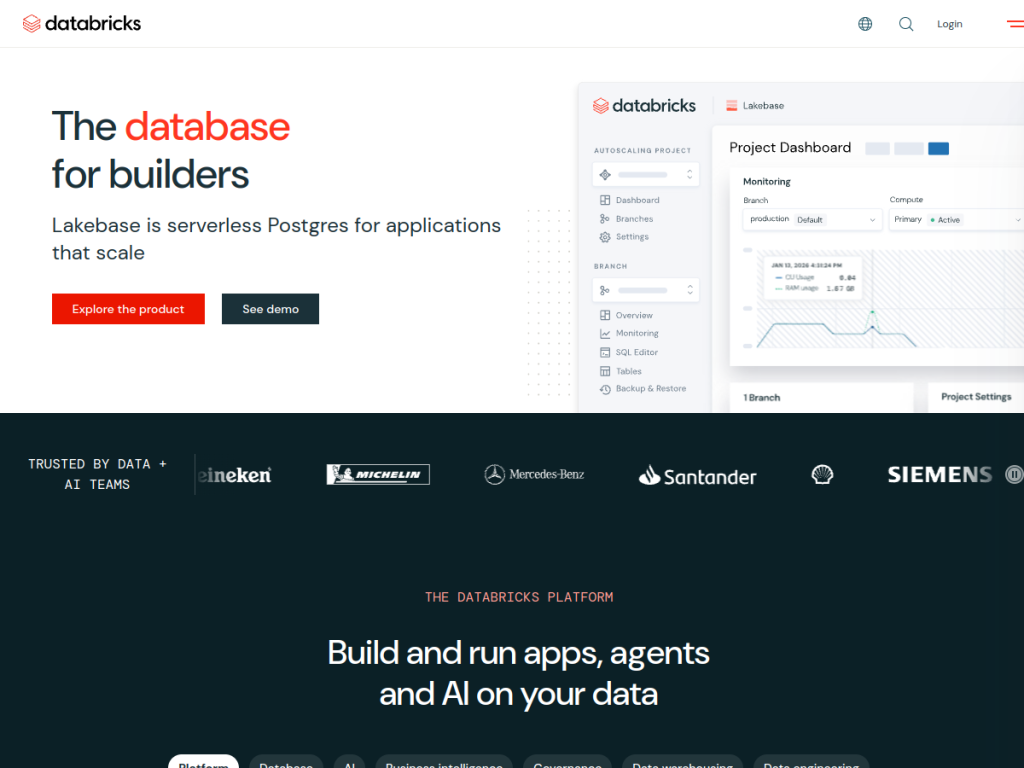
Databricks is a unified platform for data, analytics, and AI that helps organizations unify their data and use it to power agents, apps, and natural-language insights. It is built on the lakehouse architecture, combining data lake and data warehouse capabilities so teams can work from a single source of truth. Its platform spans several components: a serverless lakehouse and warehouse for analytics, Lakeflow for ETL and orchestration across batch and streaming data, Unity Catalog for unified governance across data, models, and AI assets, Lakebase (serverless Postgres integrated with the lakehouse), Genie for AI-powered analytics and dashboards, and Agent Bricks for building production-ready AI agents. It serves app developers, data engineers, data scientists, business analysts, enterprises, and startups. Databricks reports adoption by over 60% of the Fortune 500 and 20,000-plus customers globally, and it uses usage-based pricing across cloud providers with a free trial.
What it does well
- Unified lakehouse: data engineering, warehousing, ML, and AI in one platform.
- Governed foundation: Unity Catalog for data, models, and AI assets.
- Built-in AI: Genie for analytics and Agent Bricks for AI agents.
- Enterprise scale: trusted across the Fortune 500 and 20,000+ customers.
Who it is for
Databricks fits enterprises and data-driven organizations — and their data engineers, data scientists, analysts, and AI teams — that need to unify large-scale data, analytics, machine learning, and generative AI on one governed platform. It also serves startups needing scalable infrastructure and developers building data apps and agents. Small teams with simple needs, or non-technical users wanting a plug-and-play tool, may find it more than necessary and will face a learning curve, but for organizations building serious data and AI capabilities at scale, Databricks is a powerful, industry-leading choice.
Things to keep in mind
- It is an enterprise-grade platform with a genuine learning curve.
- Usage-based pricing means costs scale with data and compute.
- Getting full value requires data and engineering expertise.
Our verdict
Databricks is a leading data and AI platform, and its lakehouse foundation — unifying data engineering, warehousing, machine learning, and generative AI with governance through Unity Catalog — makes it a powerful backbone for organizations doing data and AI at scale. Newer AI capabilities like Genie and Agent Bricks extend it into analytics and agent-building. It carries a learning curve and usage-based costs, and it is built for technical teams rather than casual users, but for enterprises and data teams unifying their data and AI, Databricks is an excellent, industry-defining platform.
Frequently asked questions
What is Databricks?
Databricks is a unified platform for data, analytics, and AI, built on the lakehouse architecture, that lets organizations engineer data, run analytics, train ML models, and build AI applications in one place.
What is the lakehouse?
The lakehouse combines the flexibility of a data lake with the structure and performance of a data warehouse, giving teams a single governed source of truth for data and AI.
What AI features does Databricks offer?
Its AI capabilities include Genie for AI-powered analytics and dashboards and Agent Bricks for building production-ready AI agents, alongside its ML tooling.
Who is Databricks for?
It is for enterprises, startups, and data teams — data engineers, scientists, and analysts — that need to unify large-scale data, analytics, and AI on one governed platform.
Top Databricks alternatives
Other hand-reviewed Data Analysis tools worth comparing against Databricks.
AlteryxPaid
Alteryx is a paid AI business and data analysis tool for business teams. Our review covers what it…
Bloomberg Terminal AIEnterprise
Bloomberg Terminal AI is an enterprise AI business and data analysis tool for finance professionals. Our review covers…
DataikuPaid
Dataiku is a paid AI business and data analysis tool for business teams. Our review covers what it…
DatarailsPaid
Datarails is a paid AI business and data analysis tool for finance professionals. Our review covers what it…
DataRobotPaid
DataRobot is a paid AI business and data analysis tool for business teams. Our review covers what it…
DomoPaid
Domo is a paid AI business and data analysis tool for business teams. Our review covers what it…
Are you the maker of Databricks?
Show visitors this review with the badge below. Copy the code into your site or press kit; it links straight back to this page.



