Key Takeaways
- Docparser extracts data from documents automatically, no coding required.
- It uses zonal OCR, pattern recognition, and anchor keywords to find data.
- It exports to Excel, CSV, JSON, XML, or 100+ app integrations.
- Great for automating recurring document data entry; setup takes some rule-building.
Docparser tackles a specific, tedious problem: pulling structured data out of documents like invoices, purchase orders, and contracts, and getting it into your systems automatically. Instead of retyping information from PDFs, you set up extraction rules once — no coding — and Docparser handles the rest, turning a stack of documents into clean data you can use.
What is Docparser?
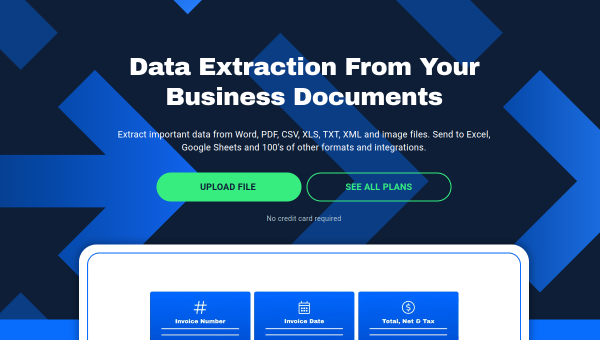
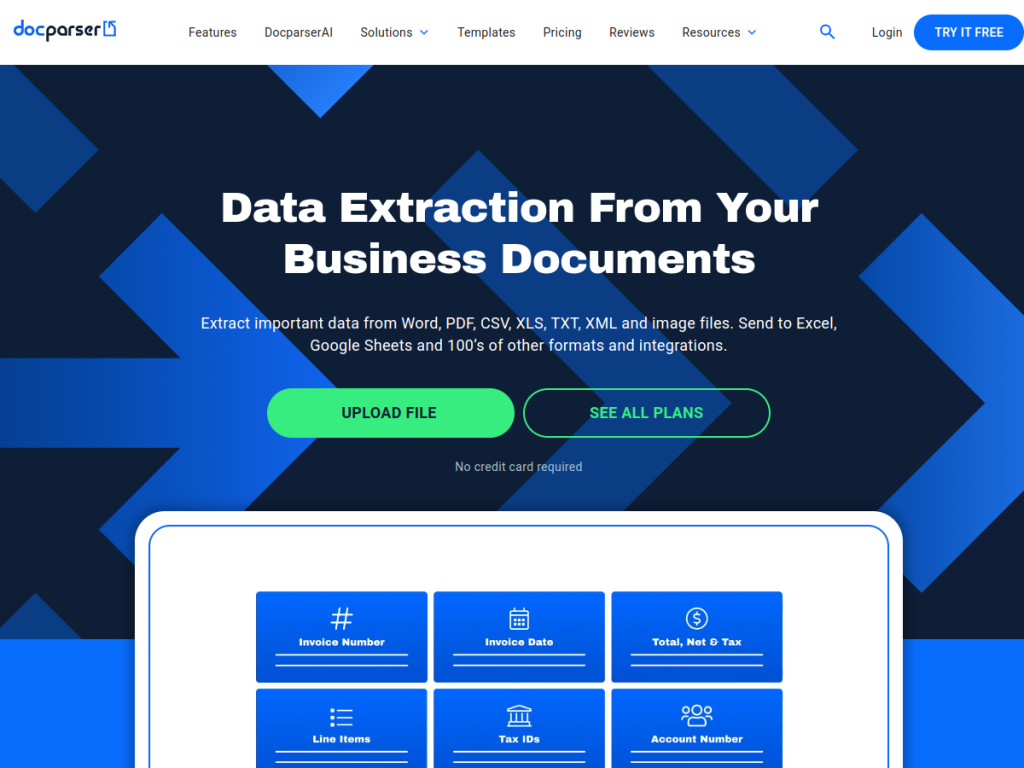
Docparser is a document data extraction platform that automates pulling information from business documents. It uses zonal OCR technology, advanced pattern recognition, and anchor keywords to locate and extract the right data, handling many document types — PDFs, Word files, images, CSV, XLS, TXT, and XML. The workflow is three steps: upload or import documents (directly, via cloud storage, email, or API), define extraction rules without coding, and export the data to Excel, CSV, JSON, or XML, or push it into 100-plus app integrations. Common use cases include financial documents (invoices, purchase orders, bank statements), legal agreements, HR forms, shipping notes, and price lists. Docparser is used by businesses to eliminate manual data entry from recurring documents, and it offers a free trial with paid plans scaling by document volume and features.
What it does well
- No-code extraction: define rules without programming.
- Flexible input: PDFs, Word, images, and more.
- Broad export: Excel, CSV, JSON, XML, and 100+ integrations.
- Automation-friendly: import via email or API for hands-off processing.
Who it is for
Docparser fits businesses and teams that repeatedly process the same kinds of documents — invoices, orders, statements, forms — and want to automate extracting data into their spreadsheets or systems without manual entry or custom code. It suits finance, operations, and admin teams. Those with only occasional, one-off documents may find it more than they need, and setting up accurate rules takes some initial effort, but for automating recurring document data entry, Docparser is a practical, capable tool with a free trial.
Things to keep in mind
- Setting up accurate extraction rules takes some initial effort.
- It works best on consistent, recurring document formats.
- Higher document volumes and features require paid plans.
Our verdict
Docparser is a practical, focused tool for automating the extraction of data from documents, and its no-code rule builder plus zonal OCR make it approachable for non-developers who need to turn recurring PDFs and files into clean, usable data. Broad export options and 100-plus integrations mean the data lands where you need it. It takes some setup to define accurate rules and works best on consistent formats, but for finance, operations, and admin teams drowning in manual document data entry, Docparser is a capable, time-saving choice with a free trial.
Frequently asked questions
What is Docparser?
Docparser is a document data extraction platform that automatically pulls information from documents like invoices and forms — using zonal OCR and rules — and exports it to spreadsheets or apps, no coding required.
What documents can Docparser handle?
It handles many types, including PDFs, Word files, images, CSV, XLS, TXT, and XML, and is commonly used for invoices, purchase orders, statements, contracts, and forms.
Where can Docparser send extracted data?
It can export to Excel, CSV, JSON, or XML, or push data into 100+ app integrations.
Is Docparser free?
Docparser offers a free trial with no credit card, and paid plans scale by document volume and features.
Top Docparser alternatives
Other hand-reviewed OCR tools worth comparing against Docparser.
ABBYY FineReaderPaid
ABBYY FineReader is a paid AI business and ocr tool for operations teams. Our review covers what it…
Adobe Acrobat AIFreemium
Adobe Acrobat AI is a freemium AI business and ocr tool for document-heavy teams. Our review covers what…
AWS TextractPaid
AWS Textract by Amazon Web Services is a paid AI business and ocr tool for operations teams. Our…
Azure AI VisionPaid
Azure AI Vision by Microsoft Azure is a paid AI business and ocr tool for operations teams. Our…
DocsumoPaid
Docsumo is a paid AI business and ocr tool for operations teams. Our review covers what it does,…
DocuWareEnterprise
DocuWare is an enterprise AI automation and business tool for operations teams. Our review covers what it does,…
Are you the maker of Docparser?
Show visitors this review with the badge below. Copy the code into your site or press kit; it links straight back to this page.



