Key Takeaways
- DocsBot turns your documentation and content into AI chatbots that give sourced answers.
- It uses retrieval-augmented generation to keep responses accurate and cited.
- It ingests 37+ content sources and can automate actions across 7,000+ tools.
- Strong for support and internal knowledge bots; answer quality tracks your content.
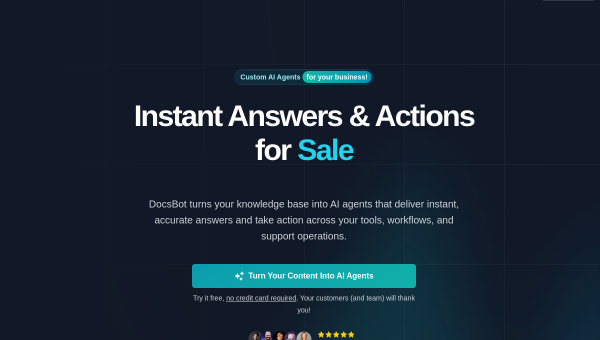
DocsBot converts the documentation, help articles, and knowledge you already have into intelligent AI chatbots. Using retrieval-augmented generation, it answers customer and team questions grounded in your own content — complete with sources — so you can offer 24/7 support and instant internal knowledge access without staff answering the same questions over and over.
What is DocsBot?
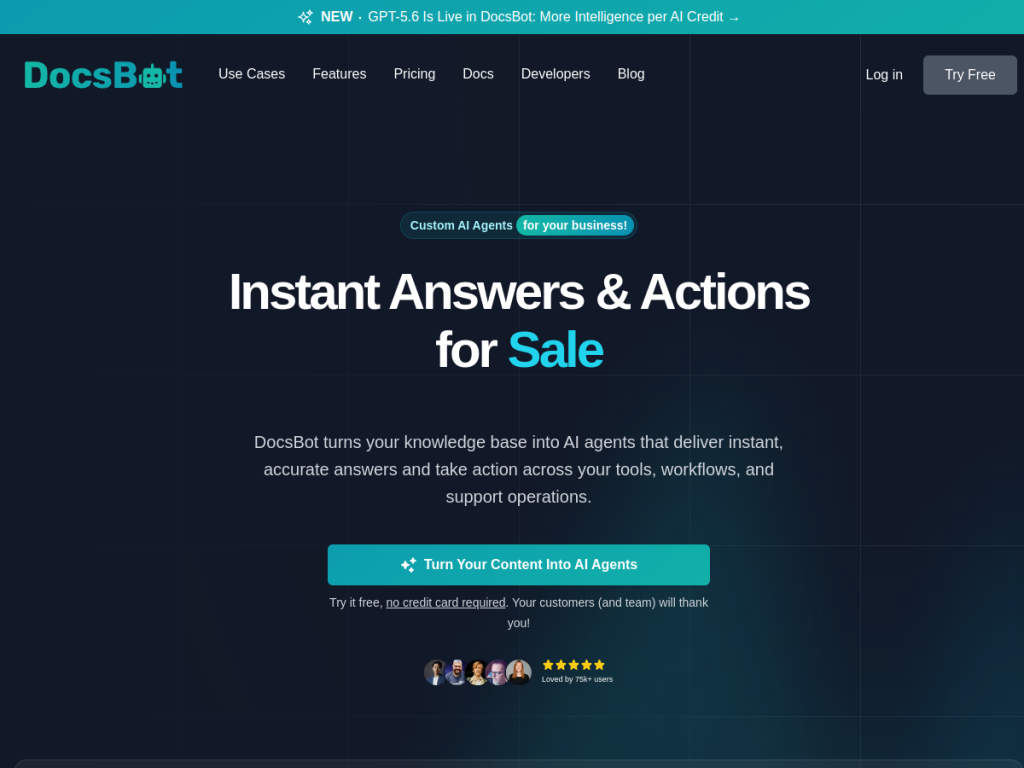
DocsBot is an AI agent platform that transforms your existing content into chatbots and assistants. Built on retrieval-augmented generation (RAG), it delivers accurate, source-backed answers rather than open-ended guesses. It powers several use cases: customer-support bots that resolve questions 24/7, pre-sales chat that engages and captures leads, internal knowledge access so teams find information instantly, and a research assistant that analyzes documents with cited insights. It ingests from 37-plus content sources — websites, PDFs, Google Drive, Notion, Slack, GitHub, and helpdesk systems — and its AI Actions can automate processes and integrate with thousands of business tools. DocsBot supports current top models, reports tens of thousands of users across thousands of businesses (with names like Sony among them), and offers a free tier plus credit-based paid plans.
What it does well
- Grounded answers: RAG delivers accurate, source-cited responses.
- Broad ingestion: 37+ sources including PDFs, Drive, Notion, Slack, and GitHub.
- Multiple use cases: support, pre-sales, internal knowledge, and research.
- Automation: AI Actions integrate with thousands of business tools.
Who it is for
DocsBot fits businesses and teams that want to turn their documentation into a reliable AI assistant — for customer support, lead capture, internal knowledge, or research. It suits support teams wanting to deflect routine questions and companies with substantial documentation to leverage. As with any RAG chatbot, its value depends on having good, current content; organizations with sparse or outdated docs will get less from it until they invest in their knowledge base.
Things to keep in mind
- Answer accuracy depends on the quality and freshness of the content you provide.
- The credit-based model means heavier usage and larger models cost more.
- Automated actions should be configured and tested carefully before production use.
Our verdict
DocsBot is a strong, practical way to turn documentation into an AI assistant that actually cites its sources, thanks to a RAG-first design. Broad content ingestion, multiple use cases, and automation via AI Actions make it flexible for support, sales, and internal knowledge alike. Results hinge on feeding it good content, and costs scale with usage, but for businesses that want a reliable, source-backed chatbot without building one from scratch, DocsBot is a capable choice with a free tier to try.
Frequently asked questions
What is DocsBot?
DocsBot is an AI platform that turns your documentation and content into chatbots giving accurate, source-cited answers using retrieval-augmented generation.
What content can DocsBot use?
It ingests from 37+ sources, including websites, PDFs, Google Drive, Notion, Slack, GitHub, and helpdesk systems.
Is DocsBot free?
There is a free tier to test core features, with paid plans on a credit-based model that varies by plan and model size, plus a 14-day money-back guarantee.
What can DocsBot do besides answer questions?
Its AI Actions can automate processes and integrate with thousands of business tools, and it supports support, pre-sales, internal knowledge, and research use cases.