Key Takeaways
- Edge Impulse is a leading platform for building and deploying AI on edge devices.
- It covers the workflow from sensor data to trained, optimized models on-device.
- It targets microcontrollers, processors, and gateways for real-time, offline AI.
- Excellent for embedded ML teams; it assumes hardware and ML familiarity.
Edge Impulse is the go-to platform for putting machine learning on small, low-power devices — the microcontrollers and sensors that run without a cloud connection. It guides developers through the whole edge-AI workflow, from collecting sensor data to training models and optimizing them to run efficiently on constrained hardware, powering things like predictive maintenance and on-device vision.
What is Edge Impulse?
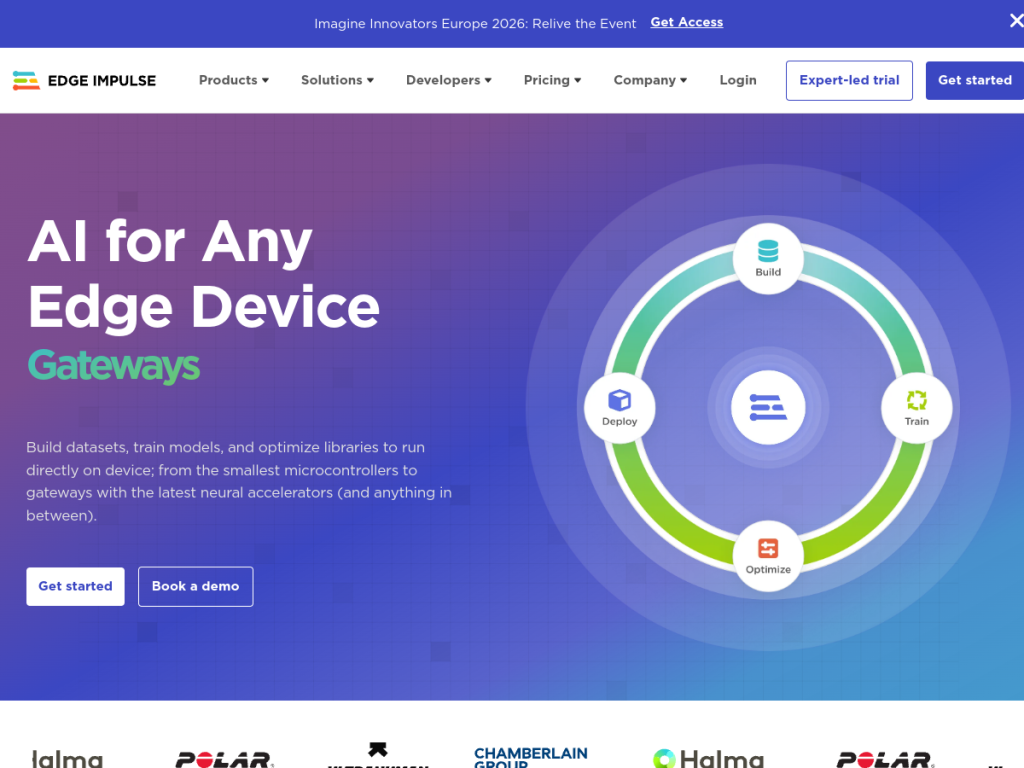
Edge Impulse is an edge-AI development platform (an MLOps platform for embedded machine learning). It lets developers build datasets from sensor data, train models with the constraints of embedded systems in mind, optimize the resulting libraries for tiny hardware, and deploy directly to devices — from microcontrollers and processors to gateways with neural accelerators — so inference runs locally without cloud dependency. It includes a Visual Inspection Suite for computer-vision use cases and serves industries like manufacturing, healthcare, transportation, and wearables, addressing predictive maintenance, quality control, anomaly detection, and real-time monitoring. Edge Impulse offers a free developer plan to get started and enterprise options for teams scaling to production, and it is widely regarded as a leader in the tinyML and edge-AI space.
What it does well
- End-to-end edge workflow: data collection, training, optimization, and deployment.
- Hardware breadth: supports microcontrollers, processors, and accelerated gateways.
- On-device inference: models run locally, offline, and in real time.
- Free to start: a developer plan for building and testing.
Who it is for
Edge Impulse is for embedded engineers, ML developers, and companies building AI into physical products and industrial systems — anywhere models must run on constrained, low-power hardware rather than in the cloud. It suits teams doing predictive maintenance, sensor analytics, or on-device vision. Non-technical users and those building cloud-based AI will find it specialized; its strength is making embedded machine learning practical for hardware teams.
Things to keep in mind
- It is a specialized, technical platform assuming embedded and ML knowledge.
- Real deployments require suitable hardware and sensor data to train on.
- Enterprise scale and support come via quote-based plans.
Our verdict
Edge Impulse is the leading platform for edge and embedded AI, and it earns that reputation by making a genuinely hard problem — running ML on tiny, low-power devices — approachable and repeatable. Its end-to-end workflow from sensor data to optimized on-device model saves embedded teams enormous effort. It is a specialized tool that assumes hardware and ML familiarity, and production needs real devices and data, but for anyone building AI into physical products, Edge Impulse is an excellent, free-to-start choice.
Frequently asked questions
What is Edge Impulse?
Edge Impulse is a platform for building and deploying machine-learning models on edge devices like microcontrollers and sensors, covering data collection, training, optimization, and on-device deployment.
What is Edge Impulse used for?
It is used for embedded and edge AI — predictive maintenance, quality control, anomaly detection, on-device computer vision, and real-time monitoring on low-power hardware.
Is Edge Impulse free?
Yes, there is a free developer plan to build and test models, with quote-based enterprise plans for scaling to production.
Does Edge Impulse run without the cloud?
Yes. Models are optimized and deployed to run inference locally on-device, without a cloud connection.
Top Edge Impulse alternatives
Other hand-reviewed Coding Assistants tools worth comparing against Edge Impulse.
AiderFree
Aider is a free AI coding assistant and developer tool tool for software developers. Our review covers what…
AlphaCodeFree
AlphaCode by Google DeepMind is a free AI coding assistant and developer tool tool for software developers. Our…
Amazon Q DeveloperFreemium
Amazon Q Developer by Amazon Web Services is a freemium AI business and coding assistant tool for software…
AnacondaFree
Anaconda is a free AI coding assistant and developer tool tool for engineers. Our review covers what it…
ApplitoolsPaid
Applitools is a paid AI coding assistant and developer tool tool for engineers. Our review covers what it…
AskCodiFreemium
AskCodi is a freemium AI coding assistant and developer tool tool for software developers. Our review covers what…
Are you the maker of Edge Impulse?
Show visitors this review with the badge below. Copy the code into your site or press kit; it links straight back to this page.



