Key Takeaways
- Hubstaff is a workforce management platform with time tracking and analytics.
- It tracks time, productivity, and projects for distributed and field teams.
- It offers GPS tracking, automated payments, and workforce analytics.
- Great for teams managing remote or field work and billable hours.
Hubstaff is a workforce management platform that helps teams — especially remote and field teams — track time, understand productivity, and manage projects and payments in one place. It combines time tracking across devices with productivity metrics, GPS for on-the-go teams, and automated payments, backed by analytics that help with capacity and profitability. For distributed organizations that need visibility into how work and time are spent, it is a comprehensive tool.
What is Hubstaff?
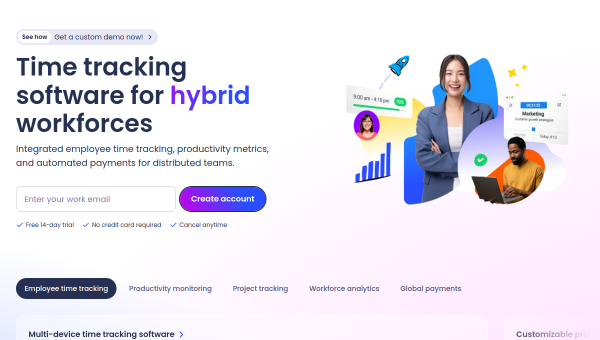
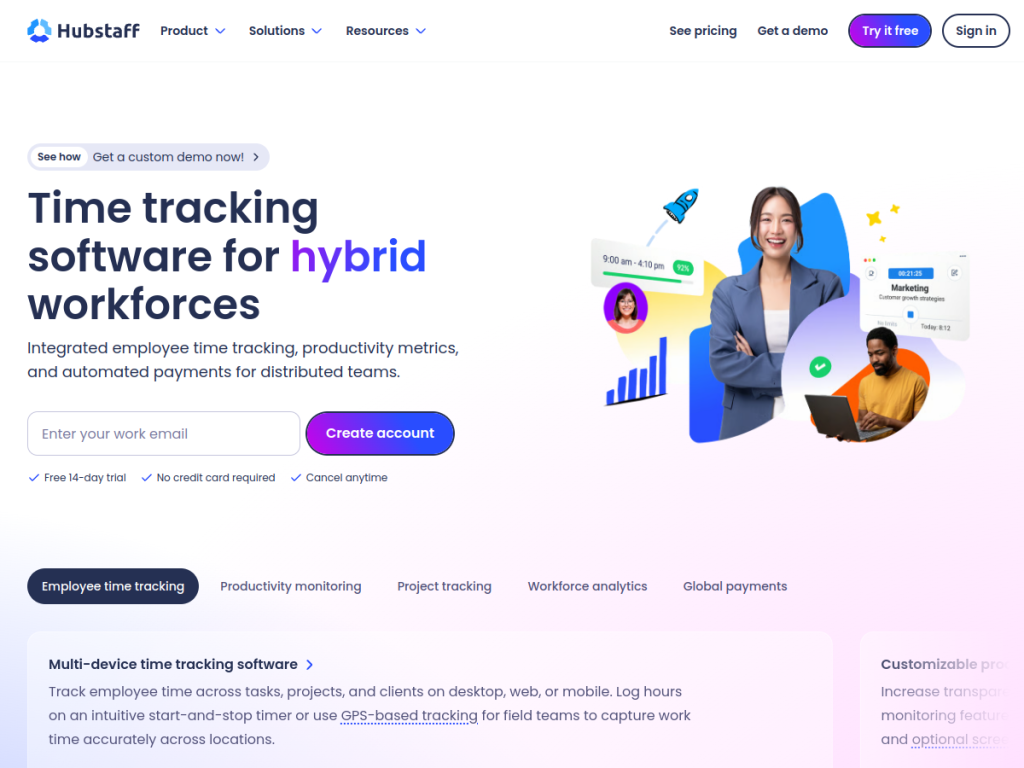
Hubstaff is a workforce management platform offering integrated employee time tracking, productivity metrics, and automated payments for distributed teams. Its features include time tracking across devices with GPS capabilities for field teams; productivity monitoring such as activity rates, app and URL tracking, and optional screenshots; project tracking with budget management and profitability insights; workforce analytics for utilization trends and capacity planning; automated payments supporting multiple global payment providers; and 35-plus integrations with tools like Jira, Slack, Asana, and Salesforce. It emphasizes helping managers understand and plan around how time and work are distributed. Hubstaff offers a 14-day free trial with no credit card required, and paid plans that scale by features and team size. (As with any productivity-monitoring tool, transparency with your team about tracking is important.)
What it does well
- Flexible time tracking: across devices, with GPS for field teams.
- Productivity insights: activity rates and app/URL tracking.
- Project and payments: budgets, profitability, and automated pay.
- Analytics: utilization trends and capacity planning.
Who it is for
Hubstaff fits businesses with remote, hybrid, or field teams — agencies, service firms, and distributed companies — that need to track time and productivity, manage project budgets, and automate payments to contractors or staff. Its GPS and analytics suit field and services work. Teams uncomfortable with monitoring, or those wanting a pure project tool without tracking, may prefer alternatives, and transparent communication about monitoring matters, but for managing distributed work, billable hours, and payments, Hubstaff is a capable, comprehensive choice with a free trial.
Things to keep in mind
- Productivity monitoring should be used transparently and respectfully.
- Some features (screenshots, activity tracking) may not suit every culture.
- Full functionality scales the cost by features and team size.
Our verdict
Hubstaff is a comprehensive workforce management platform, and its combination of flexible time tracking (with GPS for field teams), productivity analytics, project budgeting with profitability insights, and automated global payments makes it a strong fit for distributed and field-based teams. Integrations with Jira, Slack, Asana, and Salesforce help it slot into existing workflows. Productivity monitoring should be handled transparently and full features are paid, but for managing remote work, billable hours, and payments in one place, Hubstaff is a capable choice with a free trial.
Frequently asked questions
What is Hubstaff?
Hubstaff is a workforce management platform offering time tracking, productivity metrics, project budgeting, workforce analytics, and automated payments for distributed teams.
What does Hubstaff track?
It tracks time across devices (with GPS for field teams), activity rates, app and URL usage, optional screenshots, and project budgets and profitability.
Is Hubstaff free?
Hubstaff offers a 14-day free trial with no credit card required, plus paid plans that scale by features and team size.
Who is Hubstaff for?
It is for businesses with remote, hybrid, or field teams that need to track time and productivity, manage project budgets, and automate payments.
Top Hubstaff alternatives
Other hand-reviewed Productivity tools worth comparing against Hubstaff.
Abnormal SecurityPaid
Abnormal Security by Abnormal AI is a paid AI business and productivity tool for business teams. Our review…
Adobe Acrobat AIFreemium
Adobe Acrobat AI is a freemium AI business and ocr tool for document-heavy teams. Our review covers what…
AirtableFreemium
Airtable is a freemium AI business and productivity tool for knowledge workers. Our review covers what it does,…
AlmanacPaid
Almanac is a paid AI business and productivity tool for knowledge workers. Our review covers what it does,…
AsanaFreemium
Asana is a freemium AI business and productivity tool for knowledge workers. Our review covers what it does,…
Automation AnywherePaid
Automation Anywhere is a paid AI business and productivity tool for business teams. Our review covers what it…
Are you the maker of Hubstaff?
Show visitors this review with the badge below. Copy the code into your site or press kit; it links straight back to this page.



