Key Takeaways
- iLovePDF is a popular web app for editing and converting PDFs, now with AI tools.
- AI features include a PDF summarizer, PDF translation, and PDF-to-Markdown.
- Core tools cover merge, split, compress, convert, sign, and form filling.
- Great free everyday PDF toolkit; premium adds OCR, e-signing, and offline apps.
iLovePDF is one of the most widely used online PDF toolkits, offering a huge range of document tools that are free to use in the browser. It has added AI features on top of the familiar merge, split, and convert utilities — including a summarizer, PDF translation, and PDF-to-Markdown conversion — bringing modern AI convenience to everyday document tasks.
What is iLovePDF?
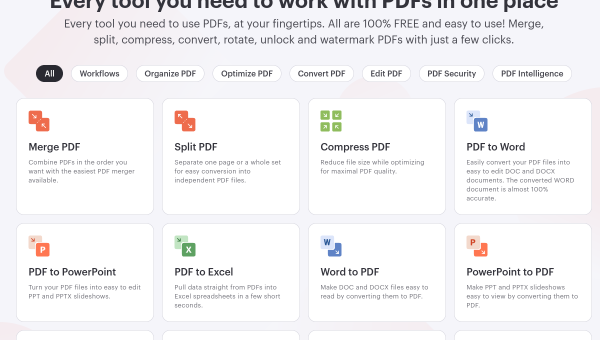
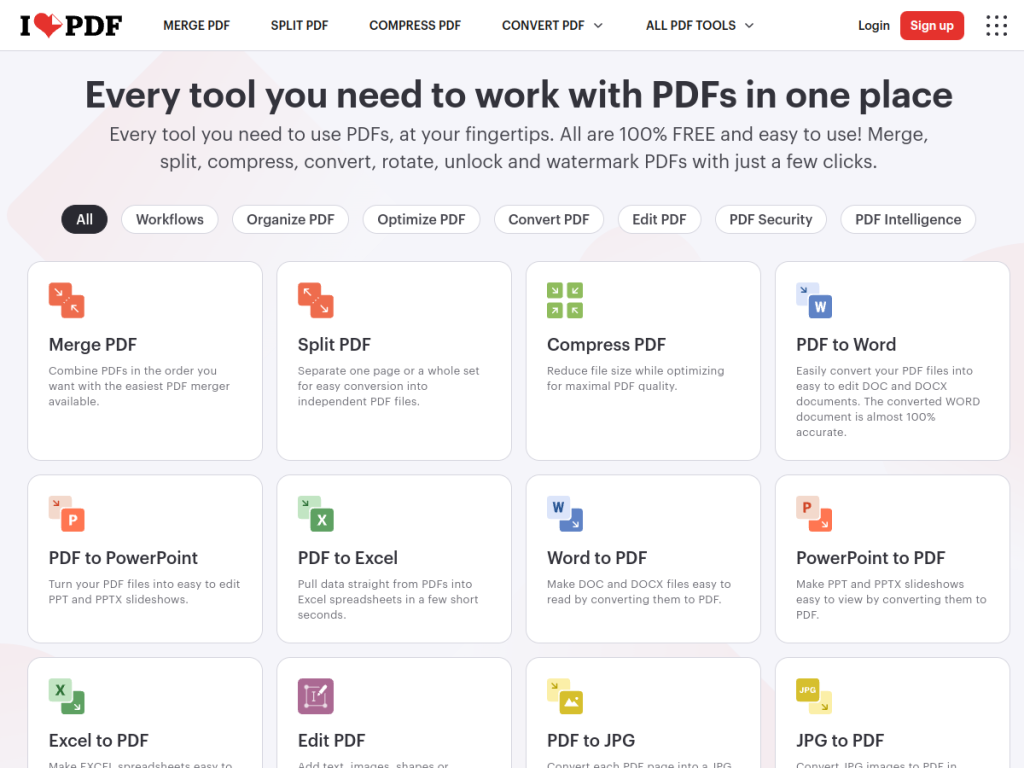
iLovePDF is a web-based platform for working with PDFs, describing itself as a leading web app for editing PDFs with ease. Its core is a comprehensive set of document tools: merging, splitting, compressing, converting to and from other formats, filling forms, and signing. Its newer AI tools include an AI Summarizer that generates concise summaries from articles and documents, Translate PDF that converts PDFs across languages while preserving formatting, and PDF to Markdown that transforms PDFs into Markdown with structure preserved. Many tools are free to use online, while a Premium plan adds offline desktop access, advanced OCR, e-signatures, and custom workflows. The ecosystem also includes desktop and mobile apps, plus sister products iLoveIMG for images and iLoveSign for e-signatures.
What it does well
- Comprehensive tools: merge, split, compress, convert, sign, and fill forms.
- AI additions: summarize, translate, and convert PDFs to Markdown.
- Generous free use: many tools free in the browser.
- Cross-platform: web, desktop, and mobile apps.
Who it is for
iLovePDF suits anyone who works with PDFs regularly — students, professionals, and small businesses — who want a free, easy, browser-based toolkit, now with helpful AI features for summarizing and translating documents. It is ideal for quick, occasional tasks as well as everyday document work. Those needing heavy, integrated PDF editing within enterprise systems may look to dedicated editors, but for accessible, all-in-one PDF tools, iLovePDF is a longtime favorite.
Things to keep in mind
- Advanced features like OCR, e-signing, and offline apps require Premium.
- AI summaries and translations should be checked for important documents.
- Free online use involves uploading files, so mind sensitive content.
Our verdict
iLovePDF is a genuinely useful, widely trusted PDF toolkit, and its AI additions — summarizing, translating, and converting PDFs to Markdown — make an already handy platform more capable. For everyday document tasks, the free online tools cover a lot, while Premium adds OCR, e-signatures, and offline apps for heavier needs. AI output deserves a check on important files, and sensitive documents warrant care when uploading, but for accessible, all-in-one PDF work with a modern AI boost, iLovePDF is an excellent choice.
Frequently asked questions
What is iLovePDF?
iLovePDF is a popular web app for editing and converting PDFs, offering tools to merge, split, compress, convert, sign, and fill forms, now with AI features.
What AI tools does iLovePDF have?
It offers an AI Summarizer for concise document summaries, Translate PDF for cross-language conversion with formatting preserved, and PDF to Markdown.
Is iLovePDF free?
Many tools are free to use online. A Premium plan adds offline desktop access, advanced OCR, e-signatures, and custom workflows.
Does iLovePDF have apps?
Yes. Beyond the web app, iLovePDF offers desktop and mobile apps, plus sister products iLoveIMG and iLoveSign.
Top iLovePDF alternatives
Other hand-reviewed PDF Tools tools worth comparing against iLovePDF.
Adobe Acrobat AIFreemium
Adobe Acrobat AI is a freemium AI business and ocr tool for document-heavy teams. Our review covers what…
ChatPDFFreemium
ChatPDF is a freemium AI education and pdf-tool tool for document-heavy teams. Our review covers what it does,…
Foxit PDF EditorPaid
Foxit PDF Editor is a paid AI business and ocr tool for document-heavy teams. Our review covers what…
LightPDFFreemium
LightPDF is a freemium AI pdf-tool and productivity tool for document-heavy teams. Our review covers what it does,…
Nitro PDFPaid
Nitro PDF is a paid AI pdf-tool and productivity tool for document-heavy teams. Our review covers what it…
OCR.spaceFreemium
OCR.space is a freemium AI developer tool and ocr tool for operations teams. Our review covers what it…
Are you the maker of iLovePDF?
Show visitors this review with the badge below. Copy the code into your site or press kit; it links straight back to this page.



