Key Takeaways
- ImgUpscaler is an online AI tool that enlarges images while enhancing detail.
- It offers 2x and 4x upscaling for photos, anime, portraits, and products.
- It supports batch processing and common formats, with no install needed.
- Great for quick upscaling and cleanup; a focused, single-purpose tool.
ImgUpscaler is an online AI image upscaler that does one job well: enlarging low-resolution images while sharpening detail and clarity. Using AI super-resolution, it turns small or blurry photos, anime art, portraits, and product images into larger, cleaner versions — right in the browser, with no software to install — making it handy whenever you need a bigger, better-looking image fast.
What is ImgUpscaler?
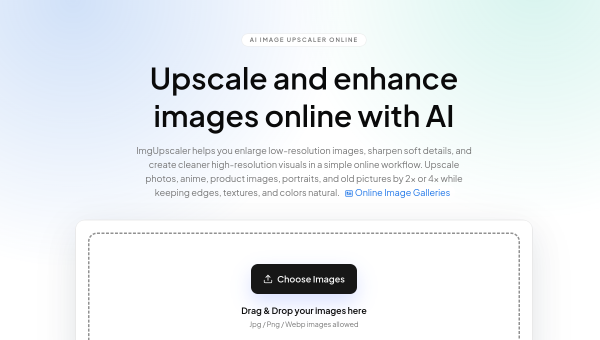
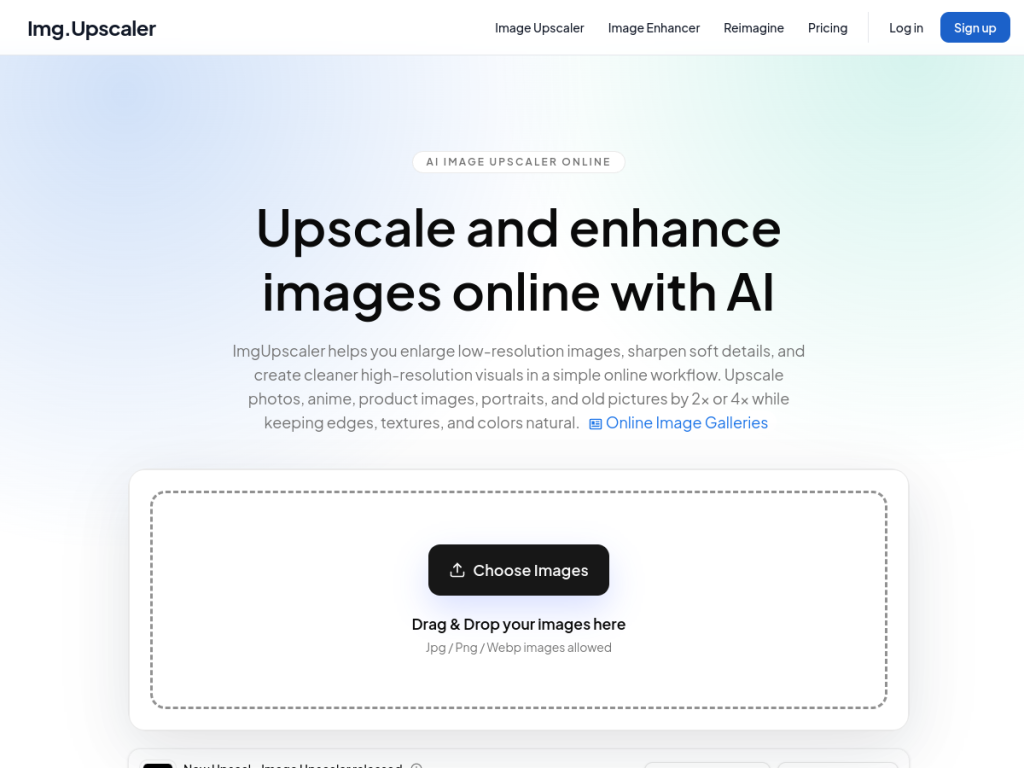
ImgUpscaler is an online AI image upscaler that enlarges low-resolution images while enhancing clarity and detail using AI super-resolution technology. It offers 2x and 4x enlargement ratios and works across image types — photos, anime and illustration, product images, portraits, and old or vintage pictures — supporting JPG, PNG, and WebP files. It includes batch processing to handle multiple images at once, and results are suitable for commercial use in marketing, e-commerce, and professional projects. The workflow is simple: upload an image, choose the enlargement ratio, preview, and download — no installation required — and it emphasizes privacy by automatically deleting uploaded files on a schedule. Beyond the web tool, it offers a desktop app (Upscal) across major app stores. ImgUpscaler provides free upscaling with limits and paid plans or credits for higher volume and features.
What it does well
- Effective upscaling: enlarge images 2x or 4x while enhancing detail.
- Versatile: handles photos, anime, portraits, and product images.
- Convenient: browser-based with batch processing, no install needed.
- Privacy-minded: uploaded files are deleted on a schedule.
Who it is for
ImgUpscaler suits e-commerce sellers, designers, photographers, anime fans, and everyday users who need to enlarge or sharpen images quickly — upscaling product photos, rescuing small or low-res images, or cleaning up old pictures — without dedicated software. Its batch mode helps those handling many images. Professionals needing the absolute highest-fidelity, controllable upscaling may use specialized desktop tools, and AI upscaling reconstructs rather than recovers true detail, but for fast, accessible image upscaling, ImgUpscaler is a handy, focused option with a free tier.
Things to keep in mind
- AI upscaling reconstructs detail, so results are enhancements, not true original resolution.
- Free use has limits; higher volume and features require paid plans.
- It is a focused upscaling tool rather than a full photo editor.
Our verdict
ImgUpscaler does one useful thing well: enlarging and sharpening images with AI, right in the browser, for photos, anime, portraits, and product shots. With 2x and 4x options, batch processing, no installation, and a privacy-minded approach to deleting uploads, it is a convenient go-to whenever you need a bigger, cleaner image fast. AI upscaling reconstructs rather than recovers true detail, and heavy use is paid, but as a focused, accessible upscaling tool — with a desktop app option too — ImgUpscaler is a handy choice with a free tier to try.
Frequently asked questions
What is ImgUpscaler?
ImgUpscaler is an online AI image upscaler that enlarges low-resolution images 2x or 4x while enhancing detail, for photos, anime, portraits, and product images.
What image types does ImgUpscaler support?
It handles photos, anime and illustration, product images, portraits, and old or vintage pictures, in JPG, PNG, and WebP formats, with batch processing.
Is ImgUpscaler free?
Yes, free upscaling is available with limits, and paid plans or credits add higher volume and features, plus a desktop app (Upscal).
Does AI upscaling recover the original detail?
Not exactly. AI upscaling reconstructs and enhances detail rather than recovering true original resolution, so results are impressive enhancements rather than the exact original.


