Key Takeaways
- Project Jupyter provides free, open-source interactive computing notebooks.
- JupyterLab and Jupyter Notebook mix code, output, and rich text.
- It supports 40+ languages and is a staple of data science and AI.
- Great for data science, machine learning, research, and teaching.
Project Jupyter is the free, open-source software behind the notebooks that data scientists and AI practitioners use every day. Jupyter notebooks let you write and run code, see results inline, and mix in explanatory text, charts, and equations — all in one shareable document. From exploring data to prototyping machine-learning models to teaching, Jupyter is a foundational, universally adopted tool in the data and AI world.
What is Jupyter?
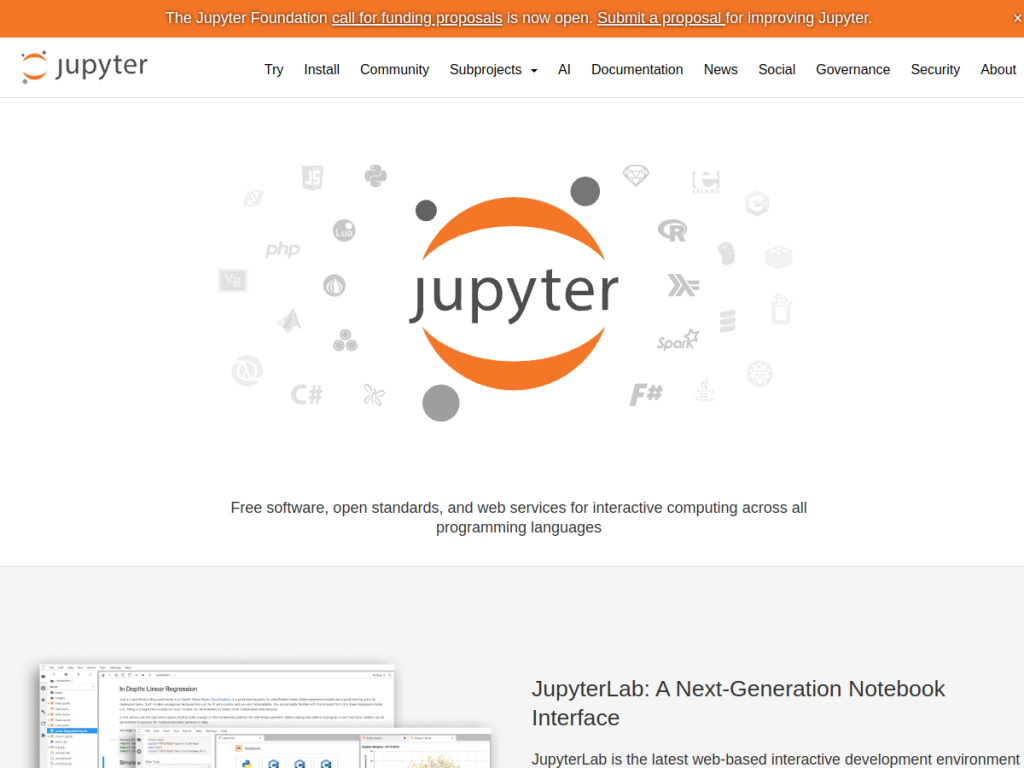
Project Jupyter is free, open-source software providing web-based interactive computing environments for data science, scientific computing, computational journalism, and machine learning, letting users write and execute code, create documentation, and generate visualizations in a single document. Its key products include JupyterLab (the next-generation, flexible, modular, extensible web-based development environment), Jupyter Notebook (the classic document-centric app), JupyterHub (a multi-user server for organizations, classrooms, and research labs, with pluggable authentication and container support), and Voilà (which turns notebooks into standalone web apps and dashboards). It supports 40-plus languages (Python, R, Julia, Scala, and more), rich output (HTML, images, video, LaTeX), big-data integration (Apache Spark, pandas, scikit-learn, TensorFlow), and easy sharing via GitHub, nbviewer, and more. It is used by organizations including Google, Microsoft, NASA, Bloomberg, and major universities. Jupyter is free and open-source, run locally or via hosted services.
What it does well
- Interactive notebooks: code, output, and rich text together.
- Many languages: Python, R, Julia, Scala, and more.
- Ecosystem: JupyterLab, Notebook, JupyterHub, and Voilà.
- Free and open-source: universally adopted in data and AI.
Who it is for
Jupyter fits data scientists, machine-learning practitioners, researchers, educators, and students who want an interactive, shareable environment to write and run code, explore data, visualize results, and document their work — the standard tool across the data and AI world. JupyterHub extends it to classrooms and teams. Those wanting a polished, hosted, zero-setup experience may use services built on Jupyter (like cloud notebooks), and running it locally takes a little setup, but as free, open-source interactive computing, Jupyter is an essential, universally used choice.
Things to keep in mind
- Running it locally takes a little setup and environment management.
- For zero-setup or free GPUs, hosted services built on Jupyter can be easier.
- It is a computing environment, so it assumes some coding ability.
Our verdict
Project Jupyter is a foundational, universally adopted tool in data science and AI, and for good reason: its free, open-source interactive notebooks let you write and run code, see results inline, and weave in text, charts, and equations in one shareable document. With JupyterLab, JupyterHub, and Voilà, support for 40-plus languages, and adoption from Google and NASA to universities worldwide, it is the standard for exploratory computing. It assumes some coding ability and local setup, but as free, open-source interactive computing, Jupyter is an essential, excellent choice.
Frequently asked questions
What is Jupyter?
Project Jupyter is free, open-source software for interactive computing notebooks (JupyterLab and Jupyter Notebook) that mix code, output, and rich text, widely used in data science and AI.
Is Jupyter free?
Yes, Jupyter is free and open-source; you can run it locally or via hosted services built on it.
What languages does Jupyter support?
Jupyter supports 40+ languages, including Python, R, Julia, and Scala, via its kernel system.
Who uses Jupyter?
Data scientists, ML practitioners, researchers, educators, and students use it, along with organizations like Google, Microsoft, NASA, and major universities.
Top Jupyter alternatives
Other hand-reviewed Coding Assistants tools worth comparing against Jupyter.
AiderFree
Aider is a free AI coding assistant and developer tool tool for software developers. Our review covers what…
AlphaCodeFree
AlphaCode by Google DeepMind is a free AI coding assistant and developer tool tool for software developers. Our…
Amazon Q DeveloperFreemium
Amazon Q Developer by Amazon Web Services is a freemium AI business and coding assistant tool for software…
AnacondaFree
Anaconda is a free AI coding assistant and developer tool tool for engineers. Our review covers what it…
ApplitoolsPaid
Applitools is a paid AI coding assistant and developer tool tool for engineers. Our review covers what it…
AskCodiFreemium
AskCodi is a freemium AI coding assistant and developer tool tool for software developers. Our review covers what…
Are you the maker of Jupyter?
Show visitors this review with the badge below. Copy the code into your site or press kit; it links straight back to this page.



