Key Takeaways
- Krisp is a Voice AI platform led by AI noise cancellation.
- It removes background noise, echo, and cross-talk from calls in real time.
- It adds transcription, AI meeting notes, and accent conversion.
- Great for anyone on calls who wants clear audio and automatic notes.
Krisp is a Voice AI platform best known for its excellent real-time noise cancellation — it strips background noise, echo, and cross-talk from your calls so you sound clear no matter where you are. It has grown well beyond that, adding meeting transcription, AI-generated notes and summaries, and even accent conversion. For remote workers, teams, and call centers, Krisp makes calls clearer and turns them into useful records automatically.
What is Krisp?
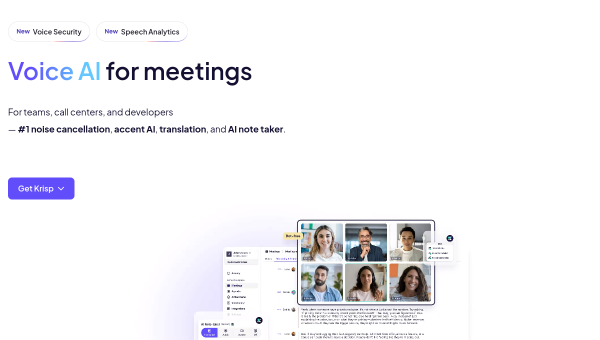
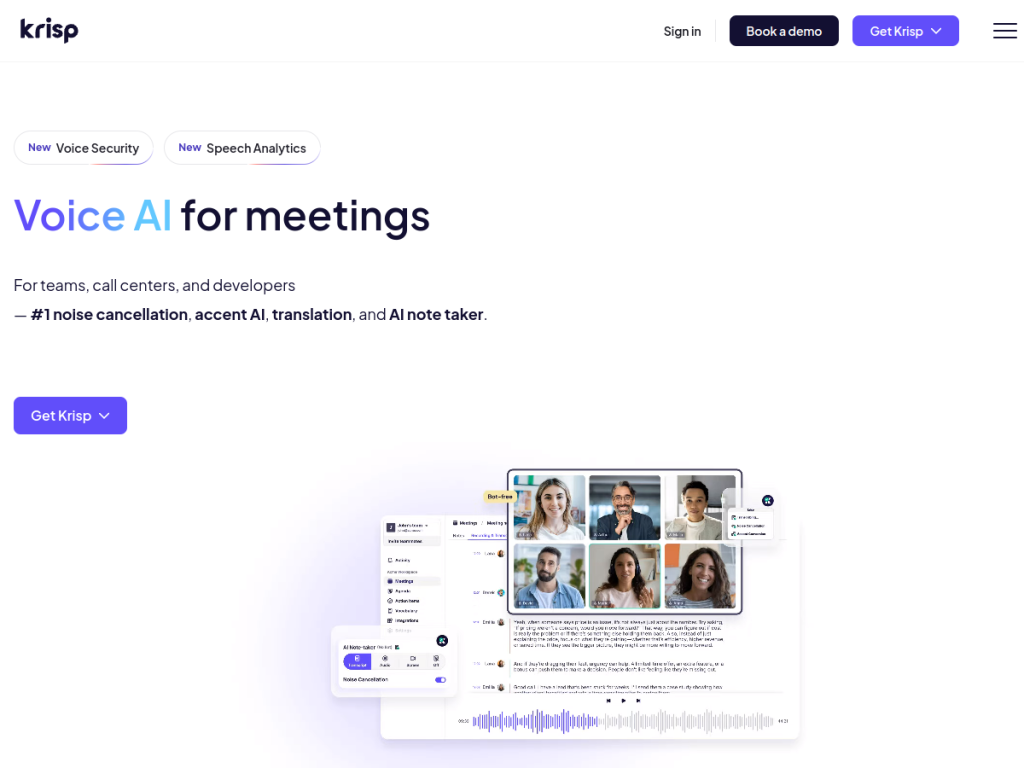
Krisp is a Voice AI platform offering noise cancellation, meeting transcription, and AI-powered note-taking for teams, call centers, and developers. During meetings it provides AI noise cancellation (removing background noise, echo, and cross-talk), real-time transcription across many languages, meeting recording, and accent-conversion technology. After meetings it generates automated notes and summaries, integrates with CRMs and tools like Salesforce, HubSpot, and Slack, tracks action items, and offers an Ask Krisp chatbot to query transcripts. Before meetings it can suggest agendas and send reminders. It works via a desktop app, a mobile app for in-person meeting transcription, and a Chrome extension for conferencing apps, and supports custom vocabulary. Krisp has also added voice security and speech-analytics features for call centers. It offers a free tier plus a 14-day trial of paid features, with paid plans for unlimited use and team or call-center capabilities.
What it does well
- Best-in-class noise cancellation: clear audio in real time.
- Transcription and notes: automatic summaries and action items.
- Works everywhere: any conferencing app, plus mobile and Chrome.
- Accent conversion and call-center features for support teams.
Who it is for
Krisp fits remote and hybrid workers, sales and customer teams, and call centers that want clearer call audio and automatic transcription and notes — without background noise ruining calls or manual note-taking eating time. It works across any conferencing app, which makes it broadly useful. Those who rarely take calls may not need it, and AI transcripts and notes should be reviewed for accuracy, but for anyone who lives on calls and wants clean audio plus automatic records, Krisp is an excellent, free-to-start choice.
Things to keep in mind
- AI transcripts and notes should be reviewed for accuracy.
- Unlimited use and advanced features require paid plans.
- Accent conversion and monitoring features should be used thoughtfully.
Our verdict
Krisp is an excellent Voice AI platform, and its signature real-time noise cancellation — removing background noise, echo, and cross-talk on any call — is genuinely best-in-class. It has grown into a full meeting companion with transcription, AI notes and summaries, action-item tracking, and even accent conversion and call-center analytics, all working across your existing conferencing apps. AI transcripts need a review and advanced features are paid, but for anyone who spends time on calls and wants clear audio plus automatic notes, Krisp is a standout, free-to-start choice.
Frequently asked questions
What is Krisp?
Krisp is a Voice AI platform led by real-time AI noise cancellation that removes background noise, echo, and cross-talk from calls, and adds transcription, AI notes, and accent conversion.
Does Krisp work with any app?
Yes, Krisp works across conferencing apps via a desktop app and Chrome extension, plus a mobile app for in-person meeting transcription.
Is Krisp free?
Krisp offers a free tier with limits and a 14-day trial of paid features, with paid plans adding unlimited use, transcription, and team or call-center features.
What can Krisp do besides noise cancellation?
It provides meeting transcription, AI-generated notes and summaries, action-item tracking, CRM integrations, an Ask Krisp chatbot, and accent conversion.
Top Krisp alternatives
Other hand-reviewed Music & Audio tools worth comparing against Krisp.
AIVAFreemium
AIVA by AIVA Technologies is a freemium AI audio music and video generation tool for musicians and producers.…
BeatovenPaid
Beatoven is a paid AI audio music and video generation tool for musicians and producers. Our review covers…
BoomyFreemium
Boomy is a freemium AI audio music and social media tool for musicians and producers. Our review covers…
eMasteredPaid
eMastered is a paid AI audio music and video generation tool for musicians and producers. Our review covers…
LANDRPaid
LANDR is a paid AI audio music and video generation tool for musicians and producers. Our review covers…
LoudlyFreemium
Loudly is a freemium AI audio music and video generation tool for musicians and producers. Our review covers…
Are you the maker of Krisp?
Show visitors this review with the badge below. Copy the code into your site or press kit; it links straight back to this page.