Key Takeaways
- Lex is an AI-powered writing app and collaborative document editor.
- It pairs a minimalist editor with AI feedback, editing, and brainstorming.
- It offers real-time collaboration, comments, versions, and publishing.
- Great for writers who want a clean editor with AI help built in.
Lex is a writing app that blends a clean, distraction-free editor with AI assistance. As you write, you can ask the AI for feedback, brainstorm ideas, or rewrite a passage — without leaving your document. It also supports real-time collaboration, comments, and versioning, making it a modern alternative to traditional word processors. For writers who want a focused editor with genuinely helpful AI built in, Lex is an appealing option.
What is Lex?
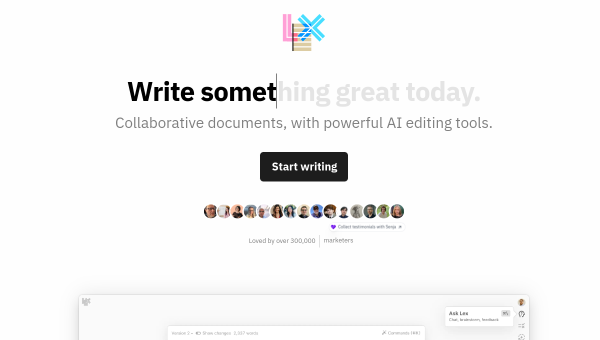
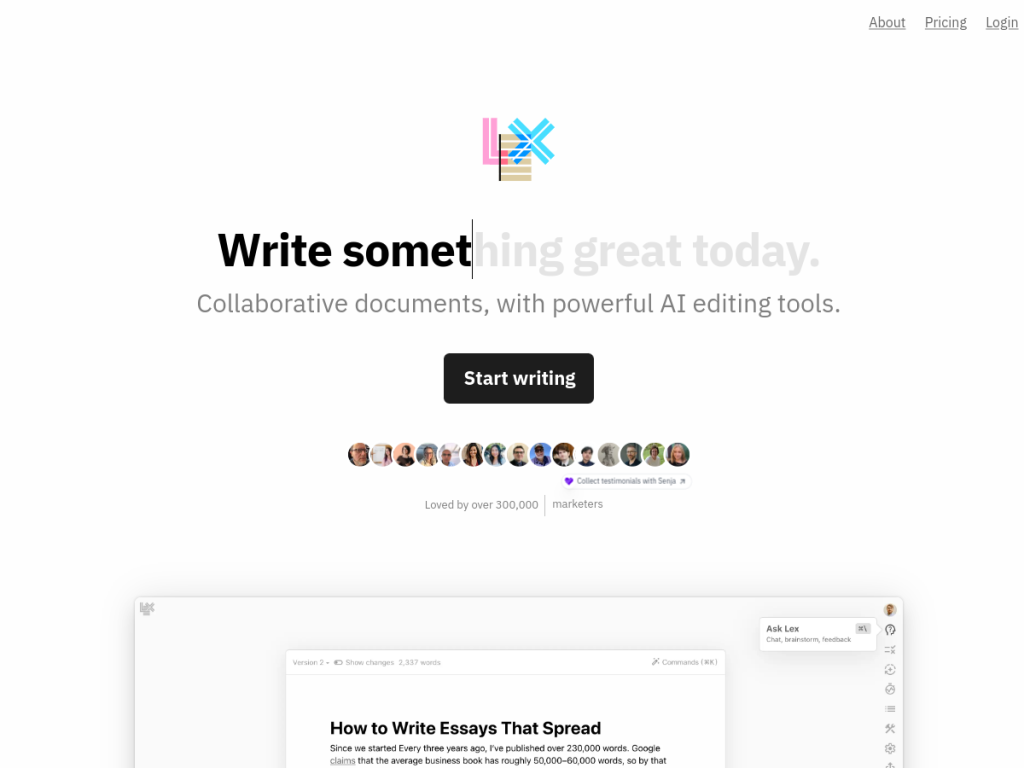
Lex is a collaborative document editor enhanced with artificial intelligence, serving as an alternative to traditional word processors by combining a minimalist writing interface with AI-assisted editing. Its features include AI feedback and editing (request suggestions, brainstorm ideas, or rewrite content), real-time collaborative co-editing with instant visibility of others’ work, a commenting system and version tracking, mobile-web access without app downloads, publishing options via read-only share links, AI commands and keyboard shortcuts for tasks like idea generation, and one-click AI title suggestions, with track-changes noted as coming. Lex reports over 300,000 writers and highlights use across institutions and companies including Google, Microsoft, Harvard, and Yale. It offers a free tier and paid plans for more AI usage and features.
What it does well
- Clean editor: minimalist, distraction-free writing.
- AI built in: feedback, brainstorming, and rewrites on request.
- Collaboration: real-time co-editing, comments, and versions.
- Publishing: share read-only links easily.
Who it is for
Lex fits writers, authors, students, and professionals who want a focused, clean writing environment with AI assistance woven in — getting feedback, brainstorming, and rewrites without switching to a separate chatbot — plus real-time collaboration for co-writing and review. Its minimalist design suits those who find full word processors cluttered. People who need heavy formatting, complex layouts, or offline desktop apps may prefer traditional tools, and AI suggestions should be used as a starting point, but for AI-assisted, collaborative writing in a clean editor, Lex is a capable, free-to-start choice.
Things to keep in mind
- AI feedback and rewrites are a starting point and need your judgment.
- Heavy formatting or complex layouts may suit traditional word processors better.
- More AI usage and features require paid plans.
Our verdict
Lex is an appealing AI writing app, and its strength is integration: a clean, distraction-free editor with AI feedback, brainstorming, and rewrites available right where you write, plus real-time collaboration, comments, and versioning. That makes it a modern, focused alternative to cluttered word processors, and its adoption across writers and major institutions speaks to its quality. AI suggestions need your judgment and heavy formatting may suit other tools, but for AI-assisted, collaborative writing in a clean environment, Lex is an excellent, free-to-start choice.
Frequently asked questions
What is Lex?
Lex is an AI-powered writing app and collaborative document editor that pairs a minimalist interface with AI feedback, editing, and brainstorming, plus real-time collaboration.
What AI features does Lex have?
You can request AI feedback, brainstorm ideas, and rewrite content, use AI commands and shortcuts, and get one-click AI title suggestions.
Is Lex free?
Lex offers a free tier and paid plans for more AI usage and features.
Who is Lex for?
It is for writers, authors, students, and professionals who want a clean writing environment with AI help built in and real-time collaboration.
Top Lex alternatives
Other hand-reviewed AI Writing tools worth comparing against Lex.
BearlyFreemium
Bearly by Bearly AI is a freemium AI writing tool. Our hands-on review covers features, pricing, pros and…
Charley AIFree
Charley AI is a free AI writing tool. Our hands-on review covers features, pricing, pros and cons, and…
Compose AIFree
Compose AI is a free AI writing tool. Our hands-on review covers features, pricing, pros and cons, and…
CopyleaksFree Trial
Copyleaks is a free trial AI writing tool. Our hands-on review covers features, pricing, pros and cons, and…
CuppaPaid
Cuppa is a paid AI writing tool. Our hands-on review covers features, pricing, pros and cons, and who…
Editpad AIFree
Editpad AI is a free AI writing tool. Our hands-on review covers features, pricing, pros and cons, and…
Lex vs the competition
Are you the maker of Lex?
Show visitors this review with the badge below. Copy the code into your site or press kit; it links straight back to this page.