Key Takeaways
- LightPDF is an all-in-one AI-powered PDF tool across web, mobile, and desktop.
- It edits, converts, annotates, signs, and organizes PDFs.
- Its AI lets you chat with PDFs and summarize documents.
- Great for anyone handling PDFs who wants editing plus AI in one place.
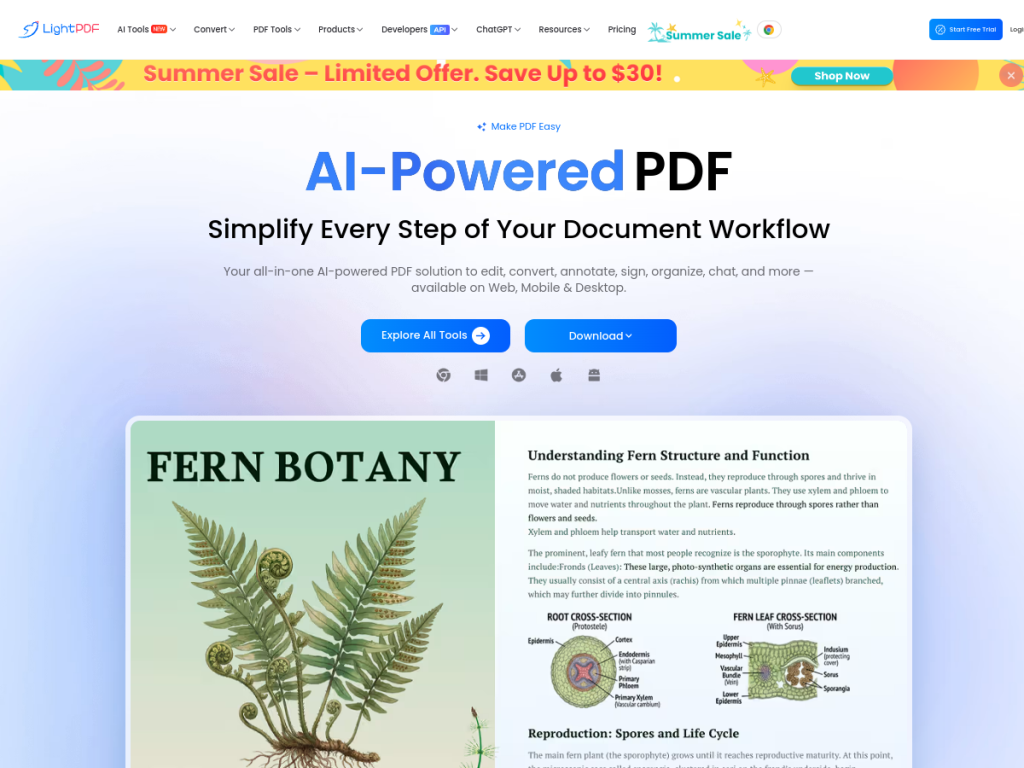
LightPDF is an all-in-one PDF toolkit that pairs the usual editing and converting features with AI. Beyond editing, converting, annotating, and signing documents, it lets you chat with a PDF to ask questions and get answers, and summarize long documents in seconds. Available on web, mobile, and desktop with account sync, it is a convenient option for anyone who works with PDFs and wants classic tools plus AI in one place.
What is LightPDF?
LightPDF is an AI-powered PDF solution available across web, mobile, and desktop, describing itself as an all-in-one tool to edit, convert, annotate, sign, organize, chat with, and more. Its features include PDF editing and annotation, document conversion, digital signatures, OCR (optical character recognition), AI-powered chat with PDFs (ask questions about a document and get answers), AI document summarization, file organization tools, and scanned-PDF enhancement. It bundles professional PDF editing and its AI tools into a single Pro plan, positioning itself as offering strong value versus competitors, and it works across Windows, Mac, iOS, Android, and the web with account synchronization across devices. LightPDF operates a freemium model with free tools that have limits and a Pro plan for full editing and AI features.
What it does well
- All-in-one PDFs: edit, convert, annotate, sign, and organize.
- AI chat with PDFs: ask questions and get answers from documents.
- AI summaries: condense long documents quickly.
- Cross-platform: web, Windows, Mac, iOS, and Android with sync.
Who it is for
LightPDF fits students, professionals, and anyone who regularly works with PDFs and wants both classic editing and conversion and AI features — chatting with documents and summarizing them — in one affordable, cross-platform tool. Its all-in-one Pro plan suits those who want editing and AI bundled together. Users with only occasional, simple PDF needs may get by with free tools, and AI answers about documents should be verified, but for handling PDFs with editing plus AI in one place, LightPDF is a convenient, good-value choice.
Things to keep in mind
- AI answers about documents should be verified against the source.
- Full editing and AI features require the Pro plan.
- A broad toolkit may be less specialized than dedicated PDF or AI apps.
Our verdict
LightPDF is a convenient, good-value PDF toolkit, and its blend of classic features — editing, converting, annotating, signing, and OCR — with AI, including chatting with PDFs and summarizing documents, makes it genuinely useful for anyone who works with PDFs. Cross-platform apps with sync and an all-in-one Pro plan add practicality. AI answers should be verified and full features are paid, but for handling PDFs with both traditional tools and AI in one place, LightPDF is a solid choice.
Frequently asked questions
What is LightPDF?
LightPDF is an all-in-one AI-powered PDF tool for web, mobile, and desktop that edits, converts, annotates, signs, and organizes PDFs, plus AI chat with PDFs and summarization.
What AI features does LightPDF have?
It offers AI chat with PDFs (ask questions about a document), AI document summarization, and OCR, alongside its editing and conversion tools.
Is LightPDF free?
LightPDF offers free tools with limits and a Pro plan that bundles professional PDF editing and its AI tools.
What platforms does LightPDF support?
It works on the web plus Windows, Mac, iOS, and Android, with account synchronization across devices.
Top LightPDF alternatives
Other hand-reviewed PDF Tools tools worth comparing against LightPDF.
Adobe Acrobat AIFreemium
Adobe Acrobat AI is a freemium AI business and ocr tool for document-heavy teams. Our review covers what…
ChatPDFFreemium
ChatPDF is a freemium AI education and pdf-tool tool for document-heavy teams. Our review covers what it does,…
Foxit PDF EditorPaid
Foxit PDF Editor is a paid AI business and ocr tool for document-heavy teams. Our review covers what…
iLovePDFFreemium
iLovePDF is a freemium AI pdf-tool and productivity tool for document-heavy teams. Our review covers what it does,…
Nitro PDFPaid
Nitro PDF is a paid AI pdf-tool and productivity tool for document-heavy teams. Our review covers what it…
OCR.spaceFreemium
OCR.space is a freemium AI developer tool and ocr tool for operations teams. Our review covers what it…
Are you the maker of LightPDF?
Show visitors this review with the badge below. Copy the code into your site or press kit; it links straight back to this page.



