Key Takeaways
- LivePerson is an enterprise conversational AI platform.
- It designs, deploys, and optimizes AI and human agent conversations.
- It emphasizes testing and validating AI before it reaches customers.
- Great for large enterprises automating customer conversations at scale.
LivePerson is an enterprise conversational AI platform that helps large organizations design, deploy, and optimize conversations across AI and human agents. It spans messaging and voice channels and puts a strong emphasis on reliability — testing and validating AI agents before they ever reach a customer. For enterprises handling huge volumes of customer conversations and wary of AI going off-script, LivePerson is a leading, governance-focused choice.
What is LivePerson?
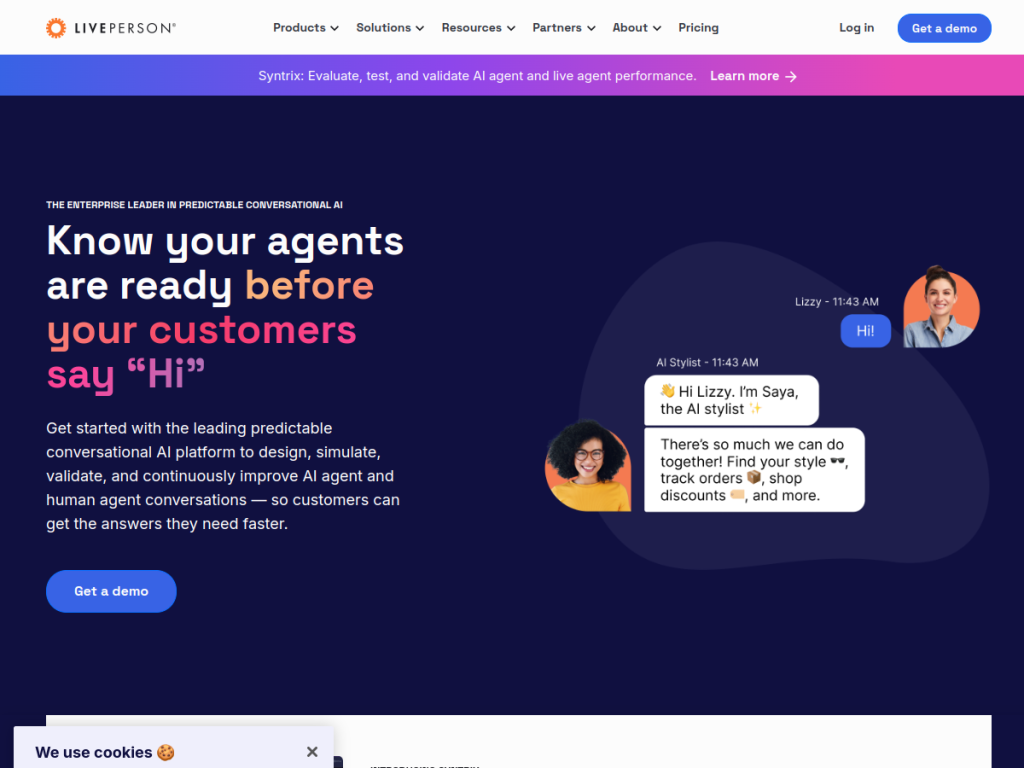
LivePerson is a conversational AI platform enabling enterprises to design, deploy, and optimize AI and human agent conversations across multiple channels, describing itself as an enterprise leader in predictable conversational AI. Its capabilities include Conversational Cloud for personalized digital experiences, Syntrix for AI agent simulation and validation, Conversational Intelligence and Insights for analytics, support for voice and messaging channels, and generative-AI tools and integrations. A standout theme is testing before deployment — validating and monitoring AI agents before they reach customers — addressing enterprise concerns about AI reliability and hallucinations. It serves industries including financial services, retail, travel and hospitality, healthcare, telecom, and automotive, is enterprise-focused, and counts brands such as HSBC and PNC among clients, reportedly handling over a billion messages a month. As an enterprise platform, pricing is arranged with sales.
What it does well
- Enterprise conversational AI: AI and human agents across channels.
- Reliability focus: simulate and validate agents before deployment.
- Analytics: conversational intelligence and insights.
- Proven scale: brands handling over a billion messages a month.
Who it is for
LivePerson fits large enterprises — in financial services, retail, travel, healthcare, telecom, and automotive — that handle huge volumes of customer conversations and want to design, deploy, and optimize AI and human agents across messaging and voice, with strong governance and validation before AI reaches customers. Its emphasis on testing and reliability suits regulated, high-stakes environments. Small businesses will find it more than they need, and enterprise deployment takes investment, but for large organizations automating customer conversations at scale with a focus on reliability, LivePerson is a capable, well-established choice.
Things to keep in mind
- It is an enterprise platform aimed at large organizations, not small teams.
- Deployment and optimization take investment and expertise.
- Pricing is arranged with sales rather than published simply.
Our verdict
LivePerson is a leading enterprise conversational AI platform, and its emphasis on predictability is its differentiator: alongside designing and deploying AI and human agent conversations across messaging and voice, it stresses simulating and validating AI agents before they reach customers — directly addressing enterprise fears about AI reliability. Conversational intelligence and proven scale (brands handling over a billion messages a month) reinforce its enterprise credibility. It is built for large organizations and takes investment, but for automating customer conversations at scale with a focus on reliability, LivePerson is a capable choice.
Frequently asked questions
What is LivePerson?
LivePerson is an enterprise conversational AI platform for designing, deploying, and optimizing AI and human agent conversations across messaging and voice channels.
What makes LivePerson different?
It emphasizes predictable, reliable AI — simulating and validating agents (via Syntrix) before they reach customers — plus conversational intelligence and analytics.
Who is LivePerson for?
It is for large enterprises in industries like finance, retail, travel, healthcare, and telecom that handle high volumes of customer conversations.
How is LivePerson priced?
As an enterprise platform, LivePerson pricing is arranged with sales based on your needs.


