Key Takeaways
- Make is a visual automation platform for connecting apps and building AI-powered workflows.
- It offers 3,000+ integrations and a drag-and-drop builder, with AI agents and orchestration.
- Aimed at teams across ops, marketing, sales, and IT who want powerful no-code automation.
- More capable (and complex) than the simplest tools; deep workflows take some learning.
Make (formerly Integromat) is a leading visual automation platform, known for a flexible, powerful canvas that lets you connect thousands of apps and design intricate workflows without code. It has leaned into AI, adding agent-building and orchestration, making it a strong choice for teams that want automation with more depth than the most basic tools offer.
What is Make?
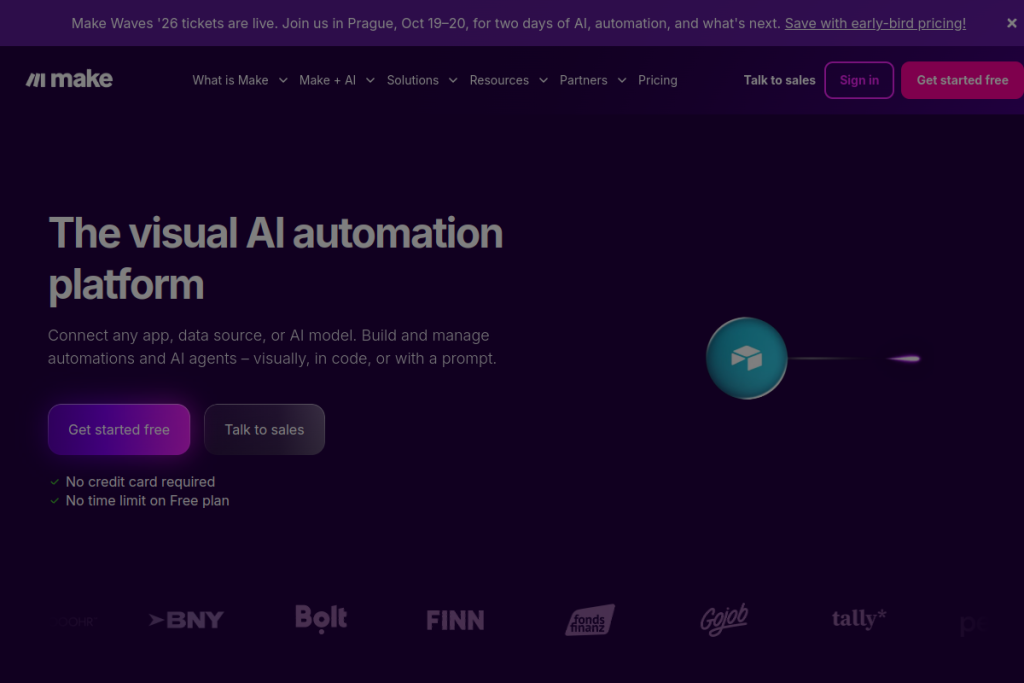
Make is a no-code automation platform. You build workflows visually by connecting modules on a canvas, drawing on 3,000+ app integrations, with options to use prompts or code where needed. It supports building and orchestrating AI agents, centralised automation management, and enterprise-grade security, aiming to automate processes across virtually any part of a business.
What it does well
- Powerful visual builder — design complex, multi-step workflows without code.
- 3,000+ integrations — connect a huge range of apps and services.
- AI agents — build and orchestrate AI-powered automations.
- Flexibility — handle branching, logic, and detailed scenarios.
- Enterprise-ready — security and governance for larger teams.
Who it is for
Make suits teams across operations, marketing, sales, finance, and IT — from startups to enterprises — that want capable automation without engineering every step. It is especially good for people who have outgrown the simplest automation tools and need more control over complex, multi-step workflows.
Things to keep in mind
Make’s power comes with more complexity than the most basic automation tools, so intricate workflows involve a learning curve. As with any automation, test scenarios carefully before relying on them, and keep an eye on how usage maps to cost as your automations scale.
Our verdict
Make is one of the most capable visual automation platforms available, and its huge integration library plus AI-agent features make it a strong pick for teams that need real depth. If you want powerful, flexible automation and are willing to learn its canvas, it is well worth adopting. For very simple needs a lighter tool may suffice, but for serious automation, Make delivers.
Frequently asked questions
How is Make different from simpler automation tools?
Make offers a more powerful visual canvas with deeper logic, branching, and 3,000+ integrations, plus AI-agent building — better for complex workflows, at the cost of a steeper learning curve.
Do I need to code to use Make?
No — it is a no-code visual platform, though you can add code or prompts for advanced steps. Complex workflows take some learning, but no programming is required.
Reviewed by the World of AI Hub editorial team based on the tool website and documentation.
Top Make alternatives
Other hand-reviewed Automation tools worth comparing against Make.
ActiveCampaign AIPaid
ActiveCampaign AI is a paid AI automation and business tool for marketers. Our review covers what it does,…
AgentGPTFreemium
AgentGPT by Reworkd is a freemium AI agents and automation tool for operations managers. Our review covers what…
Auto-GPTFree
Auto-GPT by Significant Gravitas is a free AI agents and automation tool for operations managers. Our review covers…
AutoGenFree
AutoGen by Microsoft is a free AI agents and automation tool for operations managers. Our review covers what…
BabyAGIFree
BabyAGI by Yohei Nakajima is a free AI agents and automation tool for operations managers. Our review covers…
BardeenFreemium
Bardeen is an AI-powered automation, productivity tool designed to help users work faster and produce better results.
Make vs the competition
Are you the maker of Make?
Show visitors this review with the badge below. Copy the code into your site or press kit; it links straight back to this page.