Key Takeaways
- MLflow is an open-source platform for the machine learning lifecycle.
- It handles experiment tracking, model registry, and deployment.
- It now adds GenAI and LLM tooling: tracing, evaluation, and prompts.
- Great for ML and AI teams managing models and LLM apps in production.
MLflow is one of the most widely used open-source platforms for managing the machine learning lifecycle — tracking experiments, packaging and registering models, and deploying them to production. As AI has shifted toward LLMs and agents, MLflow has expanded to cover GenAI too, adding observability, evaluation, and prompt management. Free, open-source, and hugely popular, it is a foundational tool for teams building and operating both classical ML and modern AI.
What is MLflow?
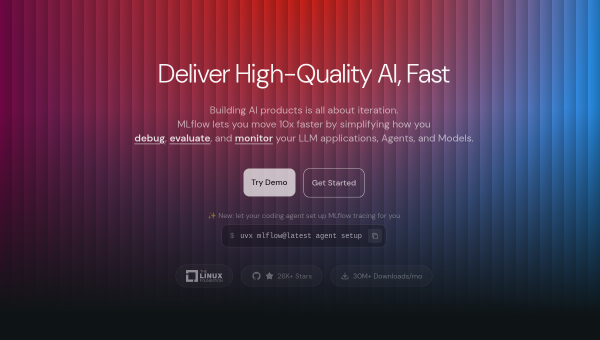
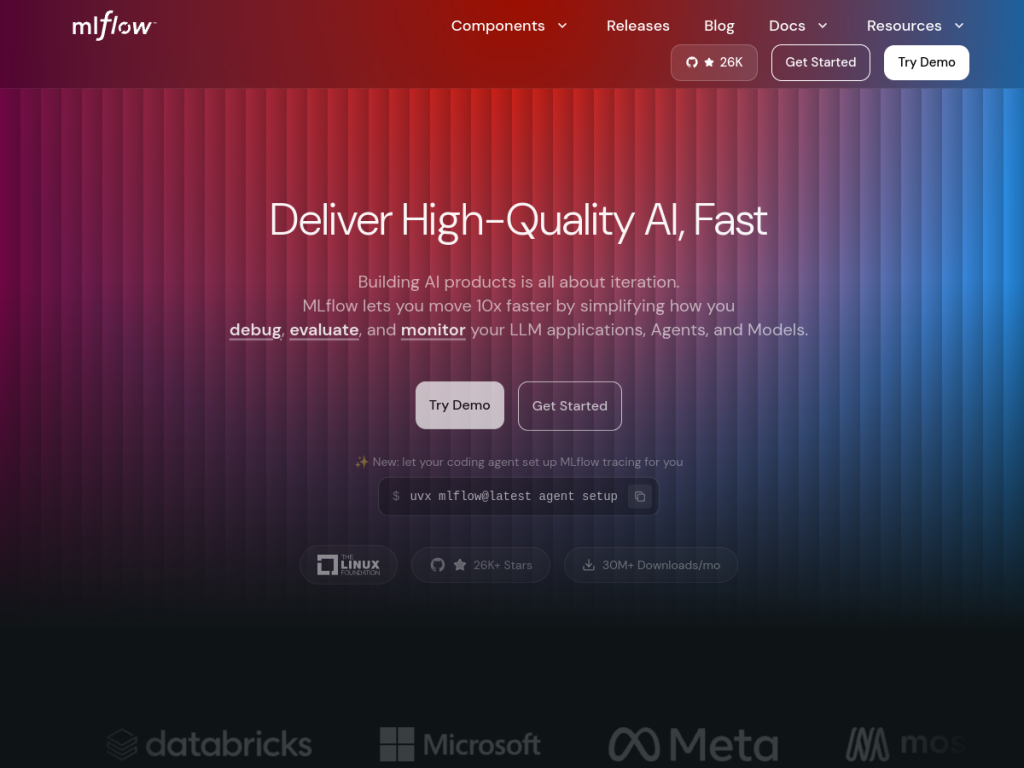
MLflow describes itself as a large open-source AI engineering platform for agents, LLMs, and ML models, enabling teams to develop, debug, and deploy production-quality AI applications while managing costs and access. For GenAI and LLMs, it offers production-grade observability and tracing, systematic evaluation with 50-plus built-in metrics, prompt versioning and optimization, a unified API gateway for LLM providers, and an agent server for production deployment. For traditional ML, it provides experiment tracking, hyperparameter tuning, model evaluation, and a model registry and deployment tools. MLflow supports multiple languages (Python, TypeScript/JavaScript, Java, R) and integrates with 100-plus tools like LangChain, OpenAI, and PyTorch, serving Fortune 500 companies, startups, research teams, and enterprises, with over 30 million monthly downloads. MLflow is open-source and free; managed MLflow is available through platforms like Databricks with their own pricing.
What it does well
- Full lifecycle: tracking, registry, and deployment.
- GenAI-ready: tracing, evaluation, and prompt management for LLMs.
- Broadly integrated: 100+ tools including LangChain and PyTorch.
- Open-source and free: hugely adopted, 30M+ monthly downloads.
Who it is for
MLflow fits data scientists, ML engineers, and AI teams — from startups to Fortune 500 companies — who need to track experiments, manage and deploy models, and now observe and evaluate LLM and agent applications, in an open-source, tool-agnostic way. Its broad integrations suit teams using LangChain, OpenAI, or PyTorch. Individuals doing tiny one-off projects may not need full lifecycle tooling, and self-hosting takes some setup, but for managing the ML and GenAI lifecycle in production, MLflow is a foundational, free, and widely trusted choice.
Things to keep in mind
- Self-hosting and full adoption take some setup and process.
- Managed MLflow (e.g. via Databricks) has its own pricing.
- Its value grows with real model and LLM workflows to manage.
Our verdict
MLflow is a foundational, hugely adopted open-source platform for the machine learning lifecycle, and its expansion into GenAI is well judged: alongside classic experiment tracking, model registry, and deployment, it now offers LLM tracing, evaluation with 50-plus metrics, prompt management, and an agent server. Broad integrations (LangChain, OpenAI, PyTorch), multi-language support, and 30 million-plus monthly downloads underline its reliability. It takes some setup and managed versions are paid, but for managing ML and GenAI in production, MLflow is an excellent, free choice.
Frequently asked questions
What is MLflow?
MLflow is an open-source platform for the machine learning lifecycle — experiment tracking, model registry, and deployment — now also covering GenAI with tracing, evaluation, and prompt tools.
Is MLflow free?
Yes, MLflow is open-source and free; managed MLflow is available through platforms like Databricks with their own pricing.
Does MLflow support LLMs?
Yes, MLflow adds GenAI tooling including observability and tracing, evaluation with 50+ metrics, prompt versioning, an LLM API gateway, and an agent server.
Who is MLflow for?
It is for data scientists, ML engineers, and AI teams that need to track experiments, manage and deploy models, and observe and evaluate LLM and agent applications.
Top MLflow alternatives
Other hand-reviewed Coding Assistants tools worth comparing against MLflow.
AiderFree
Aider is a free AI coding assistant and developer tool tool for software developers. Our review covers what…
AlphaCodeFree
AlphaCode by Google DeepMind is a free AI coding assistant and developer tool tool for software developers. Our…
Amazon Q DeveloperFreemium
Amazon Q Developer by Amazon Web Services is a freemium AI business and coding assistant tool for software…
AnacondaFree
Anaconda is a free AI coding assistant and developer tool tool for engineers. Our review covers what it…
ApplitoolsPaid
Applitools is a paid AI coding assistant and developer tool tool for engineers. Our review covers what it…
AskCodiFreemium
AskCodi is a freemium AI coding assistant and developer tool tool for software developers. Our review covers what…
Are you the maker of MLflow?
Show visitors this review with the badge below. Copy the code into your site or press kit; it links straight back to this page.



