Key Takeaways
- Paperguide is an AI research assistant for academics.
- It searches millions of papers and answers with sources.
- It helps with literature review, extraction, and writing.
- Great for researchers and students working with literature.
Paperguide is an all-in-one AI research assistant aimed at the real workflow of academic research: finding relevant papers, understanding them, extracting data across many at once, managing references, and writing with AI help. Searching a very large corpus and answering with citations, it addresses the parts of research that eat time. For researchers and students who want an AI companion for literature work — used carefully — it is a capable, well-rounded tool.
What is Paperguide?
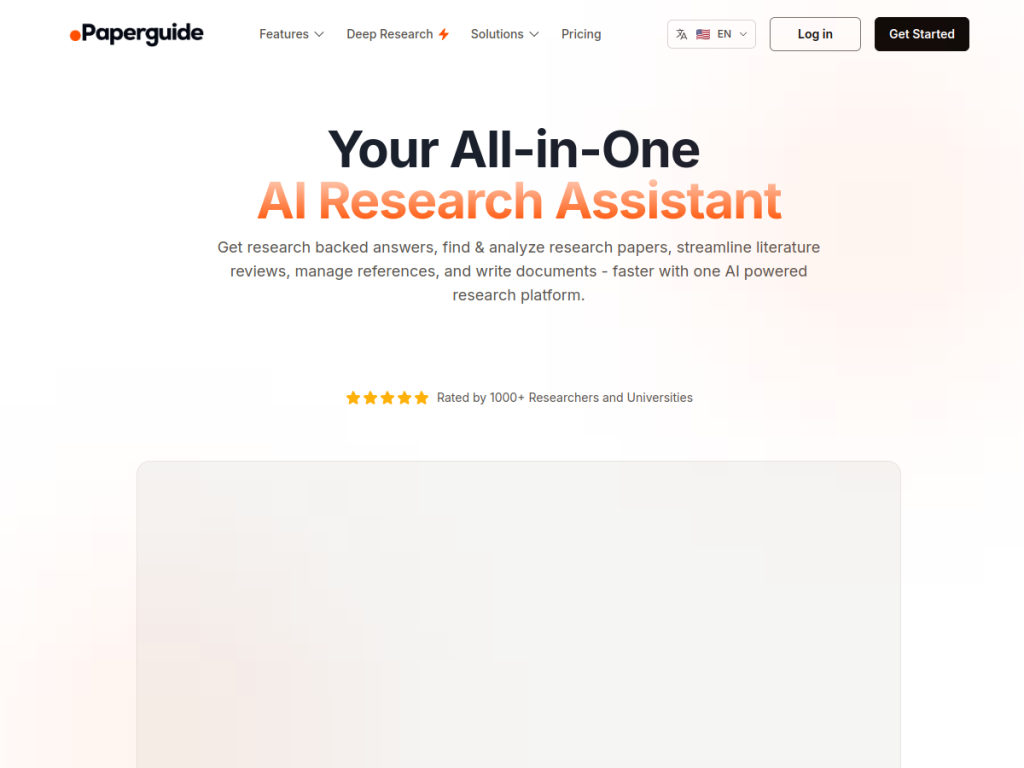
Paperguide is an AI-powered research assistant designed to support the academic research workflow end to end. Its capabilities typically span several stages: semantic literature search across a very large corpus of academic papers (reportedly around 200 million), returning relevant results and answering questions with citations to sources; reading and understanding papers with AI (summaries, explanations, and chat with a PDF to ask questions about it); systematic literature review support, including data extraction across many papers at once into structured tables; reference and citation management; and AI-assisted academic writing. The aim is to consolidate tools that researchers would otherwise juggle — discovery, comprehension, extraction, organization, and writing — into one assistant grounded in academic literature. It targets researchers, PhD students, academics, and anyone conducting serious literature-based work. Paperguide offers a free tier with paid plans for more usage and features. As with any AI research tool, its outputs should be verified against the original sources, and AI-assisted writing must respect academic-integrity standards.
What it does well
- End-to-end: search, read, extract, organize, and write.
- Grounded: answers with citations from a huge corpus.
- Data extraction: structure findings across many papers.
- Chat with PDFs: ask questions of a paper directly.
Who it is for
Paperguide fits researchers, PhD students, and academics who want an all-in-one AI assistant for literature work — searching a huge corpus with cited answers, chatting with PDFs to understand them, extracting data across many papers for a systematic review, managing references, and getting AI writing help. Consolidating those tools is genuinely useful. The essential caveats: verify AI outputs against the original sources (AI can misread or fabricate), and keep AI-assisted writing within your institution’s academic-integrity standards. Used carefully, Paperguide is a capable, well-rounded research companion with a free tier to start.
Things to keep in mind
- Verify AI outputs against the original sources — AI can err.
- Keep AI-assisted writing within academic-integrity standards.
- More usage and features require paid plans.
Our verdict
Paperguide is a capable, well-rounded AI research assistant that targets the real academic workflow end to end: semantic search across a very large paper corpus with cited answers, chatting with PDFs to understand them, extracting data across many papers into structured tables for systematic reviews, reference management, and AI writing help — consolidating tools researchers would otherwise juggle. The caveats matter and are standard for the category: verify outputs against original sources, and keep AI-assisted writing within academic-integrity rules. Used carefully, Paperguide is a solid, free-to-start companion for literature-based research.
Frequently asked questions
What is Paperguide?
Paperguide is an AI research assistant that searches millions of academic papers with cited answers, helps you read and understand them, extracts data for literature reviews, and assists with writing.
What can Paperguide do?
It offers semantic literature search, chat-with-PDF comprehension, systematic-review data extraction across many papers, reference management, and AI-assisted academic writing.
Is Paperguide free?
Paperguide offers a free tier, with paid plans for more usage and features.
Is Paperguide reliable?
It grounds answers in academic literature with citations, but as with any AI research tool you should verify outputs against the original sources and respect academic-integrity standards.
Top Paperguide alternatives
Other hand-reviewed AI Research tools worth comparing against Paperguide.
ChatDOCFree Trial
ChatDOC is a free trial AI research tool. Our hands-on review covers features, pricing, pros and cons, and…
ExplainpaperFree
Explainpaper is a free AI research tool. Our hands-on review covers features, pricing, pros and cons, and who…
GeneiFree Trial
Genei is a free trial AI research tool. Our hands-on review covers features, pricing, pros and cons, and…
HumataPaid
Humata is a paid AI research tool. Our hands-on review covers features, pricing, pros and cons, and who…
NotebookLMPaid
NotebookLM is a paid AI research tool. Our hands-on review covers features, pricing, pros and cons, and who…
PaperpalFreemium
Paperpal is a freemium AI research tool. Our hands-on review covers features, pricing, pros and cons, and who…
Are you the maker of Paperguide?
Show visitors this review with the badge below. Copy the code into your site or press kit; it links straight back to this page.