Key Takeaways
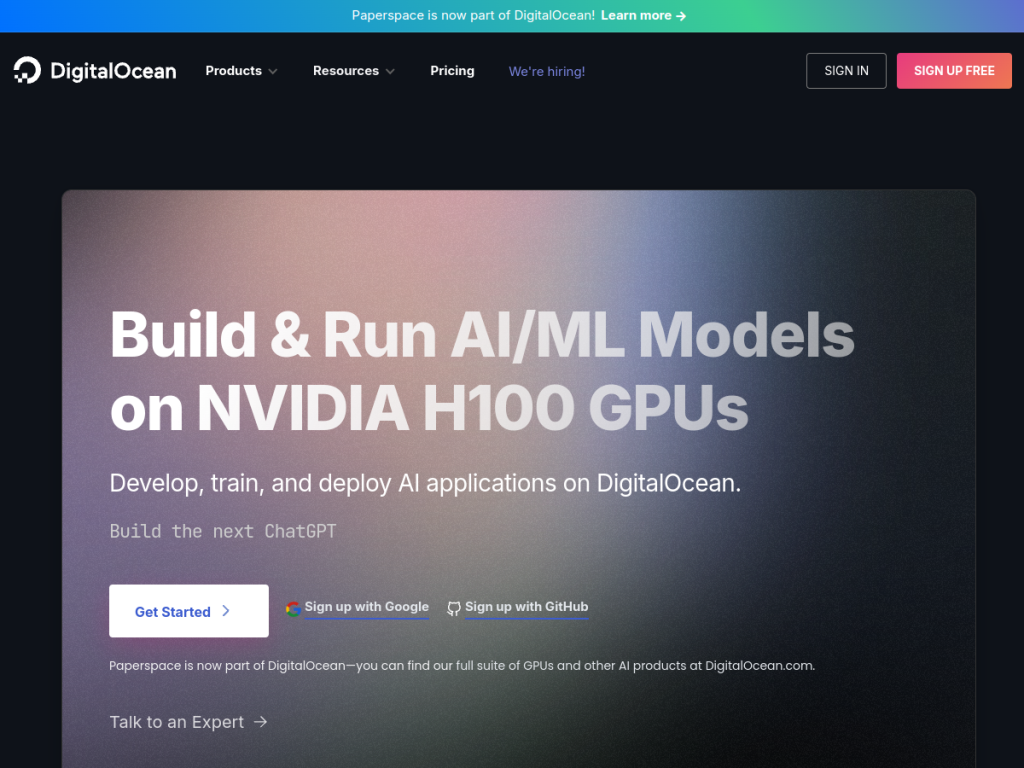
- Paperspace (by DigitalOcean) is a cloud GPU platform for AI and ML.
- It offers Notebooks, Machines, and Deployments for AI workflows.
- It provides low-cost GPUs with per-second billing, including free GPUs.
- Great for developers and teams training and deploying AI models.
Paperspace, now part of DigitalOcean, is a cloud platform that gives developers and teams easy, affordable access to GPUs for AI and machine learning. Whether you want free GPU-backed notebooks to prototype, powerful machines to train and fine-tune models, or one-click deployments to serve them as APIs, Paperspace focuses on simplicity and cost. For AI builders who need GPU compute without the complexity of raw cloud infrastructure, it is a developer-friendly option.
What is Paperspace?
Paperspace is a DigitalOcean product offering accelerated cloud computing for AI and machine-learning development, providing on-demand access to GPUs (including high-end NVIDIA options) with a focus on simplicity and affordability. Its infrastructure features low-cost GPUs with per-second billing (advertised as saving significantly versus major cloud providers), instant provisioning, no long-term commitments, and flexible scaling with no runtime limits. Its development tools include Notebooks for building proof-of-concepts with free GPU access, Machines for training and fine-tuning models, Deployments to convert models into API endpoints, and pre-configured templates for quick onboarding. It emphasizes developer experience through infrastructure abstraction (handling scheduling and provisioning), automatic versioning and reproducibility, and team collaboration with usage insights. Paperspace targets individual developers and organizations, with use cases including deploying LLMs, fine-tuning foundation models, and building generative-AI applications. Pricing is usage-based with per-second billing, including free GPU access in Notebooks.
What it does well
- Affordable GPUs: per-second billing and free notebook GPUs.
- Full workflow: Notebooks, Machines, and Deployments.
- Simple: infrastructure abstraction and quick onboarding.
- Flexible: instant provisioning with no long-term commitments.
Who it is for
Paperspace fits developers, ML engineers, researchers, and teams who need affordable, easy access to GPUs for prototyping, training, fine-tuning, and deploying AI models — without managing complex cloud infrastructure. Its free notebook GPUs make it great for learning and experimenting, while Machines and Deployments scale to real workloads. Those needing the very largest dedicated clusters may use specialized providers, and serious training is still a real cost, but for accessible, developer-friendly GPU compute for AI, Paperspace is a capable choice with free GPUs to start.
Things to keep in mind
- Serious training and inference are real, usage-based costs.
- Free notebook GPUs have limits versus paid machines.
- It is developer infrastructure, not a finished end-user app.
Our verdict
Paperspace, now part of DigitalOcean, is a developer-friendly cloud GPU platform, and its strengths — low-cost GPUs with per-second billing (including free GPU-backed Notebooks), plus Machines for training and Deployments for serving models as APIs — make AI and ML compute accessible without wrestling raw cloud infrastructure. Infrastructure abstraction, quick templates, and reproducibility smooth the workflow. It is developer infrastructure and serious training is a real cost, but for accessible GPU compute to prototype, train, and deploy AI, Paperspace is a capable choice with free GPUs to start.
Frequently asked questions
What is Paperspace?
Paperspace, now part of DigitalOcean, is a cloud GPU platform for AI and ML, offering Notebooks, Machines, and Deployments with low-cost, per-second GPU billing.
Does Paperspace have free GPUs?
Yes, Paperspace Notebooks offer free GPU access for building proof-of-concepts, with paid Machines and Deployments for heavier workloads.
What can you do with Paperspace?
You can prototype in notebooks, train and fine-tune models on GPU machines, and deploy models as API endpoints, for use cases like LLMs and generative AI.
Who is Paperspace for?
It is for developers, ML engineers, researchers, and teams who want affordable, easy GPU access for AI without managing complex cloud infrastructure.
Top Paperspace alternatives
Other hand-reviewed Coding Assistants tools worth comparing against Paperspace.
AiderFree
Aider is a free AI coding assistant and developer tool tool for software developers. Our review covers what…
AlphaCodeFree
AlphaCode by Google DeepMind is a free AI coding assistant and developer tool tool for software developers. Our…
Amazon Q DeveloperFreemium
Amazon Q Developer by Amazon Web Services is a freemium AI business and coding assistant tool for software…
AnacondaFree
Anaconda is a free AI coding assistant and developer tool tool for engineers. Our review covers what it…
ApplitoolsPaid
Applitools is a paid AI coding assistant and developer tool tool for engineers. Our review covers what it…
AskCodiFreemium
AskCodi is a freemium AI coding assistant and developer tool tool for software developers. Our review covers what…
Are you the maker of Paperspace?
Show visitors this review with the badge below. Copy the code into your site or press kit; it links straight back to this page.



