Key Takeaways
- PayPal is a global payments platform embracing agentic AI commerce.
- Its Agent Toolkit connects PayPal APIs to AI agent frameworks.
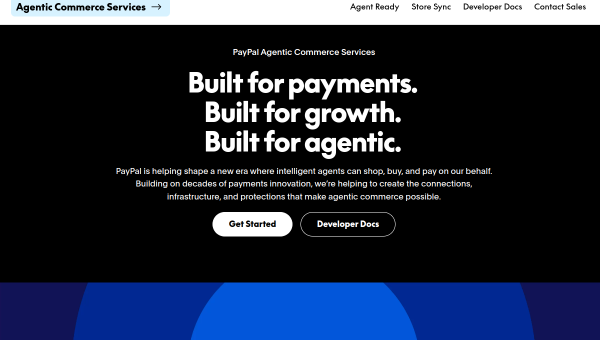
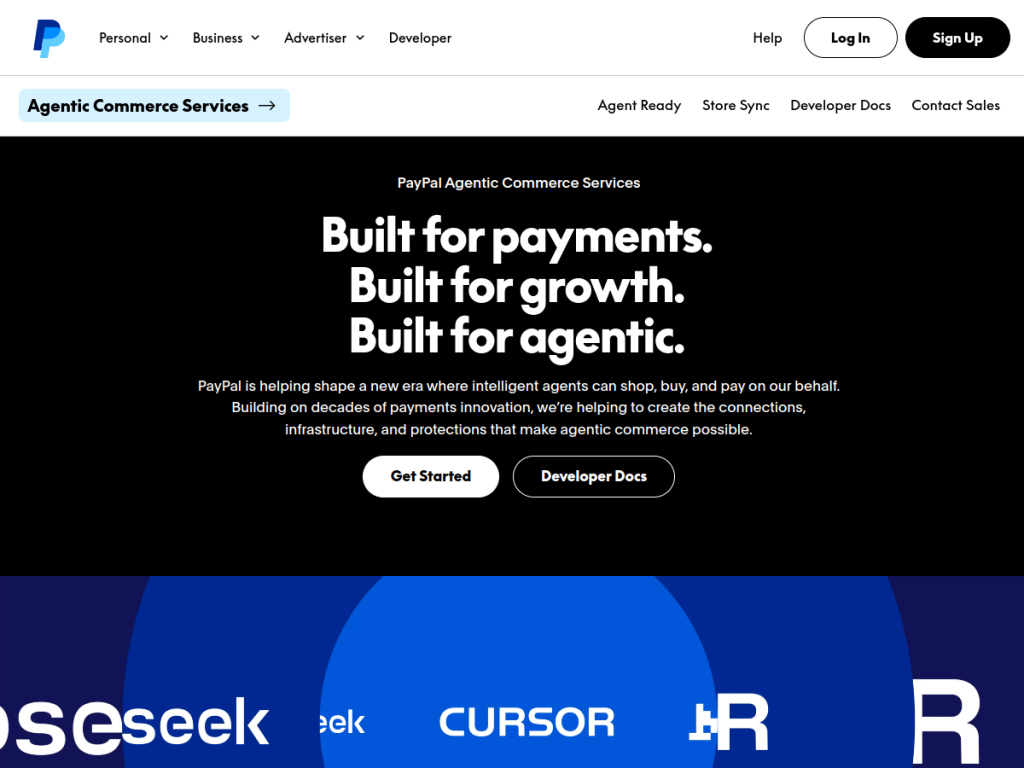
- It has launched agentic commerce services for AI-driven purchases.
- Notable for enabling AI agents to transact, plus fraud-fighting ML.
PayPal needs little introduction as a global payments platform, but its recent moves into agentic AI are what earn it a place here. Beyond the machine learning that has long powered its fraud detection, PayPal has built an Agent Toolkit that lets AI agents use its payment APIs, and launched agentic commerce services — positioning itself for a future where AI assistants make purchases on your behalf. For developers and businesses building AI-driven commerce, that is a genuinely forward-looking step.
What is PayPal?
PayPal is a global online payments platform enabling individuals and businesses to send, receive, and manage money, make online purchases, and accept payments — one of the most widely used payment services in the world. Its relevance to AI is twofold. First, like all major payment companies, it applies machine learning extensively to fraud detection, risk scoring, and transaction monitoring. Second, and more distinctively, PayPal has moved into agentic AI commerce: it offers a PayPal Agent Toolkit that integrates its payment APIs into AI agent frameworks (such as those built with LangChain, MCP, and OpenAI tooling), letting developers build AI agents that can carry out payment-related actions, and it has introduced Agentic Commerce Services aimed at enabling AI assistants to discover, buy, and pay for things on a user’s behalf. This positions PayPal for an emerging pattern where AI agents transact, not just chat. It serves consumers, merchants, and now developers building AI-driven commerce. Accounts are free to open, with transaction and service fees; developer and agent tools carry their own terms.
What it does well
- Agent Toolkit: connects PayPal APIs to AI agent frameworks.
- Agentic commerce: enabling AI assistants to transact.
- Trusted rails: a global, widely accepted payment network.
- ML fraud detection: long-standing risk and security systems.
Who it is for
PayPal is relevant to consumers and merchants as ever, but its AI angle specifically fits developers and businesses building AI-driven commerce — who want to give AI agents the ability to carry out payments via the Agent Toolkit, or to participate in agentic commerce where AI assistants buy on a user’s behalf. That forward-looking positioning is its distinctive draw here. Those simply wanting to send or accept payments use PayPal’s standard consumer and merchant products; the agentic tools are developer-oriented with their own terms, and agentic commerce is an emerging area to approach thoughtfully around security and authorization.
Things to keep in mind
- The agentic AI tools are developer-oriented, with their own terms.
- Agentic commerce is emerging — consider security and authorization carefully.
- Standard transaction and service fees apply to payments.
Our verdict
PayPal is a global payments platform, but its move into agentic AI commerce is what makes it genuinely notable here. Beyond the machine learning that has long powered its fraud detection, PayPal has built an Agent Toolkit that connects its payment APIs to AI agent frameworks, and launched agentic commerce services aimed at letting AI assistants discover, buy, and pay on a user’s behalf — positioning its trusted payment rails for a future where agents transact, not just chat. The agentic tools are developer-oriented and this is an emerging area to approach carefully, but for building AI-driven commerce on established payment infrastructure, PayPal is a forward-looking choice.
Frequently asked questions
How is PayPal relevant to AI?
Beyond ML-powered fraud detection, PayPal offers an Agent Toolkit connecting its payment APIs to AI agent frameworks, and Agentic Commerce Services enabling AI assistants to buy and pay on a user’s behalf.
What is the PayPal Agent Toolkit?
It is a toolkit that integrates PayPal’s payment APIs into AI agent frameworks (such as LangChain, MCP, and OpenAI tooling), letting developers build agents that carry out payment actions.
What is agentic commerce?
It is an emerging pattern where AI assistants discover, buy, and pay for things on a user’s behalf; PayPal has introduced services aimed at enabling this on its payment network.
Is PayPal free?
PayPal accounts are free to open; transaction and service fees apply, and developer/agent tools carry their own terms.


