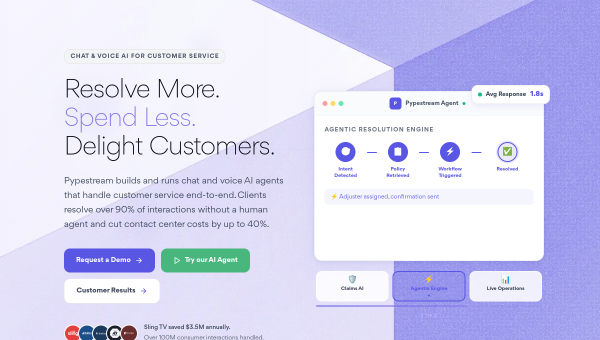
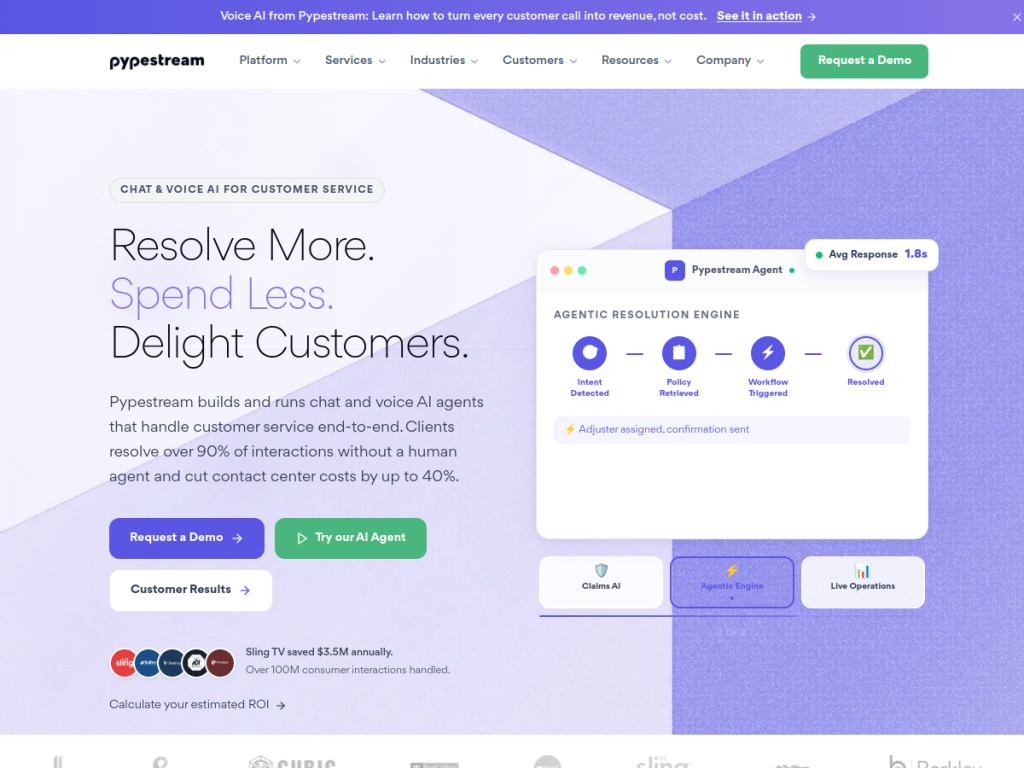
Key Takeaways
- Pypestream is an enterprise conversational-AI platform.
- It builds AI agents for customer service and self-service.
- It automates support conversations across channels.
- Great for enterprises automating customer engagement.
Pypestream is an enterprise conversational-AI platform focused on customer service and self-service automation: building AI agents that handle customer questions and requests, resolving common issues without a human and escalating when needed. Aimed at automating high-volume customer engagement while keeping quality and control, it targets the enterprise. For large organizations that want to automate support conversations at scale, Pypestream is a capable, focused platform.
What is Pypestream?
Pypestream (pypestream.ai; pypestream.com redirects there) is an enterprise conversational-AI platform that builds AI agents to automate customer service, support, and self-service interactions. Its platform lets organizations deploy AI-powered conversational agents that handle customer inquiries and transactions — answering questions, resolving common issues, guiding users through processes, and completing self-service tasks — across digital channels, reducing the load on human agents while aiming to keep interactions effective. It emphasizes enterprise needs: automating high volumes of customer conversations, integrating with back-end systems, maintaining control and quality, and providing analytics on interactions and outcomes, with escalation to human agents for complex cases. Reflecting the broader shift toward agentic AI, it has positioned around AI agents for customer engagement. Its value is scaling customer service and self-service through automation while managing the enterprise requirements of reliability, integration, and oversight. It targets enterprises and larger organizations with significant customer-service volume. As an enterprise platform, pricing is arranged with sales. (Customer-facing AI needs good design, oversight, and clear escalation to humans.)
What it does well
- AI agents: automate customer service and self-service.
- Scales: handles high volumes of conversations.
- Enterprise-ready: integration, control, and analytics.
- Human escalation: for complex cases.
Who it is for
Pypestream fits enterprises and larger organizations with significant customer-service volume that want to automate support and self-service through AI conversational agents — resolving common inquiries and transactions, integrating with back-end systems, and escalating complex cases to humans — while keeping enterprise control, quality, and analytics. Its enterprise focus and agentic-AI positioning are the draws. Small businesses will find lighter chatbot tools simpler, it is enterprise-priced via sales, and customer-facing AI needs good design, oversight, and clear escalation to humans. For automating enterprise customer engagement at scale, Pypestream is a capable choice.
Things to keep in mind
- Customer-facing AI needs good design, oversight, and human escalation.
- It is enterprise-oriented and priced via sales.
- Effective automation takes design and integration effort.
Our verdict
Pypestream is a capable, focused enterprise conversational-AI platform for automating customer service and self-service: it builds AI agents that answer questions, resolve common issues, and complete self-service tasks across digital channels, reducing load on human agents while integrating with back-end systems and escalating complex cases. Aimed squarely at enterprises with high customer-service volume, it emphasizes the control, integration, and analytics large organizations require, and has positioned around the shift to AI agents. It is enterprise-priced via sales and customer-facing AI needs good design and oversight, but for automating customer engagement at scale, Pypestream is a solid choice.
Frequently asked questions
What is Pypestream?
Pypestream (pypestream.ai) is an enterprise conversational-AI platform that builds AI agents to automate customer service, support, and self-service interactions across digital channels.
What does Pypestream automate?
Its AI agents answer questions, resolve common issues, guide users through processes, and complete self-service tasks, escalating complex cases to human agents.
Who is Pypestream for?
It is for enterprises and larger organizations with significant customer-service volume that want to automate support and self-service at scale.
How is Pypestream priced?
Pypestream is an enterprise platform with pricing arranged via sales.


