
Key Takeaways
- Read.ai is an AI copilot that turns meetings, emails, and messages into insights.
- It records, transcribes, and summarizes calls with action items and highlights.
- Ask Read searches across meetings, emails, and chats with citations.
- Great for meeting-heavy teams; be mindful of recording consent and etiquette.
Read.ai is an AI assistant built for the modern reality of endless meetings and messages. It joins your calls, transcribes and summarizes them, pulls out action items, and then lets you search across everything — meetings, emails, and chats — to find what was said and decided. For people who spend their days in Zoom, Teams, and Meet, it turns hours of conversation into something you can actually act on.
What is Read.ai?
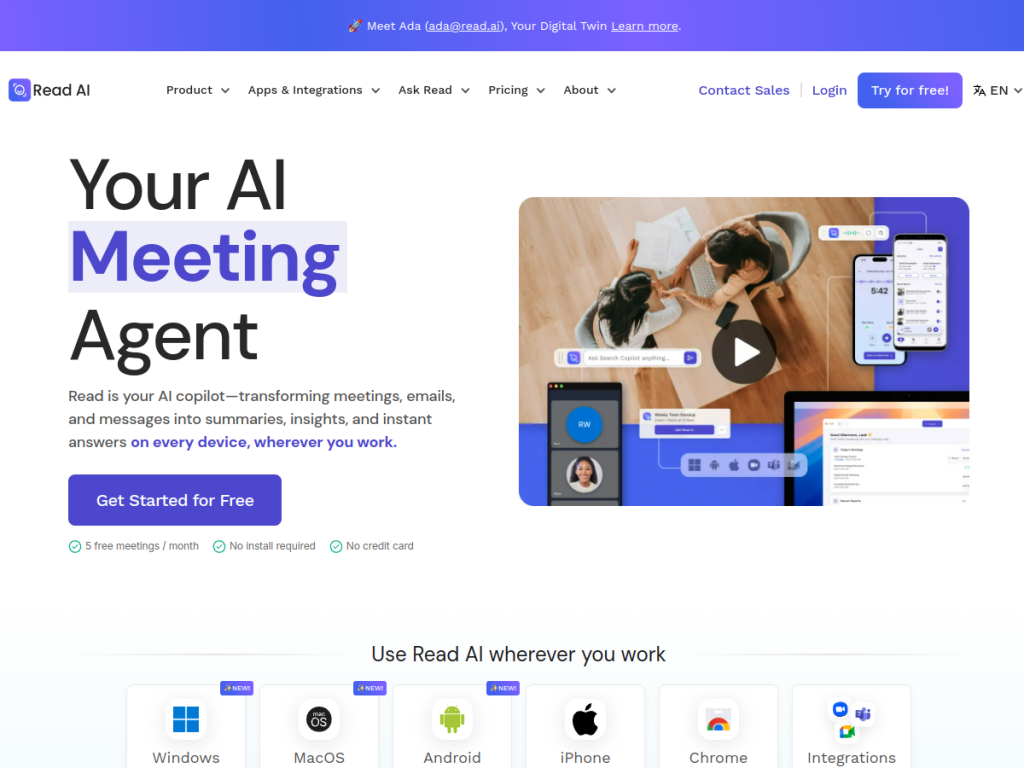
Read.ai is an AI copilot that transforms meetings, emails, and messages into summaries, insights, and instant answers. On meetings, it automatically records and transcribes across Zoom, Google Meet, and Microsoft Teams, generates summaries, action items, and highlights, and offers real-time notes and playback, with an assistant that can join calls and deliver recaps. Its Ask Read feature works like an enterprise search across your meetings, emails, and chats, returning answers with citations showing where the information was discussed. It also offers a personal AI assistant (a digital twin) that learns your preferences and helps manage workflow. Read.ai is used across major platforms and by enterprises and universities, and offers a free tier (a limited number of meetings per month, no credit card) with paid plans for more usage and features.
What it does well
- Meeting capture: records, transcribes, and summarizes across platforms.
- Action items: pulls out tasks and highlights automatically.
- Cross-source search: Ask Read finds answers across meetings, emails, and chats.
- Free to start: a limited free tier with no credit card.
Who it is for
Read.ai fits professionals and teams who spend a lot of time in meetings and want automatic notes, summaries, and searchable records — managers, sales teams, and anyone juggling many calls. Its cross-source search is especially useful for remembering what was decided across scattered conversations. Those with few meetings may not need it, and teams must handle recording consent and etiquette responsibly, but for meeting-heavy work, Read.ai is a genuinely useful copilot with a free tier.
Things to keep in mind
- Recording meetings requires attention to consent and workplace etiquette.
- AI summaries and action items should be checked for accuracy on important calls.
- More meetings and advanced features require paid plans.
Our verdict
Read.ai is a capable AI copilot for meeting-heavy work, turning calls into summaries, action items, and searchable records, then letting you ask questions across meetings, emails, and chats with citations. For anyone who loses track of what was decided across a week of calls, that is genuinely valuable, and the free tier makes it easy to try. Recording deserves care around consent, and AI notes warrant a check on important calls, but for teams and professionals drowning in meetings, Read.ai is a strong, practical choice.
Frequently asked questions
What is Read.ai?
Read.ai is an AI copilot that records, transcribes, and summarizes meetings across Zoom, Google Meet, and Teams, and lets you search across meetings, emails, and chats for answers.
What is Ask Read?
Ask Read is Read.ai’s search feature that finds answers across your meetings, emails, and chats, returning citations showing where the information was discussed.
Is Read.ai free?
Yes, Read.ai has a free tier covering a limited number of meetings per month with no credit card, and paid plans add more meetings and features.
Which platforms does Read.ai support?
It works across Zoom, Google Meet, and Microsoft Teams for recording, transcription, and summaries, with desktop apps available.


