Key Takeaways
- Recraft is an AI design platform that generates images and, notably, editable vector graphics.
- It offers custom, consistent styles and design tools aimed at professional output.
- Popular with designers who need production-ready, on-brand assets, not just one-off images.
- Strong for design work; results still benefit from a designer’s eye and refinement.
Recraft stands out among AI image tools by focusing on professional design needs — especially vector graphics. Where most generators produce raster images, Recraft can create editable vectors and maintain consistent custom styles, which matters a lot for real design work like logos, icons, and branded assets. It is built for designers who need production-ready output, not just pretty pictures.
What is Recraft?
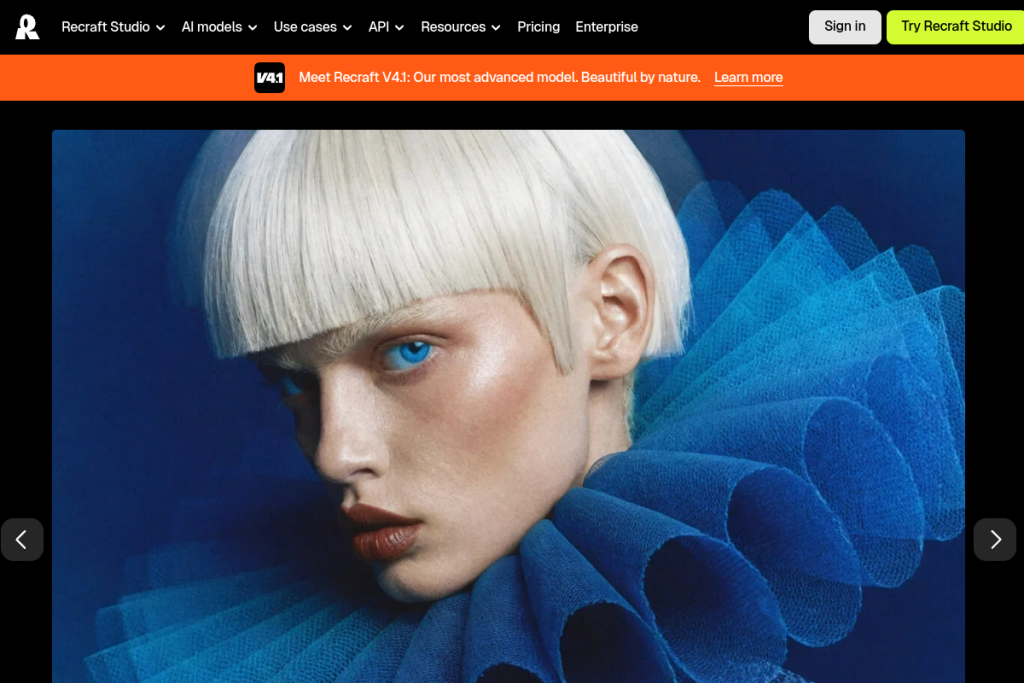
Recraft is an AI image-generation and design platform. It includes an advanced text-to-image model, but its distinguishing features are editable vector graphic generation and the ability to create and reuse custom styles for visual consistency. Its studio adds design tools like photo editing, mockups, upscaling, and background removal, positioning it as a platform for aesthetically refined, production-ready assets.
What it does well
- Vector generation — create editable vector graphics, not just raster images.
- Consistent styles — custom styles you can reuse across assets.
- Design-grade output — aimed at production-ready, on-brand results.
- Studio tools — editing, mockups, upscaling, and background removal.
- API access — integrate generation into workflows.
Who it is for
Recraft suits professional designers, creatives, and teams who need high-quality, consistent design assets — icons, illustrations, branded graphics — rather than one-off AI images. Its vector capabilities make it especially appealing where output needs to be edited and scaled cleanly, as real design work usually does.
Things to keep in mind
Recraft is powerful, but AI-generated design is still a starting point that benefits from a designer’s judgement and refinement to become truly polished and on-brand. As with any AI imagery, review outputs for quality and appropriateness, and expect to iterate on prompts and styles to get exactly the look you want.
Our verdict
Recraft is one of the more design-focused AI image tools, and its editable vectors and consistent styles make it genuinely useful for professional work rather than just novelty images. For designers who need production-ready, on-brand assets, it is well worth exploring. Bring your design sensibility to refine the output, and it can meaningfully speed up real creative workflows.
Frequently asked questions
Can Recraft generate vector graphics?
Yes — editable vector generation is one of its standout features, which sets it apart from tools that only produce raster images and makes it more useful for real design work.
Who is Recraft best for?
Professional designers and creative teams who need high-quality, consistent, production-ready assets rather than one-off images.
Reviewed by the World of AI Hub editorial team based on the tool website and documentation.


